What happened
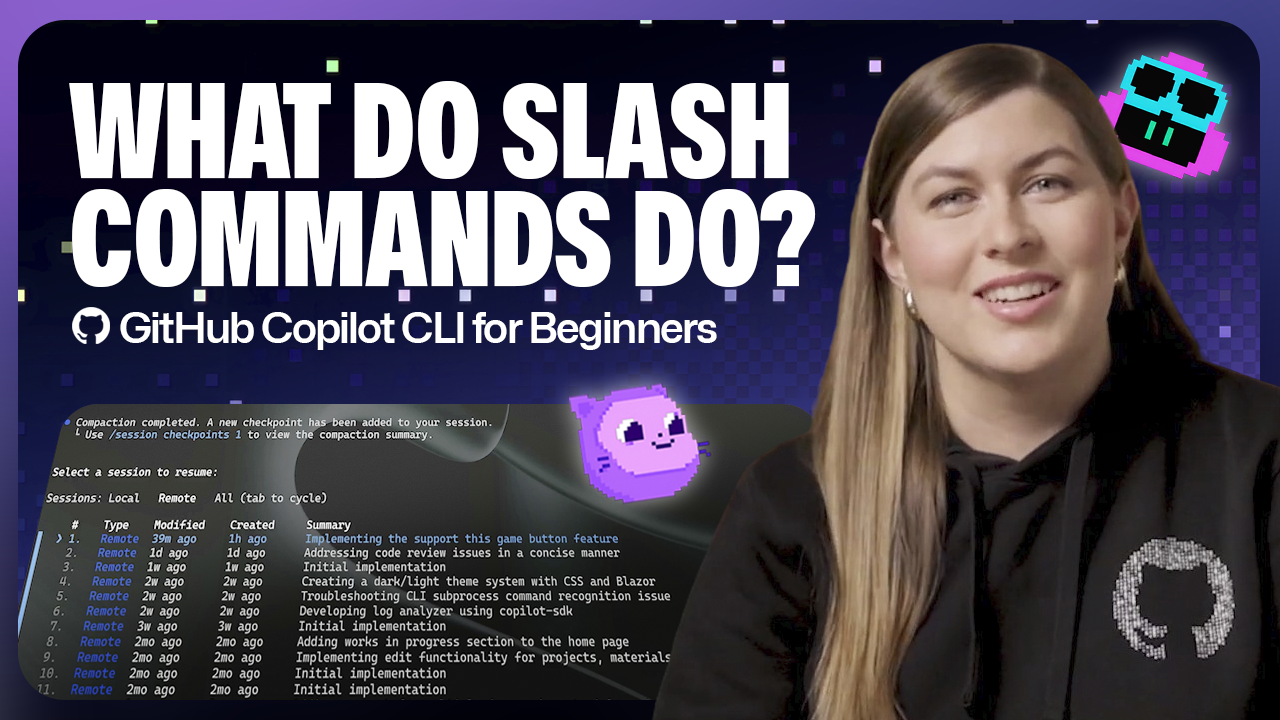
GitHub Copilot CLI includes built-in slash commands accessible from the command line that let you guide Copilot's behavior, inspect changes, manage context, move across sessions and projects, and keep permissions tidy. Key commands include /model to switch between models, /context to check token usage, /compact to summarize conversations and free space, /resume to pick up previous sessions, /diff to view recent code modifications, /cwd to change working directories across repositories, and /reset-allowed-tools to reset permissions.
Why it matters
Slash commands give you control over which AI model you use based on your task—some models handle quick refactoring while others manage deeper reasoning—and let you manage how much information Copilot remembers during a session. This means you can stay efficient in your terminal without switching tools or losing track of your work across multiple projects.
What to watch
You can explore all available slash commands by typing / in the command line for a scrollable list. The /model command shows key details like capabilities, availability depending on your plan or organization's settings, and cost multipliers to help you balance performance and usage.
Summaries like this, in your inbox every morning.
Pick your industry and the AI tools you use, and get news related to your work every day.
Free · 30 seconds with Google · unsubscribe anytimeWhat is AIToday? →
Ask AI anything about this article. The AI reads this article, earlier AIToday articles, and Wikipedia, and cites its sources. Q&As are published on this page for other readers too.
DeepSeek released DeepSeek-V4.1-Flash-1017, a “minor update” that reduces task execution time and output lengt…
NEC's Kei Noguchi described how employee engagement fell to 19%, with 8 in 10 staff saying they wanted to leav…

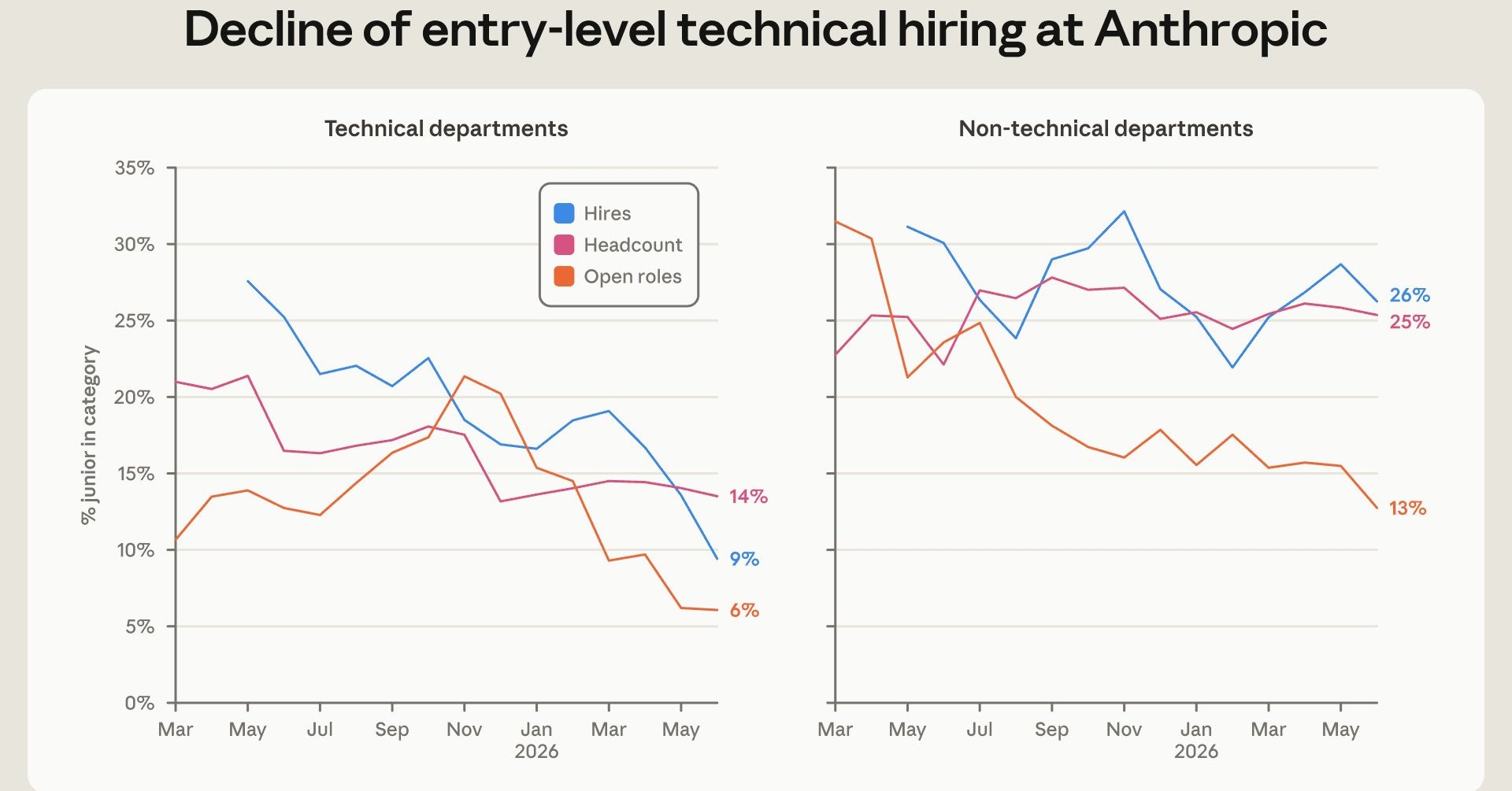
Anthropic's internal report says entry-level workers fell from 21% to 14% of technical staff, and entry-level…
Simon Willison shipped llm-echo 0.5, a debug plugin whose "echo" model involves no LLM at all and just repeats…

On October 13 (US time), Apple announced HomeView, a $299 smart home display running Siri AI and HomeKit but w…
The author detailed a Python script that uploads MP3 audio to Google Cloud Storage (GCS), transcribes it with…