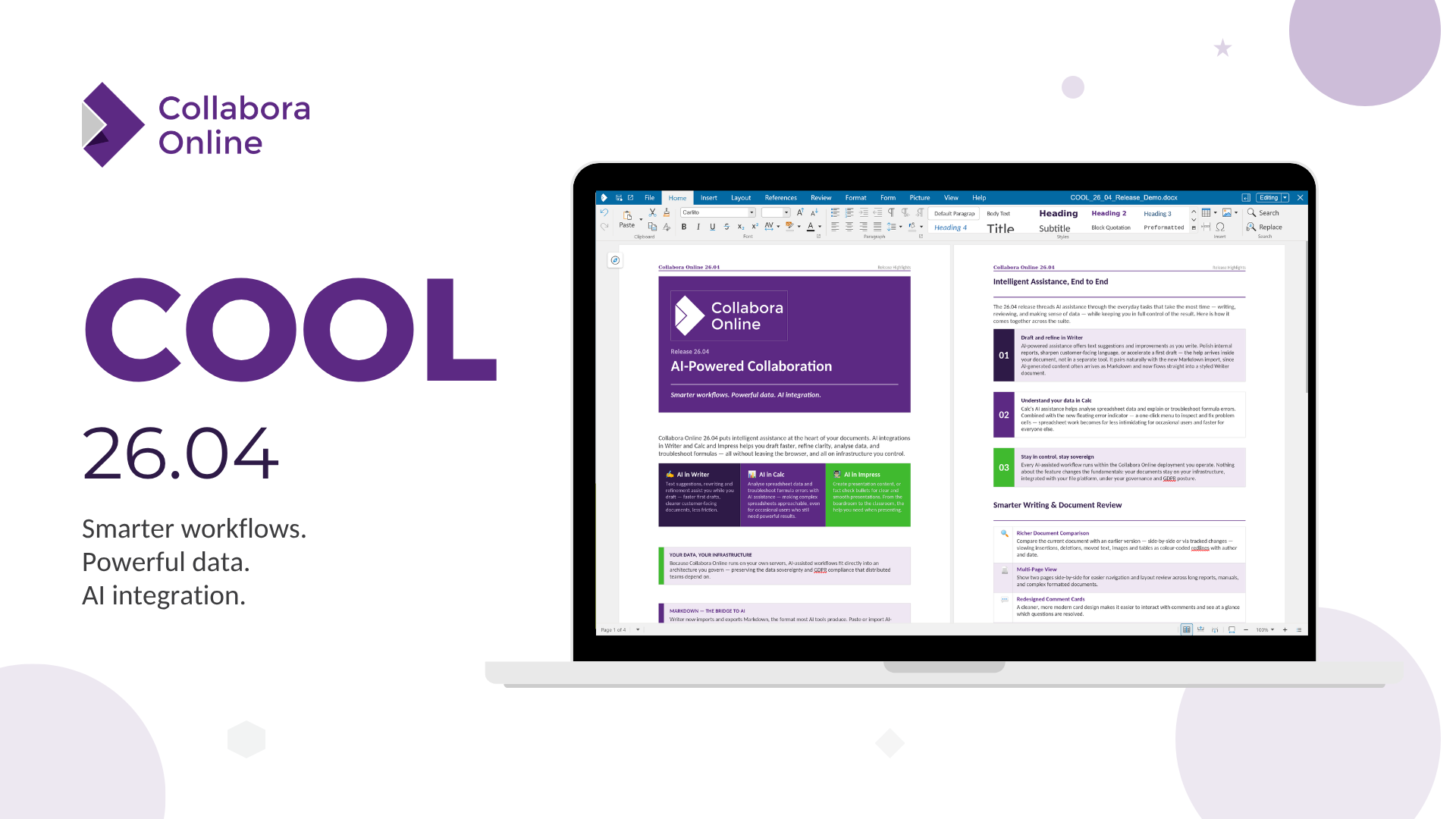
Collabora Online 26.04, released to mark ten years of open-source document collaboration, introduces AI-powered writing and spreadsheet assistance, richer document comparison with tracked changes, and Markdown import/export. The update targets teams doing complex reviews (with colour-coded redlines and author details), developers bridging office and text-based workflows, and integrators seeking cleaner CSV and Markdown APIs. The webinar is scheduled for 10 September 2026 at 15:00 CEST.
Summaries like this, in your inbox every morning.
Sign up free →What happened
Collabora Online released version 26.04, a major annual update marking the product's tenth year. The release adds AI-powered writing assistance in Writer (text suggestions and improvements), richer document comparison with colour-coded change tracking, Markdown support (conversion to/from .md files), and spreadsheet features including AI assistance in Calc, per-user filtering on shared sheets, and new functions like CHOOSECOLS, CHOOSEROWS, DROP, EXPAND, HSTACK, TAKE, and VSTACK.
Why it matters
The AI integration in Writer and Calc brings real-time assistance directly into document and spreadsheet workflows without requiring users to leave the tool. The document-comparison feature with author and timestamp details addresses high-stakes review processes (contracts, policy documents, technical documentation). Markdown support bridges office document editors and developer/technical-writing environments. For integrators, the new JSON-based CSV conversion API and SDK-level Markdown template control offer more structured automation pipelines.
What to watch
A free webinar is scheduled for 10 September 2026 at 15:00 CEST. The multi-page view, redesigned comment cards, and improved change-tracking logic lower friction in long-document and team review workflows. Calc table styles (light, medium, dark themes) improve .xlsx interoperability; work is underway to support the same for .ods files.
Collabora Online 26.04 is the major annual release for 2026, marking a decade since the open-source document collaboration platform launched. The release centres on three areas: writing and review workflows, spreadsheet capability, and interoperability.
In Writer, the most visible addition is AI-powered assistance: users now receive text suggestions, improvements, and other writing-oriented help without leaving the document. A second major feature is document comparison—users can select an earlier version (from server or as a local file) and view all changes as colour-coded redlines, with author and date metadata. Changes can be displayed side-by-side or via the standard tracked changes dialog, making it far easier to audit revisions in contracts, policy documents, and technical documentation. Multi-page view, showing two pages side-by-side, improves navigation and layout review for long documents. Comment cards have been redesigned for clarity and modern aesthetics. Change tracking is now more intelligent, especially when edits depend on one another, and a new WOPI property (UserCanOnlyManageRedlines) allows integrators to restrict users to accepting or rejecting tracked changes without broader editing access. The Review toolbar has been reorganized for faster access to comments, spellcheck, and other key actions. The Navigator now includes search, letting users jump quickly through long or structured documents. Style sidebar previews are now richer, replacing a simple scrolling list to help users identify and apply formatting more confidently. Writer now also supports Markdown: documents can be imported from .md files (with headings, lists, tables, quotes, and code fully formatted) and exported as .md via the UI. SDK users can paste Markdown directly, with content adopting the surrounding formatting. For developers and integrators, Markdown conversion can now use a template document, enabling branded and styled output. PDF export in Writer also now supports including comments in the margin, useful for review, sign-off, and archiving workflows. Better screen-space usage means default document position and zoom level now account for Navigator, Sidebar, and comments, reducing wasted space.
Calc (the spreadsheet component) gains AI-powered assistance for analysing data and troubleshooting formula errors. Per-user spreadsheet views allow collaborators to filter or display columns and rows according to their own preferences without affecting others. A floating exclamation mark now appears next to cells with formula errors, opening a menu to help diagnose and fix them. Pivot tables now support calculated values, allowing users to create calculated columns. Calc table styles—light, medium, dark, and custom themes with options like banded rows, headers, and totals—speed up formatting and improve .xlsx interoperability (work is underway for .ods support). Dropdown lists behave more intuitively. New functions include CHOOSECOLS, CHOOSEROWS, DROP, EXPAND, HSTACK, TAKE, TEXTAFTER, TEXTBEFORE, TEXTSPLIT, TOCOL, TOROW, VSTACK, WRAPCOLS, and WRAPROWS, enabling more modern data reshaping and extraction. A new JSON-based CSV conversion API provides integrators a cleaner, structured way to handle CSV workflows. Copying and pasting from array formula results now works more naturally without requiring the entire range to be selected first. Sheet tabs can now be right-clicked to assign a colour, which is saved in the file and remains interoperable with third-party software.
The release emphasizes privacy-respecting, open-source collaboration and positions itself as a platform where users and integrators maintain control over their data. Collabora is hosting a free webinar on 10 September 2026 at 15:00 CEST to showcase the new features.
Collabora Online 26.04 arrives at a milestone—ten years of the product—with a feature set aimed at three overlapping user groups: teams managing complex document reviews, developers working across office and text-based systems, and platform integrators building automated workflows. The AI integration marks a strategic choice to embed assistance within the editing interface rather than requiring context-switching; the same applies to Markdown support, which acknowledges the growing blur between traditional document editors and technical documentation pipelines. The document-comparison tooling (colour-coded redlines, author tracking, version comparison) directly addresses use cases in contracts and policy work, where understanding who changed what and when is legally or operationally critical.
For spreadsheet users, the per-user filtering and new functions (CHOOSECOLS, CHOOSEROWS, DROP, EXPAND, HSTACK, TAKE, VSTACK) signal a move toward modern data-wrangling patterns seen in Excel and Google Sheets. The JSON-based CSV conversion API and Markdown template support for SDK users indicate that Collabora is also refining its integration surface—offering integrators more structured, predictable primitives rather than loose string-based conversions. The emphasis on "data sovereignty" in the release title reflects a recurring theme: users and integrators retain control over their data and documents without lock-in or proprietary processing.
AI-summarized, only the topics you pick — one digest a day via Email, Slack, or Discord.
Free · takes 30 seconds · unsubscribe anytime
No comments yet. Be the first to share your thoughts!
Log in to join the discussion





Get curated AI news from 200+ sources delivered daily to your inbox. Free to use.
Get Started FreeFree · takes 30 seconds · unsubscribe anytime
