
What happened
OpenAI released a new prompting guide for ChatGPT and Codex that simplifies how users write instructions. Instead of detailed step-by-step scripts, the guide recommends starting with the desired result, adding optional building blocks (goal, context, output format, boundaries) only when needed, and using one or two hard constraints to block unwanted behavior rather than elaborate procedures.
Why it matters
The guide shifts away from complex prompt engineering toward a more intuitive approach—users spend less time crafting perfect instructions and more time iterating through follow-ups to refine output. For business users handling recurring tasks, the framework suggests testing prompts manually first before automating, and using ChatGPT's verification feature (e.g., checking that action items have owners and deadlines) for high-stakes work. This may make AI tools faster to adopt for teams without specialized prompt-writing skills.
What to watch
The guide distinguishes between Chat for quick questions and a product called "Work" for multi-source tasks and larger deliverables—Work consumes more credits but targets time-saving and decision support. For Codex (the coding assistant), new mid-run steering and queuing options, sandbox protections, and slash commands like "/plan" and "/review" let developers manage complex, multi-step projects.
Summaries like this, in your inbox every morning.
OpenAI's guide reflects a deliberate shift in how the company frames AI use for non-technical business users. Rather than the developer-focused documentation for GPT-5 and GPT-5.5—which emphasized API parameters, reasoning-effort levels, and elaborate schemas—this end-user guide strips away jargon and complexity. The core message is that short, outcome-focused prompts often outperform lengthy scripts, and that iteration through follow-ups is the expected workflow, not a failure.
The introduction of the "Work" tier alongside Chat suggests OpenAI is segmenting by task weight and resource cost. Quick rewording stays in Chat; anything requiring multiple data sources, changes, or producing substantial output moves to Work. This framing lets users match tool choice to stakes and ROI—particularly useful for teams running recurring tasks that benefit from upfront manual refinement before automation.
For Codex users, the sandbox protections and mid-run steering options address a practical pain point in multi-step coding work: the ability to pause, redirect, or propose a plan before executing changes. The addition of GitHub integration ("/review" via @codex comment) extends the assistant's reach into existing development workflows, lowering the friction of adoption.
Pick your industry and the AI tools you use, and get news related to your work every day.
Free · 30 seconds with Google · unsubscribe anytimeWhat is AIToday? →
Ask AI anything about this article. The AI reads this article, earlier AIToday articles, and Wikipedia, and cites its sources. Q&As are published on this page for other readers too.
Amazon introduced Bee Frontier, a wearable personal AI, for $74.99 in Onyx, Lavender and Sage, and Bee Eclipse…

Wall Street ended down sharply, with worries about the AI trade and high oil prices weighing on the market

Citi has become the latest US bank to restrict AI agents from accessing accounts, per the Financial Times

Dell says its AI Data Platform uses a four-engine architecture and a Unified Semantic Layer to connect siloed…

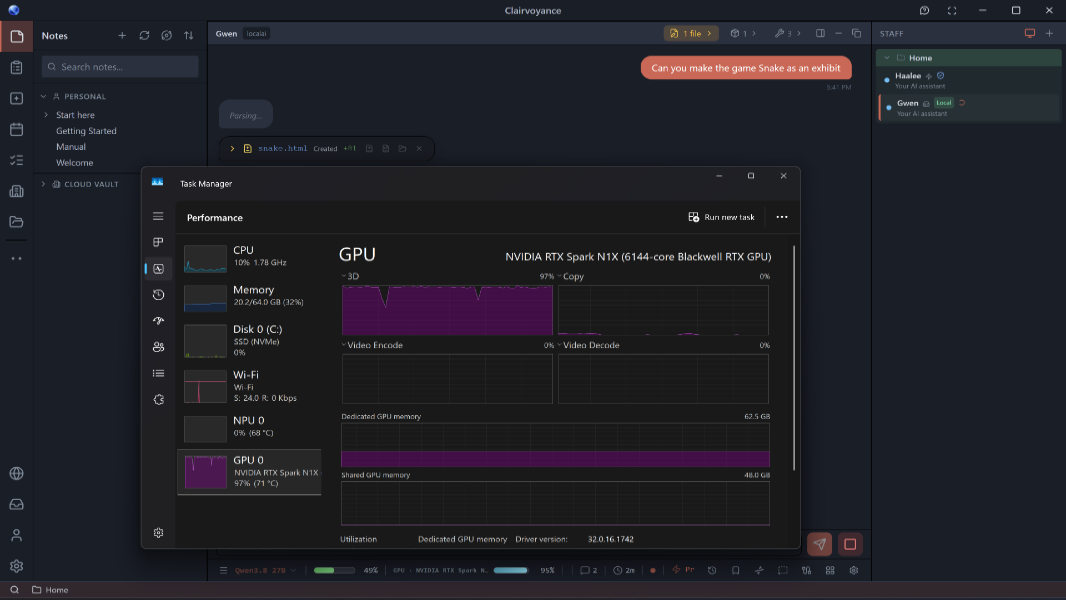
Microsoft and Nvidia are promoting RTX Spark, a new class of Windows PCs for local AI, with a top configuratio…
Microsoft AI CEO Mustafa Suleyman told employees that MAI-Base-2, announced Thursday, is a stronger pre-traine…