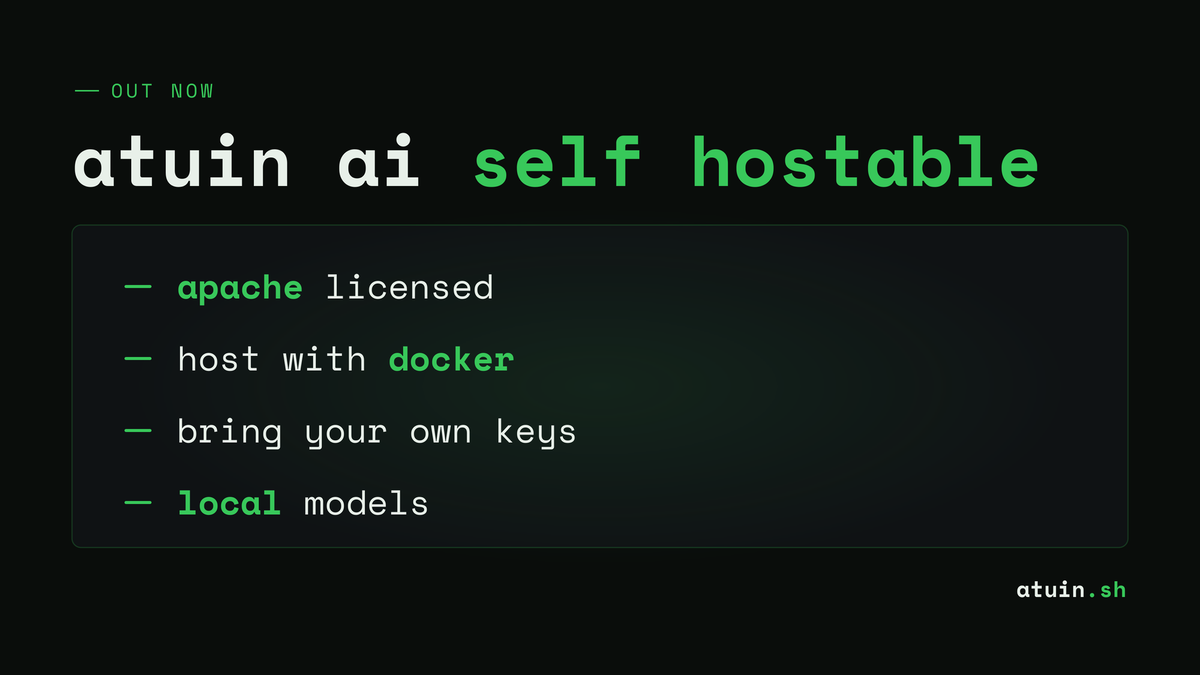
Atuin has open sourced its AI terminal agent server, giving users the option to self-host and maintain full control over their data. The server works with any OpenAI-compatible endpoint, including local models like Ollama and commercial services like OpenRouter, and can be deployed either natively or via Docker.
Summaries like this, in your inbox every morning.
Sign up free →What happened
Atuin has released the source code for its Atuin AI Server on GitHub, allowing users to self-host the terminal agent locally. The server supports any OpenAI-compatible endpoint, including local models like Ollama, vLLM, and LM Studio, as well as services like OpenRouter.
Why it matters
Atuin previously offered free AI features with a generous usage budget but did not store conversations. By open sourcing the server, users who want tighter control over terminal-usage data can now run the entire system themselves rather than relying on Atuin's hosted version.
What to watch
The server code is available at atuinsh/atuin-ai-server on GitHub and is based on the same library used for Atuin's production service. Users can run it natively with Erlang, Elixir, and Gleam installed, or via Docker.
Atuin AI is a fast, terminal-focused agent that runs directly in a user's shell and starts instantly, bringing agentic tools into the command-line environment. While Atuin offered free usage with a generous budget and committed not to store AI conversations, the company recognized that users dealing with sensitive terminal-usage data would prefer complete control over where that data is processed and stored. To address this concern, Atuin open sourced the Atuin AI Server, allowing users to self-host the entire system.
The open source server is available on GitHub at atuinsh/atuin-ai-server and is built on atuinsh/atuin-ai-core, the same library powering Atuin's production service. A key design decision was compatibility: the server works with any OpenAI-compatible, chat completions-style endpoint. This flexibility supports a range of deployment options, including local models via Ollama, vLLM, LM Studio, llama.cpp, and LiteLLM, as well as remote services like OpenRouter.
Getting started requires cloning the repository and configuring a TOML file. The setup process is straightforward: users copy config.example.toml to config.toml and follow the configuration steps in the repository's readme. An example configuration for Ollama shows users specifying the server port (8080), the endpoint URL, an API key, a default model (such as Llama 3.1 70b), and any additional models they want available. The server can then be launched either natively—by running mix deps.get and mix run --no-halt if Erlang, Elixir, and Gleam are installed—or via Docker using the image ghcr.io/atuinsh/atuin-ai-server:latest. For Docker deployments that need to reach a local LLM service on the host, the endpoint should use host.docker.internal instead of localhost. Once the server is running, users configure their Atuin AI client to connect by setting the endpoint to http://localhost:8080 (or another URL as appropriate). The readme also documents configuring server-side tools like web search and web content scraping, giving users full control over the agent's capabilities.
Atuin AI is a terminal-focused agent designed to operate directly in a user's shell, offering instant startup and integrated agentic tools for command-line work. The company previously balanced user privacy with convenience by offering free usage without storing AI conversations. However, recognizing that some users—particularly those handling sensitive terminal data—require stricter data governance, Atuin chose to open source its server infrastructure. By releasing the code on GitHub, the company enables developers and organizations to run the entire system locally, eliminating any dependency on Atuin's hosted service. The server's compatibility with multiple OpenAI-compatible endpoints (Ollama, vLLM, LM Studio, llama.cpp, LiteLLM, and services like OpenRouter) makes it flexible enough to work with both local models running on a user's own hardware and remote inference providers. This approach appeals to teams that need to keep terminal interaction data entirely within their own infrastructure or prefer using specific models for cost, latency, or compliance reasons.
No discussion yet for this article
Get curated AI news from 200+ sources delivered daily to your inbox. Free to use.
Get Started FreeFree · takes 30 seconds · unsubscribe anytime
1 minute a day. The AI essentials.
200+ sources · Email / LINE / Slack
