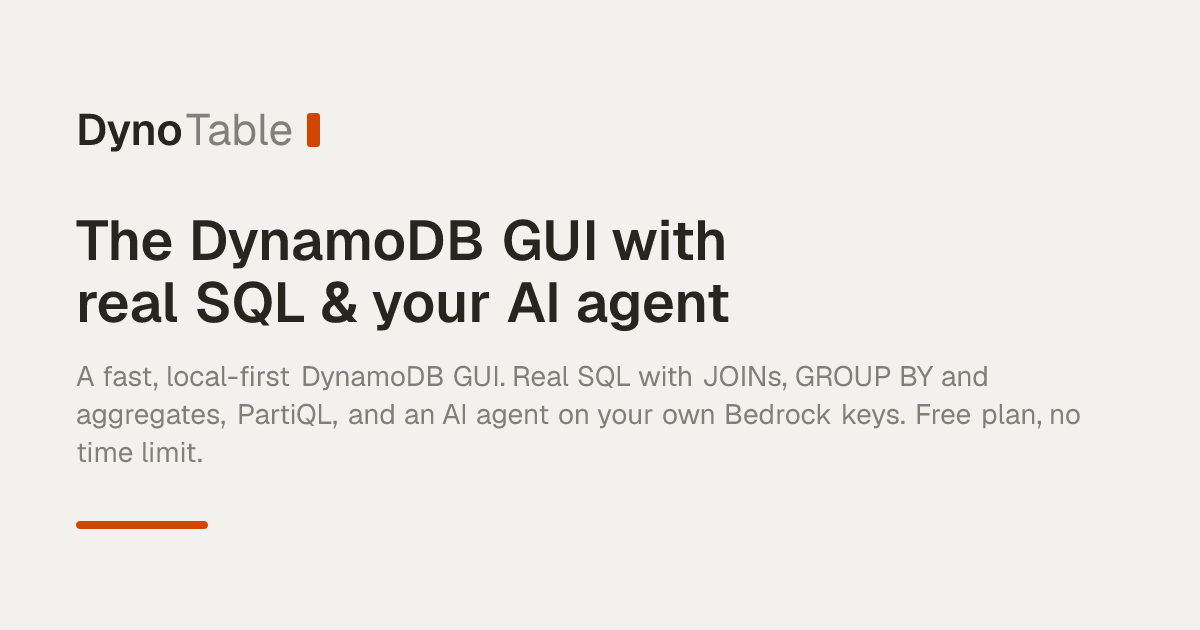
DynoTable, a new DynamoDB desktop client, adds SQL joins and aggregations, visual table relationships, and an AI agent — all running on your own AWS credentials without routing data through external servers. The app offers a free 30-day trial with no credit card, then transitions to a permanent free read-only plan; SQL editing and AI features require a paid subscription.
Summaries like this, in your inbox every morning.
Sign up free →What happened
A new desktop client for DynamoDB called DynoTable launches with a SQL workbench (supporting joins, GROUP BY, and aggregations), visual table relationships (Smart Tables), and an AI agent powered by Amazon Bedrock — all running locally on your own AWS credentials, never routed through DynoTable's servers. The app is free for 30 days with no credit card, then stays free forever on a read-only plan; paid tiers unlock SQL editing and the AI agent.
Why it matters
DynamoDB's native tools (the AWS Console, cloud-based clients) either lack SQL joins and aggregations or route your data through third-party servers. DynoTable closes that gap by running everything locally on your machine and your AWS account — your credentials, schema, and table rows never leave your boundary. Teams can also connect external AI agents (Claude Code, Cursor, Codex) via the standard MCP protocol, with all writes staged for review before commit. For businesses managing sensitive data, this trades cloud client convenience for data residency and cost transparency.
What to watch
The pricing model distinguishes itself from competitors (Dynobase and cloud clients) by offering permanent read-only access at no cost — browsing, PartiQL queries, exports, and schema reads stay free. Paid seats unlock the SQL workbench, editing, and the AI agent; billing is monthly or annual. Downloads are available now for macOS (Apple Silicon), Windows (x64), and Linux (.deb and .rpm).
DynoTable is a desktop application for macOS (Apple Silicon), Windows (x64), and Linux (.deb and .rpm) that acts as a local-first alternative to the AWS Console and cloud-based DynamoDB clients. It ships with three core features: a SQL Workbench, Smart Tables (visual joins), and an AI agent.
The SQL Workbench brings full SELECT syntax to DynamoDB, including GROUP BY, COUNT, aggregations like SUM and AVG (including COUNT DISTINCT), HAVING clauses, and multi-table joins. These operations run on your local machine, not against DynamoDB itself; DynoTable reads only the rows a query touches and performs joins and aggregations client-side, using the cheapest access pattern available (Query over Scan whenever a key or index allows). Every query shows a cost preview before execution — the plan, whether a Scan or Query is used, the index, and an RCU estimate.
Smart Tables let you draw relationships between tables on a canvas and work a joined view live as you edit — no schema migration or ETL required. You can join on the primary key or any global secondary index; DynoTable picks the cheapest read pattern. The base tables are never mutated; the joined view is a projection you can export or query. Adding or dropping an edge recomputes the grid instantly.
The AI agent reads your schema, runs queries, and drafts writes — all powered by Amazon Bedrock through your own AWS credentials. Prompts, schema, and rows never leave your AWS account. Writes are shown as a reviewable diff before commit; nothing is committed without your approval. The agent inspects keys, GSIs, and item shapes to pick Query over Scan when possible. You can also connect external agents (Claude Code, Cursor, Codex) via the standard MCP protocol; each agent gets only the scope you choose (read-only, read + stage, or full) and only the profiles you expose. External agents never write directly; changes land in staging as a reviewable diff.
Data safety relies on your own IAM policy. DynoTable uses your AWS credentials, so it can only do what your role allows — give it a read-only role and it cannot change anything. It also works offline or with DynamoDB Local; point a Profile at a local endpoint (e.g., DynamoDB Local on port 8000/9000) and work entirely offline. Profiles can be online or offline, each with its own region and color.
Pricing is tiered. The web tools (calculators and expression builder) are free with no sign-up. The desktop app offers a free 30-day full-featured trial with no credit card required. After the trial, the app stays on the Free plan (read-only) — browse, query with PartiQL, export, and keep serving schema and item reads to your agent as long as you like. The SQL workbench, editing, and the AI agent are per-seat, billed monthly or annually. You can add a payment method only when and if you decide to subscribe; no charge is applied when the trial ends, and you are never locked out of the free plan.
DynoTable addresses a long-standing friction in DynamoDB workflows. The AWS Console excels at single-table operations but lacks SQL joins and aggregations; third-party cloud clients (like Dynobase) add those features but route credentials and data through their own servers, introducing both a security boundary and a per-seat cost. DynoTable's local-first design keeps everything on your machine and your AWS account — credentials stay local, data never traverses a third-party gateway, and the AI agent (powered by your own Amazon Bedrock instance) means you pay AWS directly at cost, with no markup or per-seat tax. This appeals to teams handling sensitive workloads, regulated data, or large-scale tables where data transit costs matter.
The pricing strategy reinforces the local-first pitch. A permanent free read-only tier (browse, PartiQL queries, exports, schema reads) removes friction to trial and adoption; paid seats unlock the SQL workbench and editing. By contrast, cloud clients typically charge subscription fees even for read-only access. The MCP integration — allowing Claude Code, Cursor, and Codex to connect directly — positions DynoTable as an agent-native tool, letting teams wire their AI workflows into DynamoDB without sacrificing approval gates (all external agent writes land in a staging window for human review before commit).
AI-summarized, only the topics you pick — one digest a day via Email, Slack, or Discord.
Free · takes 30 seconds · unsubscribe anytime
No comments yet. Be the first to share your thoughts!
Log in to join the discussion


Get curated AI news from 200+ sources delivered daily to your inbox. Free to use.
Get Started FreeFree · takes 30 seconds · unsubscribe anytime
