Summaries like this, in your inbox every morning.
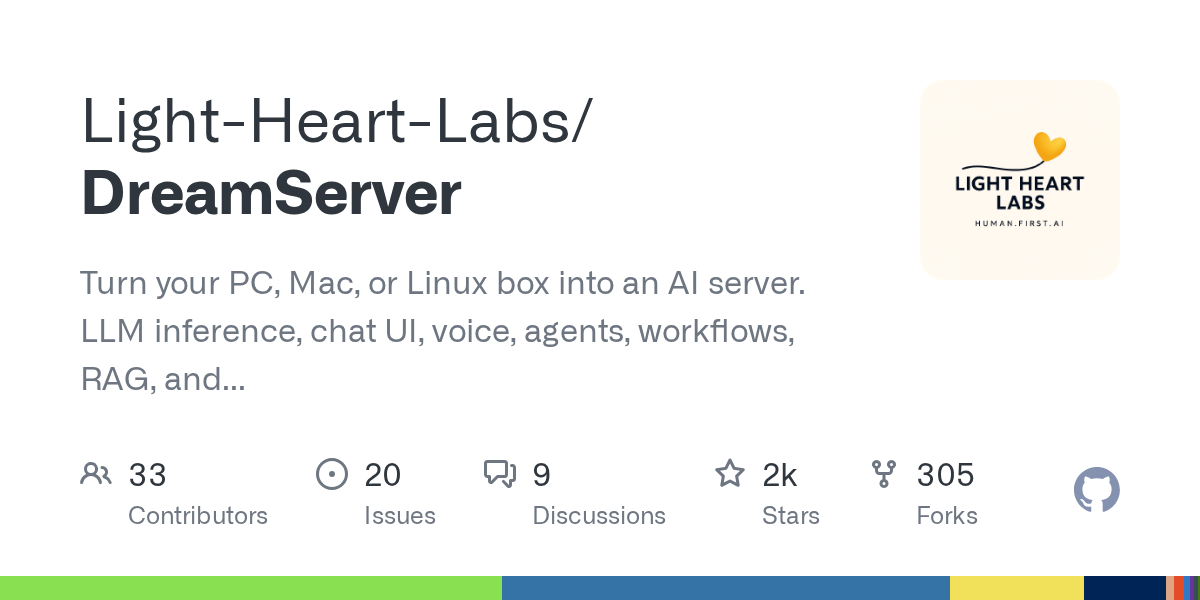
Sign up free →What happened: Dream Server is a packaged AI server stack that installs on Linux, Windows with WSL2, and macOS Apple Silicon, bundling local model inference, a ChatGPT-style web UI, voice, agents, workflows, RAG, image generation, and privacy tools into a single control dashboard. The current stable release is v2.5.2.
Why it matters: Running local AI usually requires manually wiring together Ollama, Open WebUI, n8n, ComfyUI, and privacy tools—a process most people abandon to use cloud providers instead. Dream Server removes that friction; your prompts and data stay on your machine by default, with no cloud required and no subscriptions needed. Cloud and hybrid modes are optional only if you choose them.
What to watch: Installation takes under two minutes on Linux and macOS via curl, or PowerShell on Windows; the DREAMGATE installer detects your GPU, selects an appropriate model, and launches all services. The project supports tested Linux distros including Ubuntu 24.04/22.04, Debian 12, Fedora 41+, and others, with a public GitHub repository and release-grade validation matrix documenting what each platform supports.
No discussion yet for this article
Get curated AI news from 200+ sources delivered daily to your inbox. Free to use.
Get Started FreeFree · takes 30 seconds · unsubscribe anytime
5 minutes a day. The AI essentials.
200+ sources · Email / LINE / Slack