What happened
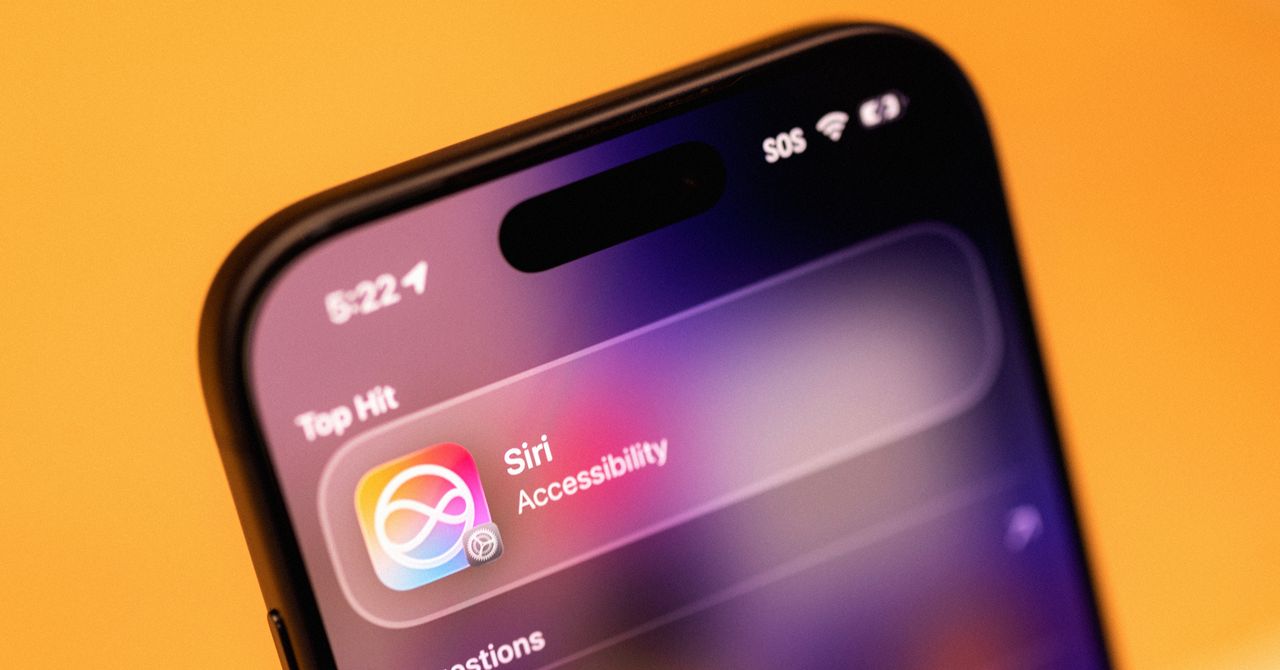
Apple released iOS 27 as a public beta, making the revamped "Siri AI" available to iPhone users for the first time. The new Siri adds a chatbot-style app, integrates deeper into the phone's search and camera functions, and can now access personal context from texts, calendar, and other on-device data to answer questions more helpfully.
Why it matters
Siri now feels genuinely useful—it can find old photos, send texts, suggest restaurants, and pull real-time context from your messages and calendar without you having to explain details. For iPhone owners who ignored the old Siri, this redesign makes the assistant feel like core infrastructure rather than a gimmick, potentially changing how people interact with their phones daily.
What to watch
Users must sign up for Apple's Siri wait list after downloading the iOS 27 public beta; access rolls out gradually. The indexing process (which builds a searchable on-device database) took over a week on one device, though timing varies by device and storage. The feature is also coming to iPad, Mac, and Vision Pro.
Summaries like this, in your inbox every morning.
Apple's iOS 27 public beta marks the first time the company's promised AI-powered Siri overhaul is available to general users, moving beyond the developer-only preview shown at WWDC in June. The redesign fundamentally shifts how Siri operates: instead of a voice-controlled command tool, it is now woven into the phone's infrastructure—accessible via voice, a dedicated app, the search bar, and the camera—with the ability to understand personal context that general chatbots like ChatGPT or Claude cannot access because those tools lack a connection to the device's operating system.
A key technical step for Siri AI is device indexing, which creates a searchable on-device database of texts, calendar entries, and app usage. This allows Siri to automatically surface relevant personal data without the user stating it explicitly—for example, pulling an upcoming TikTok Shop delivery from text threads or suggesting movie tickets friends mentioned in group chats. Apple has also given users granular controls: conversation storage can be set to delete after 30 days, one year, or never; individual apps can be excluded from Siri's learning process. These privacy options reflect Apple's design philosophy but also acknowledge a gap: unlike ChatGPT or Claude, Siri AI currently lacks a memory feature to retain user preferences across sessions, meaning the user must re-state preferences like dietary restrictions each time.
The rollout is staged and gradual. Users must join a wait list after downloading the beta, and the indexing process—which took over a week on one device in testing—may extend access delays depending on device specifications and storage. Apple is positioning Siri AI as ecosystem-wide infrastructure, with matching versions planned for iPad, Mac, and Vision Pro, signaling a shift in how Apple wants users to interact with its devices: not as separate tools but as a unified assistant woven into every screen.
Pick your industry and the AI tools you use, and get news related to your work every day.
Free · 30 seconds with Google · unsubscribe anytimeWhat is AIToday? →
Ask AI anything about this article. The AI reads this article, earlier AIToday articles, and Wikipedia, and cites its sources. Q&As are published on this page for other readers too.
ElevenLabs completed a $300 million employee tender at a $22 billion valuation, and co-founder Mati Staniszews…

Nichiren announced its generative AI voice usage guideline on October 15, built on three pillars: prior notice…

A walkthrough shows Irodori-TTS, an open Japanese-only TTS model by Aratako, running on Databricks Model Servi…
A solo developer built Yurune, a web app that plays synthesized rain, wave and forest sounds and lets users ta…

The developer benchmarked Moonshine Voice's Japanese "Small Streaming" model against faster-whisper's small mo…

The Japan Actors Union adopted a generative AI guideline for voice on October 15, requiring prior consent from…