AIToday

ThoughtDAG turns LLM chats into editable graph maps

Hacker News2h ago
ThoughtDAG turns LLM chats into editable graph maps

Key takeaway

ThoughtDAG is a new application that transforms LLM conversations into editable graph visualizations where wires represent context flowing into each node. Deleting a wire connection changes what the model sees, producing different answers to the same prompt. The tool is designed to keep humans in control—no autonomous agent reshapes the graph—and lets users merge ideas into higher-level conclusions, weave highlighted passages into cited summaries, and read papers directly into visual maps. It runs free in the browser with no login, supports multiple LLM providers, and keeps PDFs and backups local to the user's machine.

Summaries like this, in your inbox every morning.

Sign up free →

3 Key Points

  • What happened

    ThoughtDAG, a new tool, lets users visualize and edit LLM conversations as interactive graphs on an infinite canvas. Wires connecting nodes represent context; deleting a wire changes what the model sees and produces a different answer. The tool supports reading PDFs into maps, merging nodes into higher conclusions, and weaving highlighted passages into cited prose.

  • Why it matters

    The design puts humans in control: the model works only on what wires into each node, and no autonomous agent redraws the graph. Users can inspect, edit, and reproduce answers by modifying the graph structure itself, making reasoning visible and verifiable rather than hidden inside a chat log.

  • What to watch

    ThoughtDAG runs free in a browser at app.thoughtdag.workers.dev with no signup or key required; an example canvas demonstrates the workflow. Local installation is available via npm. The tool supports OpenAI, Anthropic, Google, DeepSeek, and any OpenAI-compatible endpoint; PDFs stay on your machine, and backups export to Markdown for permanent portability.

In Depth

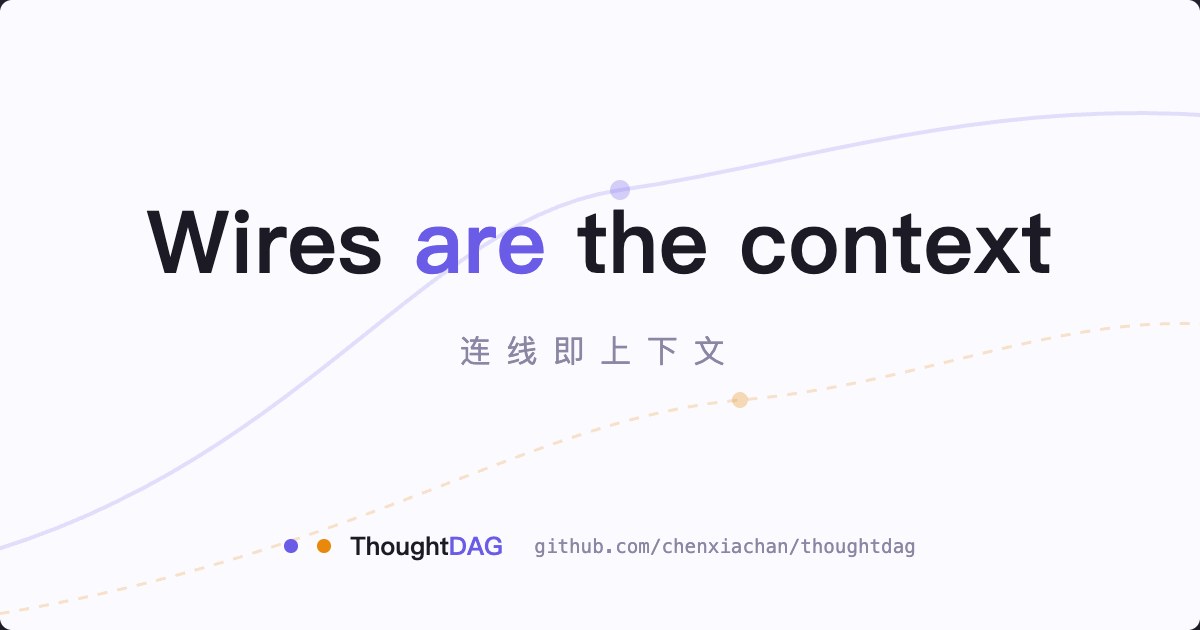
ThoughtDAG is a web application that reimagines LLM conversations as editable graphs. Instead of a linear chat thread, users work on an infinite canvas where nodes represent ideas or answers, and wires (edges) represent the context flowing from one node into another. The foundational rule is simple: the model sees only what wires into the node it is processing. This means users can delete a wire, ask the same question again, and receive a different answer because the model's input has changed—making reasoning transparent and reproducible.

The tool includes several workflows. Users can select a passage from a PDF, ask a question right there, and receive an answer that lands on the canvas with a page-number badge; clicking that badge jumps back to the source. As users read a paper, they can build a map of their thinking in parallel. They can also merge nodes into one higher-level conclusion, compress sprawling graphs by weaving highlights into a summary, and view the graph at three semantic tiers: full cards, takeaway plaques, and an icon skeleton. Every step is badged with symbols (✕ for deletion, ⚖ for balance, ↩ for redo, ? for question) to indicate operations and dependencies.

ThoughtDAG supports multiple AI models—OpenAI, Anthropic, Google, DeepSeek, Qwen, Zhipu, Kimi, OpenRouter, Ollama, and any OpenAI-compatible endpoint. Per-node model pins allow users to select different models for different nodes; image requests automatically route to vision models. The application is local-first: users can enable automatic folder backup to write graphs as real files, and pointing it at a synced folder enables cross-device access. PDFs never leave the user's machine; only extracted text travels when the user asks a question. The tool offers read-only sharing—one link carries the entire graph with no account or server storage required—and backward-compatible exports to Markdown for permanent portability.

Access is free: the hosted demo at app.thoughtdag.workers.dev requires no signup or API key for the example canvas, and local installation via npm is available. The free model tier covers every feature, and users can run Ollama locally for fully offline operation. Model traffic on the hosted demo runs browser-direct, so keys never touch the server. A full feature list exceeds 60 capabilities, grouped by functional area and documented in the project's setup and features guides.

Context & Analysis

ThoughtDAG addresses a gap in how LLM conversations are typically managed: chat interfaces are linear and ephemeral, making it difficult to inspect, verify, or systematically refine reasoning. By representing conversations as directed acyclic graphs, the tool makes the flow of context explicit and editable. The core principle—"wires are the context"—means the human retains full visibility and control over what information the model receives at each step. This design philosophy applies across features: merging nodes represents human judgment about which ideas compress into a higher-level insight, weaving highlights into cited prose ensures every sentence traces back to the user's own marked passages, not the model's selection, and replaying upstream edits with token estimates lets users reason about the cost and validity of changes.

The tool's support for reading PDFs directly into maps and its local-first architecture (automatic folder backup, PDFs never leaving the user's machine) suggest an intent to keep knowledge work grounded in primary sources and user control. The read-only share feature enables collaboration without requiring accounts or server-side storage, and backward-compatible export to Markdown provides an escape hatch independent of the ThoughtDAG platform itself.

FAQ

How do I access ThoughtDAG?
ThoughtDAG runs free in a browser at app.thoughtdag.workers.dev with no signup or key required; an example canvas needs no API key. You can also install it locally via npm and run a server at localhost:5173.
Which AI models does ThoughtDAG support?
ThoughtDAG supports Zhipu, Qwen, OpenAI, Anthropic, Google, DeepSeek, Kimi, OpenRouter, Ollama, and any OpenAI-compatible endpoint. Image requests automatically reroute to vision models.
How does editing the graph change the model's answers?
Wires connecting nodes represent the context the model sees. Deleting one edge removes that context, so asking the same prompt again produces a different answer based only on the remaining wired inputs.

Get the latest Large Language Models news every morning

AI-summarized, only the topics you pick — one digest a day via Email, Slack, or Discord.

Free · takes 30 seconds · unsubscribe anytime

Discussion

No comments yet. Be the first to share your thoughts!

Log in to join the discussion

Related Articles

Stay ahead with AI news

Get curated AI news from 200+ sources delivered daily to your inbox. Free to use.

Get Started Free

Free · takes 30 seconds · unsubscribe anytime

1 minute a day. The AI essentials.

200+ sources · Email / LINE / Slack

Get it free →