What happened
Amazon OpenSearch Service now supports MCP Apps, which extend the Model Context Protocol so each tool call returns both a text summary and an interactive visualization (trace waterfall, service map, log pattern view) rendered in your AI assistant's chat window.
Why it matters
The verification gap—reading an agent's root cause hypothesis and manually checking it in separate browser tabs—has been the bottleneck. MCP Apps let engineers verify inline in the same thread, without leaving the IDE or re-running queries.
What to watch
Setup requires a compatible agentic IDE (Claude Desktop, VS Code GitHub Copilot, Goose, ChatGPT, or Cursor), Node.js 22 or later, and AWS credentials with es:ESHttpGet and es:ESHttpPost permissions. The server runs locally, keeping data in your AWS account.
Summaries like this, in your inbox every morning.
This launch addresses a core friction point in agentic observability: the time lost when engineers must switch from an AI assistant's text answer to separate dashboards for manual verification. By embedding interactive visualizations directly into the conversation thread, MCP Apps aim to keep the human in the loop without breaking flow. The local MCP server preserves the control and cost-efficiency that organizations running agentic observability locally have chosen, while adding the ease-of-use typically found in vendor-hosted solutions. The dual response pattern—structured text for the agent's reasoning, plus a rendered widget for the human—bridges the gap between automated analysis and human judgment. This could make agentic workflows more practical for on-call engineers, who can now investigate, verify, and even trigger remediation without ever leaving the IDE.
Pick your industry and the AI tools you use, and get news related to your work every day.
Free · 30 seconds with Google · unsubscribe anytimeWhat is AIToday? →
Ask AI anything about this article. The AI reads this article, earlier AIToday articles, and Wikipedia, and cites its sources. Q&As are published on this page for other readers too.
Google Deepmind's Gemini 4 Argon scored 97.5 percent on ARC-AGI-3 at a cost of $4,800, second only to GPT-6 As…
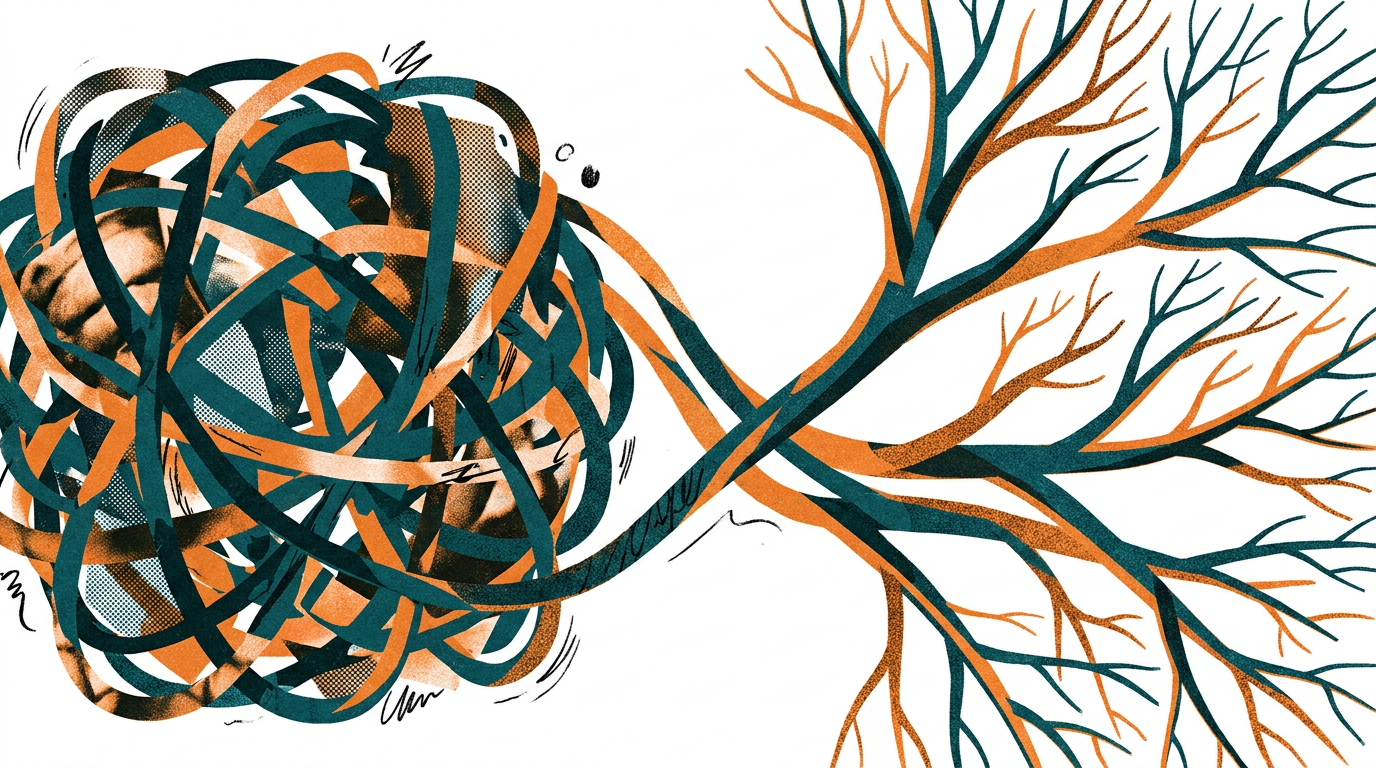
Cammarata reinterprets InceptionV1's cat-car neuron as a V-shape detector, not two unrelated concepts
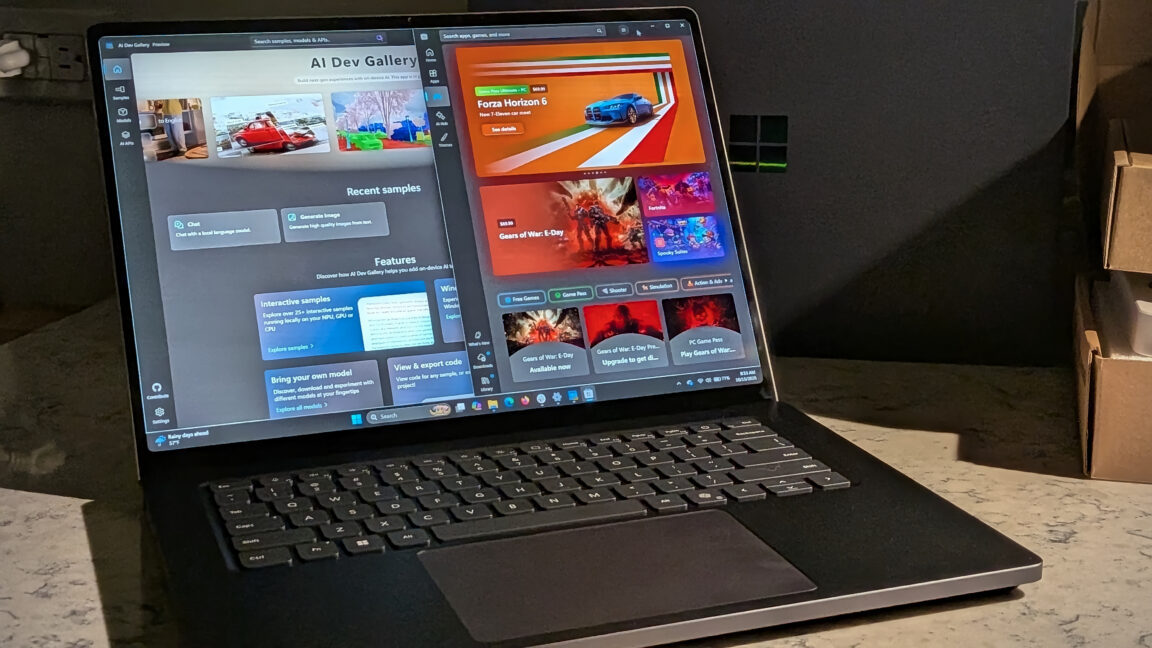
Microsoft's Surface Laptop Ultra, using Nvidia's RTX Spark platform, starts at $2,599 (up to $5,899)
Meta's new commercial terms, effective October 30th, appear to let it crawl and train AI on content from websi…
Vercel data published Thursday shows TypeSafe AI's Jev, a lightweight decision model for choosing among predet…
Reflection AI introduced Beam, an open-weight model for agentic coding and long-horizon tasks, with 501 billio…