What happened
The author ran graphify on a 90-file repo with --code-only; the full graph built in under 2 seconds with no LLM calls, and the official benchmark reported 37.7x fewer tokens per query.
Why it matters
Against a realistic grep-and-read workflow the advantage shrank to about 7x, and the natural-language query command failed on Japanese input—so benchmark figures appear to depend heavily on what they are compared with.
Summaries like this, in your inbox every morning.
The test ran graphify against the author's own ai-100days repository, which held 22 days of experiment code across 90 code files. Building the graph with --code-only produced 914 nodes, 1,657 edges and 56 communities, and skipping 242 non-code files kept the process entirely offline. That confirms the tool's core promise of deterministic, local parsing without paid API keys or a GPU.
The gap between the benchmark and everyday use comes down to the baseline. The official benchmark compares against reading a 45,700-word corpus naively at roughly 60,933 tokens, yielding the 37.7x figure. When the author instead measured a specific question—where KronosPredictor is defined and used—the realistic approach of grepping and reading only the relevant lines cost about 1,799 tokens, versus about 242 for graphify explain, a roughly 7x difference. The author notes the case was relatively simple and that more tangled cross-references could widen the gap, but no measurement approached 71.5x.
Two caveats emerged during testing. The query command, marketed as natural-language search, returned irrelevant nodes for Japanese and failed to trace callers in English. The author also observed node counts shifting nondeterministically after running graphify update, recorded in the repository logs, and advises against treating exact node counts as a strict metric.
Pick your industry and the AI tools you use, and get news related to your work every day.
Free · 30 seconds with Google · unsubscribe anytimeWhat is AIToday? →
Ask AI anything about this article. The AI reads this article, earlier AIToday articles, and Wikipedia, and cites its sources. Q&As are published on this page for other readers too.
Anthropic introduced Claude Duet, a proactive AI agent in research preview for Pro and Max subscribers, availa…

Rerunning the same images and prompts that broke Gemini 3.5 Flash Lite, the developer found Gemini 4 Argon enc…
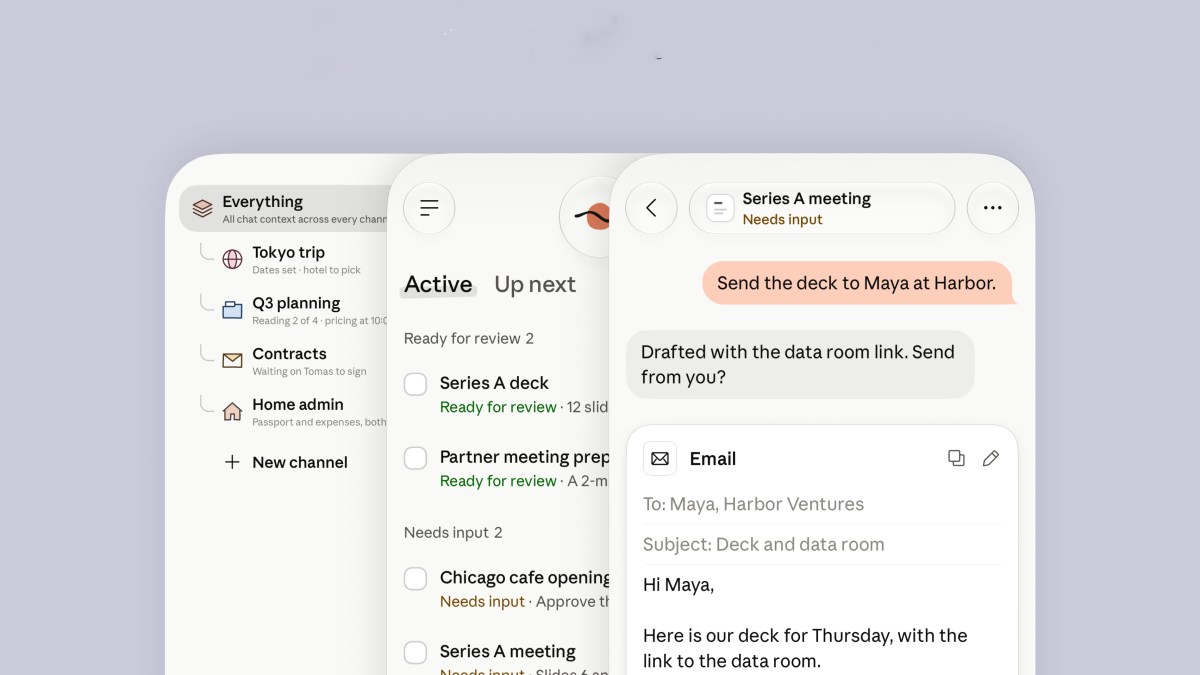
Anthropic released Claude Duet, an agent for professionals and small businesses, built on Claude Opus 5.5 and…
DeepSeek reportedly raised about $15 billion (about 100 billion yuan), one of China's biggest funding rounds…
On Spotify's earnings call, co-CEO Gustav Söderström said Spotify is in one of the few categories that stands…
1Password introduced 1Password for Agents, which lets AI agents sign in using a unique digital key; approvals…