AIToday

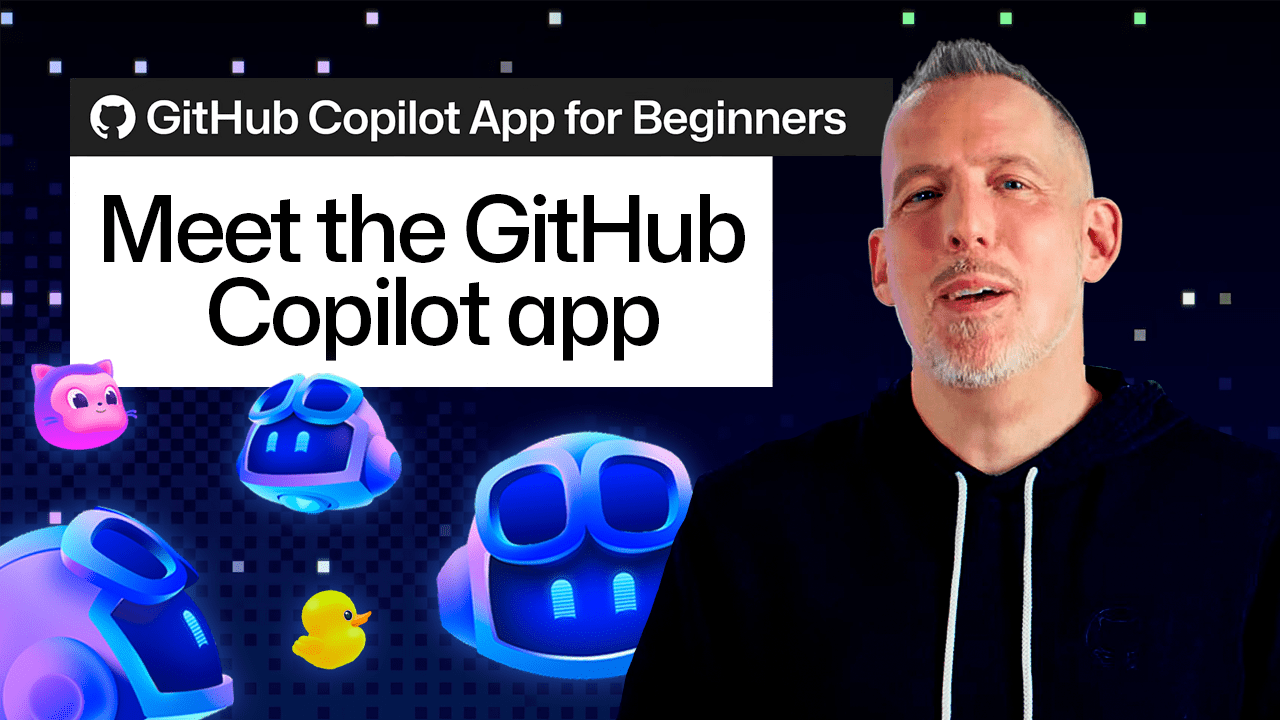
GitHub Copilot app lets developers manage multiple AI tasks without losing context

GitHub Copilot Blog4h agoSend on LINE
GitHub Copilot app lets developers manage multiple AI tasks without losing context

Key takeaway

GitHub has released the Copilot app, a workspace designed to manage AI-assisted development work across multiple tasks and sessions tied to a single project. Unlike traditional chat-based AI tools, it lets developers switch between parallel threads of work without losing context, preview UI changes in an embedded browser canvas, and use Agent Merge to help guide pull requests through review and CI processes. The app is aimed at developers whose real-world workflow involves jumping between bug fixes, code review, and exploration—tasks that a linear chat interface handles poorly.

Summaries like this, in your inbox every morning.

Sign up free →

3 Key Points

  • What happened

    GitHub introduced the Copilot app, a workspace that organizes AI coding work around projects and sessions. Instead of a single chat window, it lets developers run multiple agent sessions tied to a repository, use Quick Chat for side tasks, preview changes in a browser canvas, and employ Agent Merge to help manage pull requests through review and CI processes.

  • Why it matters

    Real development work jumps between bug fixes, code review, and exploring new parts of a codebase—activities a single chat interface handles poorly. By connecting AI sessions to projects and allowing developers to switch between tasks without losing their place, the Copilot app lets teams spend less time setting up their environment and more time building. The canvas preview and Agent Merge features close the loop from code change to merge, reducing friction in the full development cycle.

  • What to watch

    The Copilot app is available now; developers can start by selecting a project from GitHub or their local machine and creating their first agent session. GitHub encourages trying it on backlog tasks to see how it streamlines exploration, building, and shipping with AI agents.

In Depth

The GitHub Copilot app is built around the concept of project-anchored sessions. When a developer opens the app, they can select a project (either one they've worked with before or a new one from GitHub or their local machine) and begin an agent session with all the repository context already loaded. This design addresses a common friction point: developers no longer need to manually search through files or explain their codebase to the AI—the session starts with that knowledge built in.

Within a project, developers can create multiple sessions in parallel. Each session can focus on a different task or question. For instance, while one agent session continues working on a feature (like adding a breadcrumb navigation component to an application), a developer can open Quick Chat to ask a side question—such as how worktrees function in the app—without interrupting the main session. When the developer returns to the original session, they can review changes and continue from where they left off. This threading model lets developers follow multiple lines of work without losing track of where each task stands.

The canvas feature adds visual interaction to the process. Using the /create-canvas slash command, a developer can open their application in an embedded browser canvas directly within the Copilot app. After asking Copilot to update a UI component, they can see the result in real time. If something needs adjustment, they can enable Canvas Dev Mode and use Pick & Polish—a feature that lets them select elements directly in the canvas and use those selections as context for their next request. This visual feedback loop reduces the time spent switching between code editor and browser.

Once changes are ready, Agent Merge takes over in the pull request workflow. A developer opens the pull request options in the Copilot app, selects Agent Merge, and chooses which actions the agent can take: addressing review feedback, resolving CI failures, or handling merge conflicts. Agent Merge then monitors the pull request as it moves through review and CI processes, helping resolve issues that arise and preparing the pull request for merge once required checks have passed. This extends the AI's role beyond initial code creation into the review and integration phase, reducing friction during the standardized CI and review process.

Context & Analysis

The GitHub Copilot app represents a shift in how AI coding tools integrate with a developer's actual workflow. Traditional AI coding assistants treat interaction as a single linear conversation—the user asks a question, the AI answers, and the context resets. But the body describes a different reality: developers spend their day jumping between activities (fixing bugs, reviewing code, exploring unfamiliar parts of a codebase, trying new ideas). By anchoring each AI session to a project and allowing multiple parallel sessions, the Copilot app avoids the friction of re-explaining context every time a developer switches tasks.

The addition of the canvas—an embedded browser preview with direct element selection—bridges a gap that chat-only tools leave open: the gap between what code says it should do and what the UI actually shows. The Pick & Polish feature lets a developer point at a specific visual problem and use that as context for the next request, collapsing the cycle time from "ask AI to change component" to "see result, refine it, repeat." Similarly, Agent Merge extends the workflow beyond the initial code change by automating routine pull request chores (addressing review feedback, resolving CI failures, handling merge conflicts), reducing manual context-switching during the review phase.

Taken together, these features suggest the maturation of AI coding from a novelty chat interface to a tool that mirrors the actual shape of development work—sequential tasks, parallel threads, visual feedback loops, and collaborative review. The body frames this as a "workspace" rather than a chat, a distinction that signals a deeper integration into the development cycle rather than a separate assistance layer.

FAQ

How do I start using the GitHub Copilot app?
From the Copilot app home screen, select a project you've worked with before or add a new one from GitHub or your local machine. Once a project is selected, you can start an agent session with the codebase, files, and tools needed for a task.
Can I work on multiple things at once in the Copilot app?
Yes. Once you've started an agent session on a project, you can create additional sessions for other tasks or use Quick Chat to start a new conversation from the home screen, each focused on a different area of work. When you return to your original session, you can pick up where you left off.
What is the canvas feature?
Canvas is an interactive, shared space built around work artifacts such as a plan, kanban board, checklist, or running application. You can create a browser canvas using the /create-canvas command to preview your application directly within the Copilot app, and use Pick & Polish to select and refine UI elements by pointing to specific parts of the page.
What does Agent Merge do?
Agent Merge monitors your pull request as it moves through review and CI processes. You can choose which actions it takes—such as addressing review feedback, resolving CI failures, or handling merge conflicts—to help prepare the pull request for merge once required checks have passed.

Get the latest Large Language Models news every morning

AI-summarized, only the topics you pick — one digest a day via Email, Slack, or Discord.

Free · takes 30 seconds · unsubscribe anytime

Discussion

No comments yet. Be the first to share your thoughts!

Log in to join the discussion

Related Articles

Stay ahead with AI news

Get curated AI news from 200+ sources delivered daily to your inbox. Free to use.

Get Started Free

Free · takes 30 seconds · unsubscribe anytime