What happened
OpenAI updated its ChatGPT desktop app on Thursday to support ChatGPT Voice, allowing users to speak commands and control AI agents to perform tasks on their computer. The feature uses ChatGPT-Live voice models and works with both ChatGPT Work and Codex, including the ability to access websites, apps, and on macOS, screen contents via Appshots.
Why it matters
The desktop version is more capable than the smartphone version that launched earlier this month—it lets users dictate complex multi-step commands and interact back-and-forth with ChatGPT for clarification. In a demo, OpenAI showed a developer asking ChatGPT to create a thread, make a pull request, and debug an issue in a single voice command, suggesting voice control could reshape how developers and office workers interact with their machines.
What to watch
The rollout is global as of Thursday. Users can also access ChatGPT Voice in Codex from iOS through remote access. Anthropic has similarly updated Claude's voice mode to work with its Opus, Sonnet, and Haiku models for tasks in Gmail, Calendar, Slack, Notion, and Canva.
Summaries like this, in your inbox every morning.
OpenAI's rollout of ChatGPT Voice to its desktop app marks a shift toward voice-first interaction for knowledge workers and developers. The company initially introduced ChatGPT Voice on its smartphone app earlier in July, but that version was limited to smoother conversation and interruption handling. Thursday's desktop update removes that constraint: the feature now handles complex, multi-step directives and permits back-and-forth refinement, as shown in OpenAI's demo of a developer orchestrating a pull request and bug investigation with a single voice prompt.
The competitive landscape reflects this momentum. Anthropic has mirrored the move by updating Claude's voice mode to work with its reasoning models (Opus, Sonnet, and Haiku) and integrate with workplace apps like Slack and Notion. Both shifts suggest that voice is becoming a primary interface for agentic AI—systems that can act on behalf of users across multiple applications and workflows. The global rollout and cross-product support (ChatGPT Work, Codex, and remote iOS access) indicate OpenAI views voice control as a core feature for productivity rather than a peripheral add-on.
Pick your industry and the AI tools you use, and get news related to your work every day.
Free · 30 seconds with Google · unsubscribe anytimeWhat is AIToday? →
Ask AI anything about this article. The AI reads this article, earlier AIToday articles, and Wikipedia, and cites its sources. Q&As are published on this page for other readers too.
In Q2, billionaires or their funds sold six 'Magnificent Seven' AI stocks

Nvidia was rising early Friday, even as the wider chip sector kept falling, Barron's reported

ElevenLabs completed a $300 million employee tender at a $22 billion valuation, and co-founder Mati Staniszews…

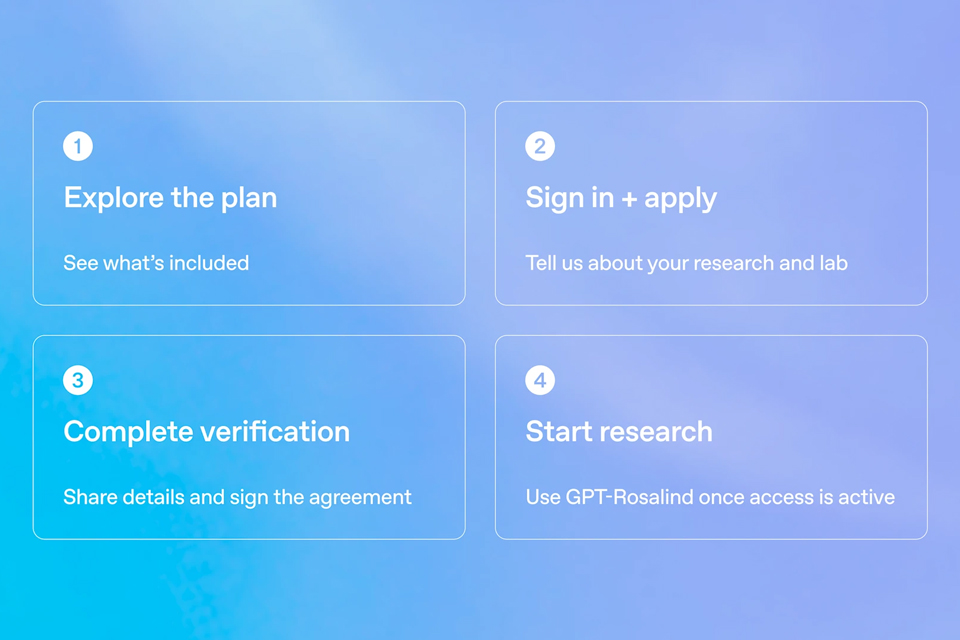
On October 15, OpenAI announced the Rosalind Academic Plan, giving approved US university labs free access to…
Neostellar Capital principal Evan Schlossman said CoreWeave's $103.7 billion in remaining performance obligati…

A Qiita article compared automated red-teaming methods for LLM apps — GCG, PAIR, and TAP — using mock implemen…


