What happened
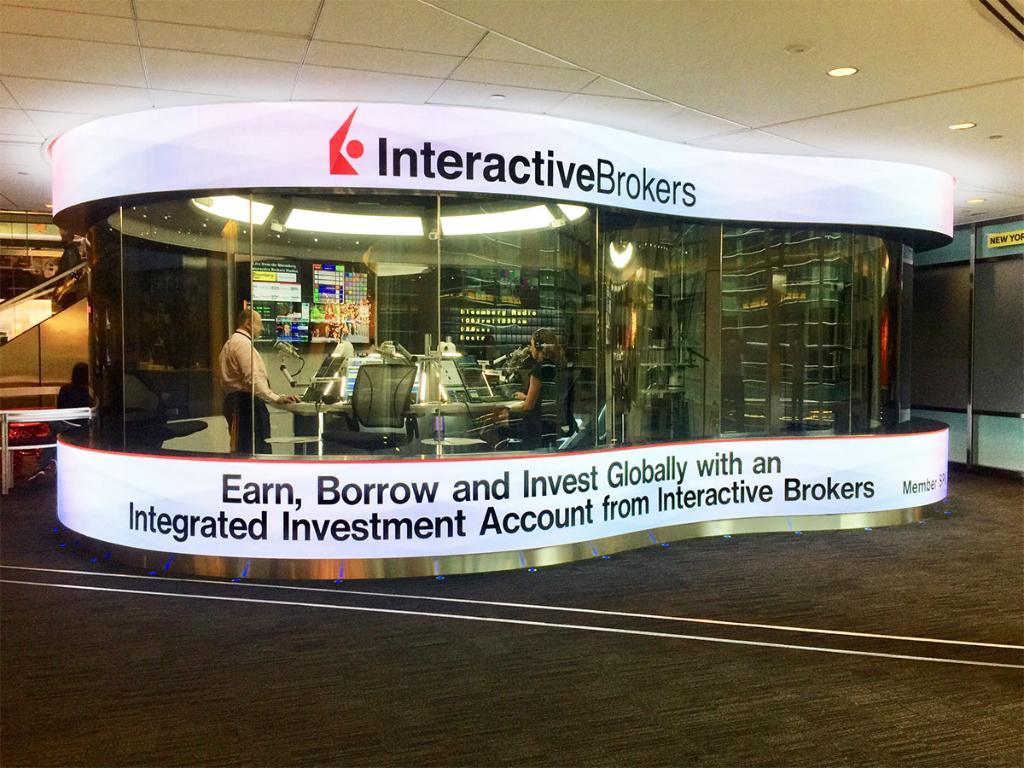
Interactive Brokers released version 1.1.5 of IBKR Connector, allowing retail traders to connect their IBKR accounts to any AI application that supports the Model Context Protocol (MCP)—including Claude Code, Cursor, ChatGPT Workspaces, and others, in addition to official connectors on ChatGPT, Claude, and Grok.
Why it matters
Traders can now use their brokerage account across a broader ecosystem of AI tools rather than being limited to a single platform. The connection preserves security: IBKR credentials are never shared with the AI application, and users can revoke access at any time through the Client Portal.
What to watch
To connect, traders enter the Remote MCP Server URL (https://api.ibkr.com/v1/api/mcp-public) in their AI application's settings, then complete standard IBKR authentication. Access control is managed via Client Portal > Settings > Manage Third-Party Consents.
Summaries like this, in your inbox every morning.
Interactive Brokers has expanded its AI integration strategy by embracing the Model Context Protocol, a standard that allows different AI applications to communicate with external services. Rather than limiting traders to official connectors on a handful of platforms, the company is now enabling any MCP-compatible AI tool to access IBKR accounts. This shift reflects a broader industry trend toward interoperability and open standards in fintech, allowing developers and end users to choose their preferred AI interface while maintaining a single brokerage account.
The move addresses a practical constraint traders face: previously, they would need to switch between different AI applications or rely on proprietary connectors. By supporting MCP, Interactive Brokers positions itself as a backend service that integrates seamlessly into the user's existing AI workflow, whether that workflow centers on ChatGPT, Claude, or emerging tools like Cursor. The security architecture—where credentials remain with Interactive Brokers and users retain granular consent controls—suggests the company is prioritizing user control and data protection as a competitive advantage.
Pick your industry and the AI tools you use, and get news related to your work every day.
Free · 30 seconds with Google · unsubscribe anytimeWhat is AIToday? →
Ask AI anything about this article. The AI reads this article, earlier AIToday articles, and Wikipedia, and cites its sources. Q&As are published on this page for other readers too.
In Q2, billionaires or their funds sold six 'Magnificent Seven' AI stocks

Nvidia was rising early Friday, even as the wider chip sector kept falling, Barron's reported

ElevenLabs completed a $300 million employee tender at a $22 billion valuation, and co-founder Mati Staniszews…

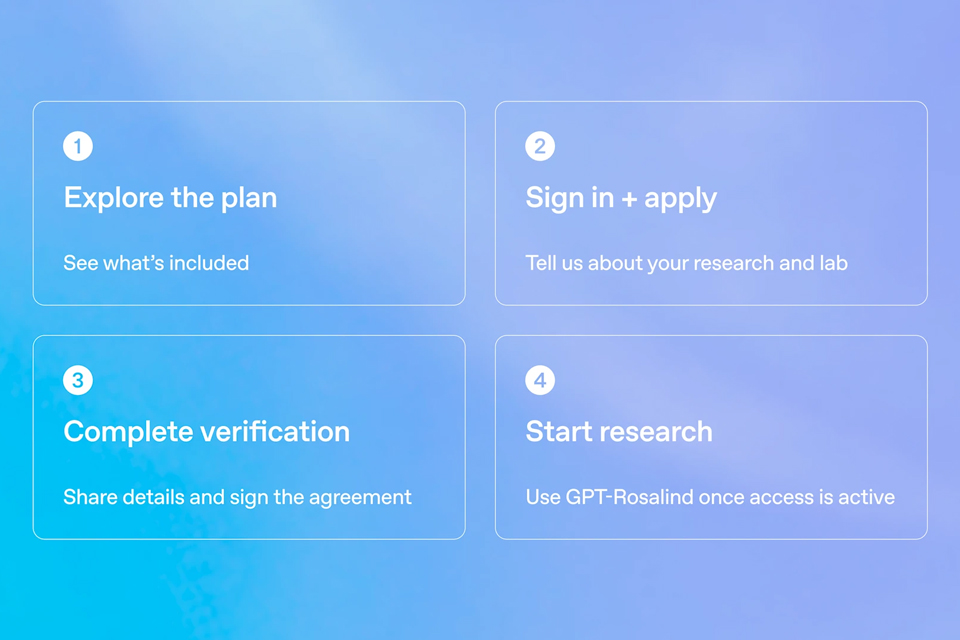
On October 15, OpenAI announced the Rosalind Academic Plan, giving approved US university labs free access to…
Neostellar Capital principal Evan Schlossman said CoreWeave's $103.7 billion in remaining performance obligati…

A Qiita article compared automated red-teaming methods for LLM apps — GCG, PAIR, and TAP — using mock implemen…


