
What happened
The author, an acquaintance of TerminalHub's developer, describes a Windows app that lists Claude Code, Codex CLI, Antigravity and Grok sessions in one sidebar with status, notes and git branches.
Why it matters
With each session labeled as running, waiting, or waiting for input, the author says he no longer leaves permission-blocked sessions sitting unattended, and can start working as soon as a session finishes.
Summaries like this, in your inbox every morning.
A user, not TerminalHub's developer, wrote this, and the author discloses that the developer is an acquaintance; the recommendation comes after more than half a year of use and around 30 registered sessions. One reason the tool exists at all is a Windows-specific gap: tmux works on macOS and Linux, and inside WSL, but it does not manage Windows-native Claude Code or Codex CLI sessions in the way the author wanted. TerminalHub renders its screen with XTerm.js in a browser, which the author says keeps Japanese IME composition from breaking — a detail aimed at people who write prompts in Japanese.
The author also notes that Anthropic's official Claude Code desktop app, since its April 2026 refresh, handles multi-session lists, worktree and completion notifications on Windows, and supports messaging between sessions. So for someone using only Claude Code, the official app may be enough. The author's stated reason for choosing TerminalHub is mixing Claude Code, Codex CLI and Antigravity in one list and passing work between Claude Code and Codex CLI sessions. That comparison frames TerminalHub less as the only option than as the option for a mixed-tool setup.
Pick your industry and the AI tools you use, and get news related to your work every day.
Free · 30 seconds with Google · unsubscribe anytimeWhat is AIToday? →
Ask AI anything about this article. The AI reads this article, earlier AIToday articles, and Wikipedia, and cites its sources. Q&As are published on this page for other readers too.
ElevenLabs completed a $300 million employee tender at a $22 billion valuation, and co-founder Mati Staniszews…

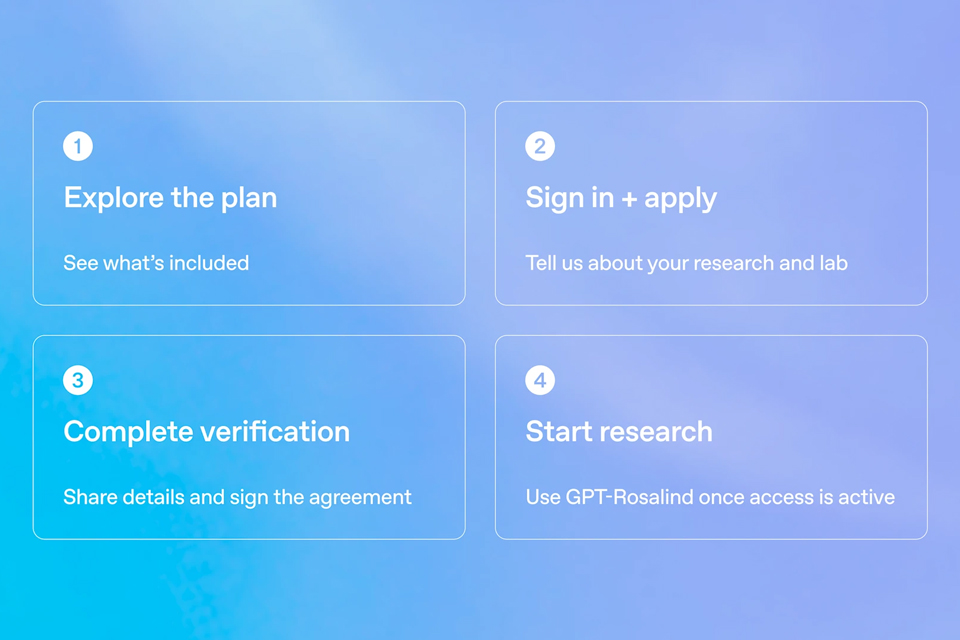
On October 15, OpenAI announced the Rosalind Academic Plan, giving approved US university labs free access to…
A Qiita article compared automated red-teaming methods for LLM apps — GCG, PAIR, and TAP — using mock implemen…

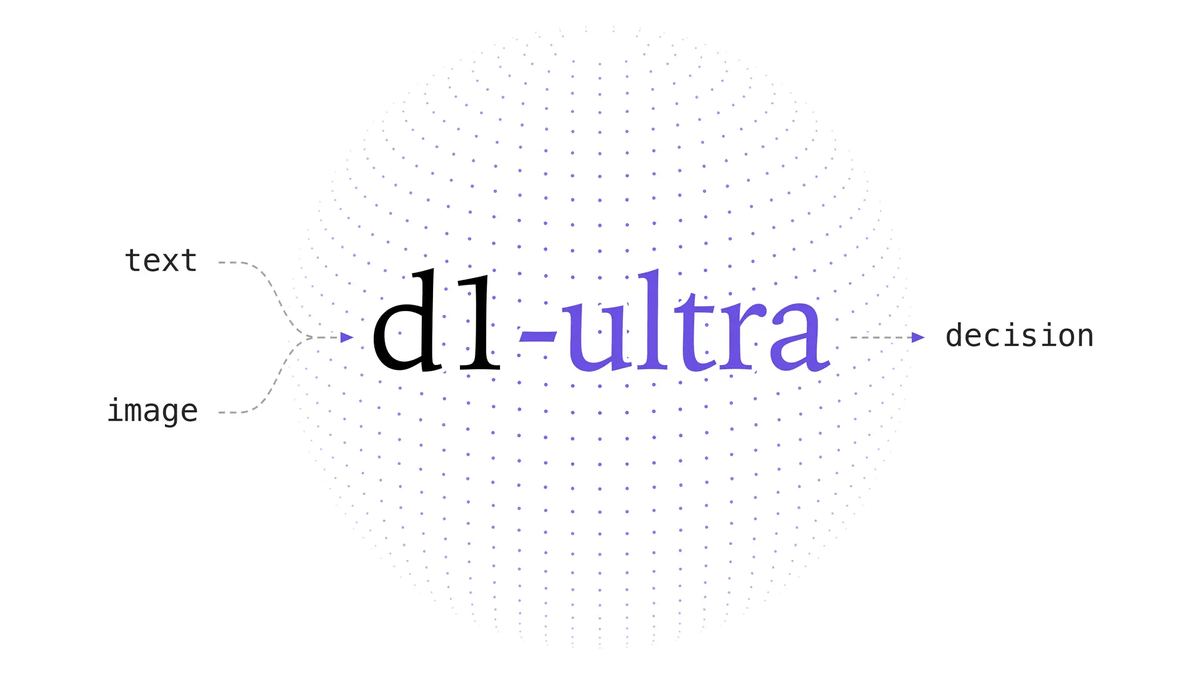
Liquid AI released d1-ultra on October 15, 2026, an upgraded open-weights decision model that averaged 76.7 ac…
Circlia started a proof-of-concept for TASTE SIGNAL: visitors to Holland Village Cafe FUKUOKA taste cookies an…

In a webinar hosted by French Mathematical Society president Isabelle Gallagher, Fields Medal winner Hugo Dumi…

