What happened
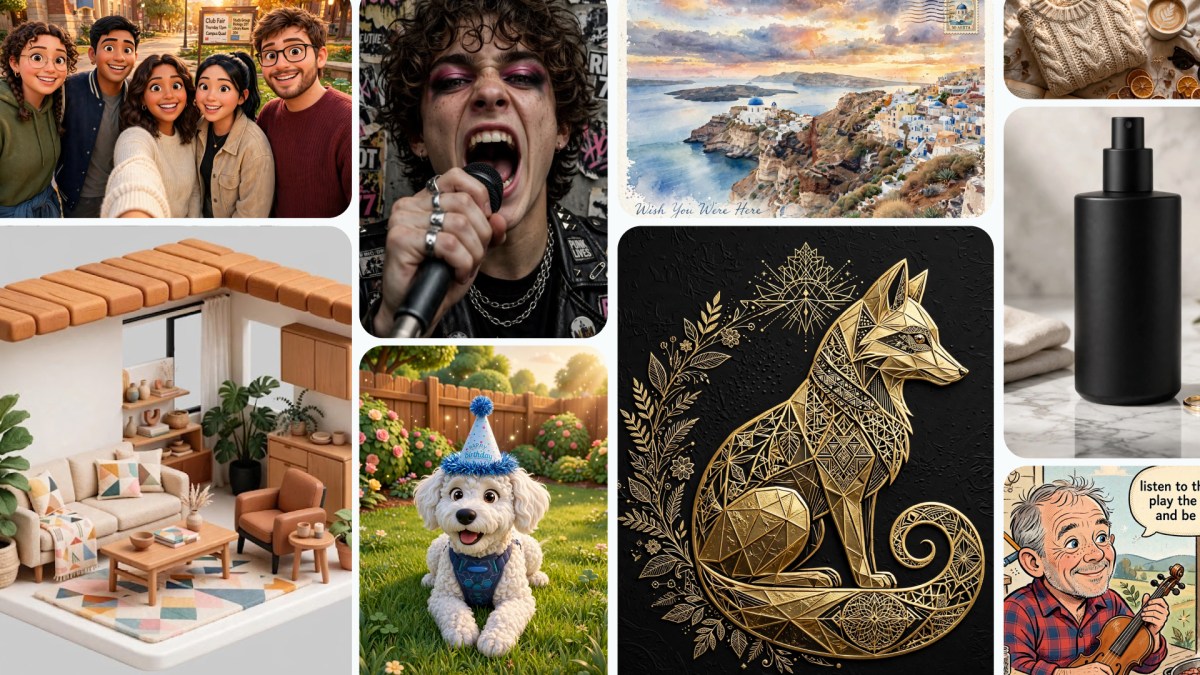
Meta is rolling out Muse Image, its first image generation model from Meta Superintelligence Labs, now available in Meta AI. The model powers more than 30 new AI-powered effects for Instagram Stories and enables image generation in WhatsApp direct chats starting in limited countries. Users can also @-mention Instagram accounts to bring public photos into their generated images.
Why it matters
Muse Image gives Meta AI users a creative tool that works in conversational language, handling complex tasks like erasing photobombers, rendering legible text in visuals, and redesigning rooms with real products from Facebook Marketplace. For advertisers and agencies, Muse Image will become available through Advantage+ creative in the coming weeks, expanding creative options for campaign production.
What to watch
Meta will expand Muse Image to more countries and to Facebook, Messenger, and additional surfaces on Instagram and WhatsApp in the coming weeks. Using Meta AI with Muse Image is free for everyday creation; subscription plans offer more capacity. Muse Video is already in development.
Summaries like this, in your inbox every morning.
Meta is positioning Muse Image as a creative partner embedded directly into its chat and social apps, moving beyond simple image generation to offer reasoning-backed editing and composition. The model pairs with Muse Spark (Meta's existing AI assistant enhancement) to plan layouts, fetch real-time web context, and blend multiple visual references—allowing users to perform complex tasks like combining a selfie with a vacation photo or placing a pet in a famous painting without starting from scratch. This approach treats AI-assisted creation as a conversation, where users can refine their work by circling, sketching, or annotating changes directly on the result.
The rollout is staggered but broad: immediate availability in Meta's owned apps (the Meta AI assistant, Instagram, WhatsApp) with expansion to Facebook and Messenger announced for the coming weeks. For businesses, the integration into Advantage+ creative (Meta's campaign creation tool) signals that image generation will become a standard feature in the advertiser toolkit within weeks. The free tier for consumers paired with subscription options for heavy users mirrors Meta's broader strategy of offering baseline AI features at no cost while monetizing power users and businesses. By linking to Instagram accounts and real products on Facebook Marketplace, Meta is tightening the loop between discovery, creation, and commerce.
Pick your industry and the AI tools you use, and get news related to your work every day.
Free · 30 seconds with Google · unsubscribe anytimeWhat is AIToday? →
Ask AI anything about this article. The AI reads this article, earlier AIToday articles, and Wikipedia, and cites its sources. Q&As are published on this page for other readers too.
TOPPAN Holdings and Keio University ran a quantum-computer and generative-AI proof-of-concept from February 1…
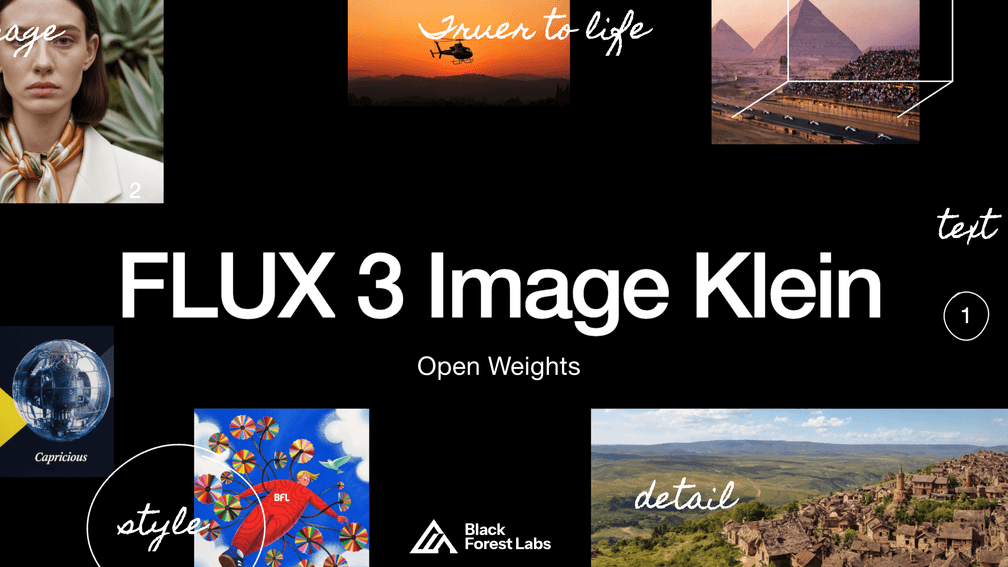
Black Forest Labs released FLUX 3 Image Klein as open weights on October 15, 2026 — a 5.6B-parameter model for…
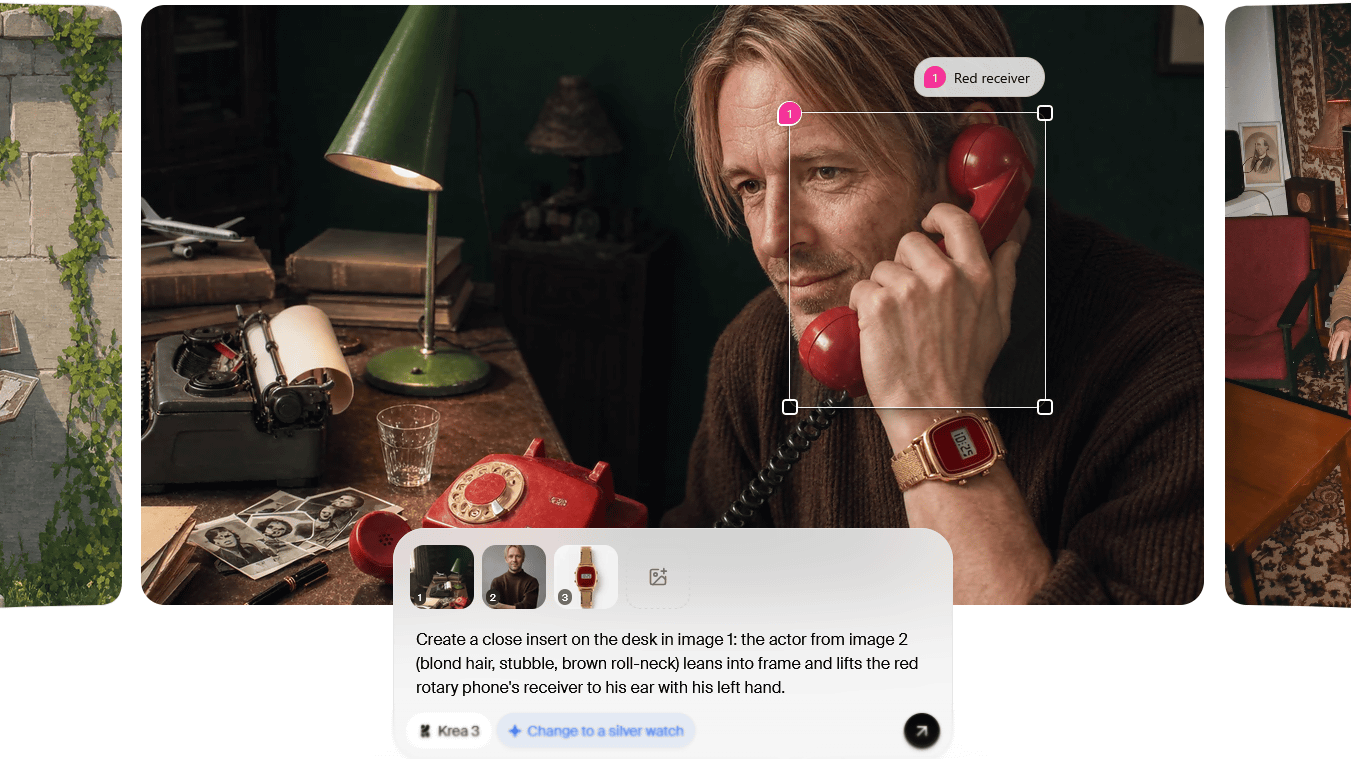
Krea opened the beta for Krea 3, which does end-to-end 2K edits in under 8 seconds, accepts up to 8 reference…
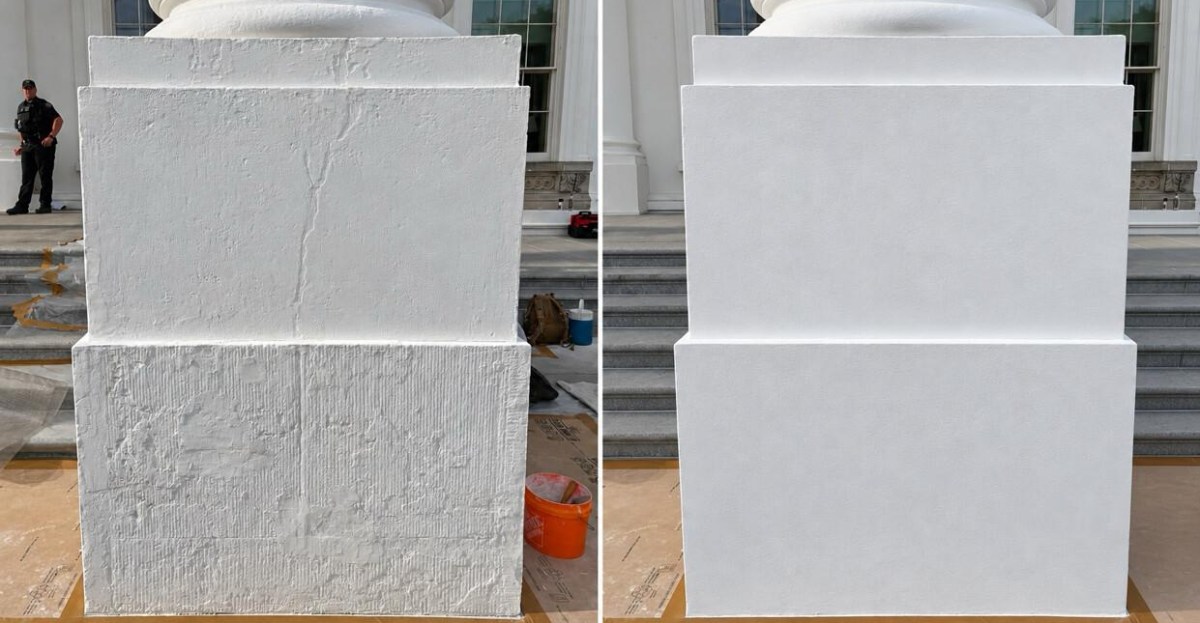
President Donald Trump posted photos on Truth Social showing White House renovations, but one comparing an old…
Wells Fargo hired an AI executive based in San Francisco, a move The Business Journals describes as part of em…

Amazon launched two Bee "personal AI" devices on Thursday: the $74.99 Bee Frontier wristband and the $99.99 Be…