What happened
Muhammad Karim has released PrivateRedact, a desktop application that redacts personally identifiable information (PII) from documents entirely on your machine using a hybrid regex and local LLM pipeline. The tool supports text PDFs, scanned PDFs with OCR, DOCX, TXT, and images, and exports securely rasterized PDFs or format-preserved Word files with all redactions baked in.
Why it matters
Cloud-based redaction tools require uploading the sensitive document to a server—defeating the privacy goal—while naive desktop tools either force manual redaction or black out entire lines, leaving the underlying text selectable. PrivateRedact solves this by redacting only the sensitive value (e.g., "555-1234") while preserving the label ("Phone:") and surrounding context, and it rasterizes the PDF so redactions cannot be undone or stripped away.
What to watch
Loading, detecting, and reviewing redactions are free; exporting requires a one-time Gumroad license key with no subscription. The app auto-installs Ollama (the local AI engine) on first use and picks model size based on available RAM (~8 GB minimum). macOS (Apple Silicon) and Windows (x64) are currently supported; Intel/x64 Mac and Linux AppImage targets are on the roadmap, as is signed Windows builds (currently unsigned).
Summaries like this, in your inbox every morning.
PrivateRedact addresses a fundamental tension in document privacy: conventional cloud redaction tools solve the technical problem of PII detection by introducing a security problem—the need to upload the sensitive document to a third party. Conversely, existing offline tools either force slow, error-prone manual redaction or apply crude whole-line blackouts that leave the underlying text layer intact and recoverable. The application bridges this gap by combining pattern-based detection (regex for known formats like SSNs, credit card numbers, IBANs, and dates of birth) with semantic detection via a local LLM (for diagnoses, names, addresses, and codenames), then exporting a rasterized PDF where redactions are baked into the image layer itself—making un-redaction or text recovery technically infeasible.
The tool's design choices reflect security-first principles: metadata is stripped by default (PDF Info/XMP, DOCX properties, image EXIF), redacted PDFs can optionally be encrypted, and the app includes a post-export leak scan that re-OCRs the output to confirm no PII survived. The licensing model—free trial for all detection and review work, paid export only—lowers the barrier to testing against real documents, while the one-time purchase (via Gumroad) avoids subscription friction for privacy-conscious users. System requirements are modest (~8 GB RAM minimum), and the app auto-selects the local model size based on available memory, removing a technical barrier for non-expert users.
Pick your industry and the AI tools you use, and get news related to your work every day.
Free · 30 seconds with Google · unsubscribe anytimeWhat is AIToday? →
Ask AI anything about this article. The AI reads this article, earlier AIToday articles, and Wikipedia, and cites its sources. Q&As are published on this page for other readers too.
ElevenLabs completed a $300 million employee tender at a $22 billion valuation, and co-founder Mati Staniszews…

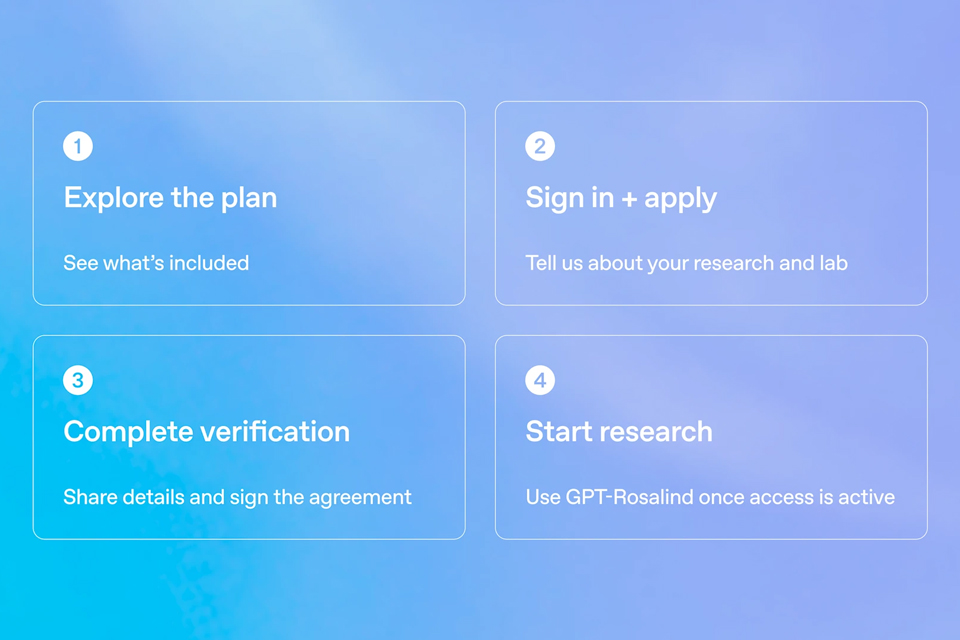
On October 15, OpenAI announced the Rosalind Academic Plan, giving approved US university labs free access to…
A Qiita article compared automated red-teaming methods for LLM apps — GCG, PAIR, and TAP — using mock implemen…

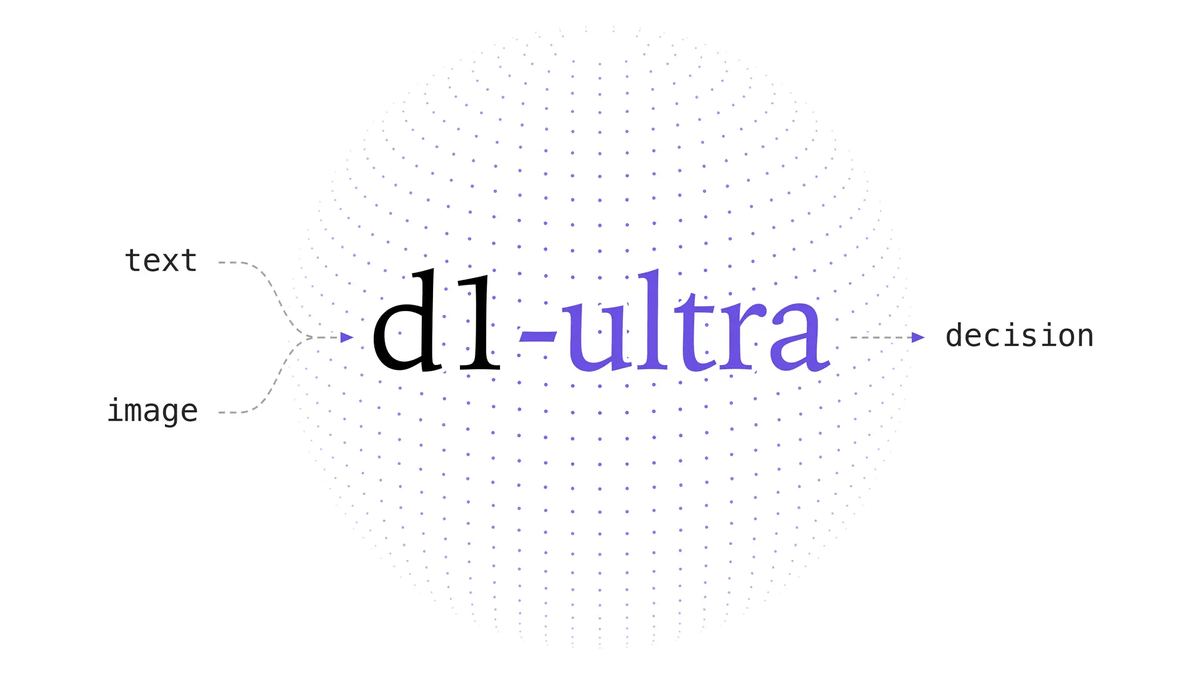
Liquid AI released d1-ultra on October 15, 2026, an upgraded open-weights decision model that averaged 76.7 ac…
Circlia started a proof-of-concept for TASTE SIGNAL: visitors to Holland Village Cafe FUKUOKA taste cookies an…

In a webinar hosted by French Mathematical Society president Isabelle Gallagher, Fields Medal winner Hugo Dumi…

