What happened
AI.DIY, an MIT-licensed open-source project, is now live at tryaidiy.com with a browser-native workspace that runs AI agents, in-browser Linux (CheerpX), Python execution, and integrations with 20+ LLM providers—including OpenAI, Anthropic, Gemini, DeepSeek, and others. It supports skills, subagents, knowledge-base RAG, web search via DuckDuckGo, and Node.js project scaffolding in the browser via WebContainers.
Why it matters
The workspace is local-first and bring-your-own-key: chat state, settings, and provider API keys stay in the browser by default, relayed per-request to your chosen model provider. No persistent server keys required. Data like chat history, memory, Canvas artifacts, and Python/Linux output persist locally via localStorage and IndexedDB, encrypted with AES-GCM where Web Crypto is available. Users can deploy it in one command (Node or Docker Compose), avoiding reliance on third-party cloud AI platforms.
What to watch
Available now via npm install or Docker; GitHub repo is Cubinghackerz/ai.diy. Agent Mode and subagents are in Experimental Settings. Token modes (Efficient, Balanced, Prompt caching, Full suite) adjust system-prompt size and tool availability. Planned features include direct GitHub, Supabase, and PostgreSQL adapters. For self-hosting, the CheerpX runtime requires a commercial license from Leaning Technologies for non-FOSS use.
Summaries like this, in your inbox every morning.
AI.DIY addresses a core tension in AI tooling: users want agency over their data and keys, but existing platforms require uploading both to a third-party server. The project's local-first architecture inverts that default. Chat state, settings, and execution environments (Python, Linux) run client-side in the browser; the server acts only as a stateless relay for model requests, with no need to store provider credentials. This design is enabled by modern browser APIs—Web Crypto for encryption, IndexedDB and localStorage for persistence, Pyodide and CheerpX for compute—and open-source relay frameworks like Vercel AI SDK and assistant-ui.
The tooling is substantial: 20+ provider integrations, a skills system with pre-built agents (Deep Research, Code Review, GitHub Analysis), subagent spawning with user approval, on-device vector search for knowledge bases, and soft usage caps for cost control. Token modes let users trade system-prompt size and tool availability for latency or cost. The one-command deployment path (npm or Docker Compose) and MIT license lower the barrier to self-hosting.
Key trade-offs: Server-side features—persistent provider keys, team workspaces, audit logs—are not available by design. The in-browser Linux VM (CheerpX) is free for open-source projects under a Community License but requires a commercial license from Leaning Technologies for other use cases. The architecture does not prevent the relay from observing request traffic or enabled tools (search, MCP, connectors) from sending data to their own services, so users should treat hosted instances as semi-trusted.
Pick your industry and the AI tools you use, and get news related to your work every day.
Free · 30 seconds with Google · unsubscribe anytimeWhat is AIToday? →
Ask AI anything about this article. The AI reads this article, earlier AIToday articles, and Wikipedia, and cites its sources. Q&As are published on this page for other readers too.
Vercel data published Thursday shows TypeSafe AI's Jev, a lightweight decision model for choosing among predet…
Reflection AI introduced Beam, an open-weight model for agentic coding and long-horizon tasks, with 501 billio…
Apple and Meta said they would jointly release a new open-weight AI model designed to run on high-end Macs, ai…
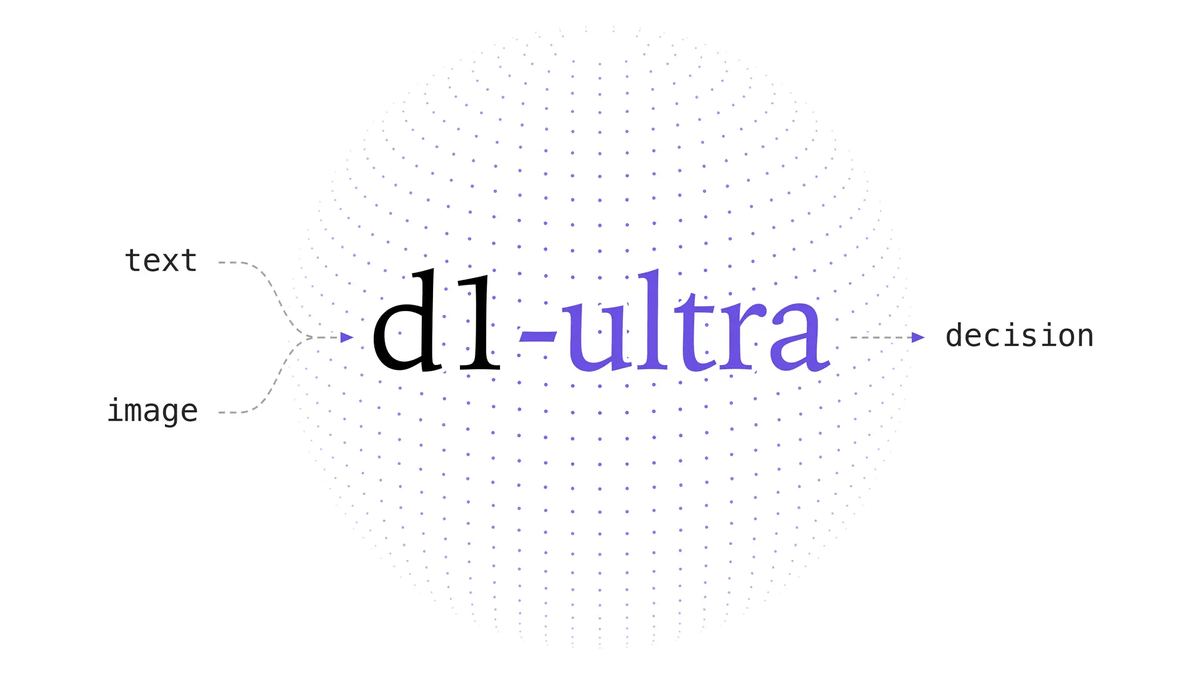
Liquid AI released d1-ultra on October 15, 2026, an upgraded open-weights decision model that averaged 76.7 ac…
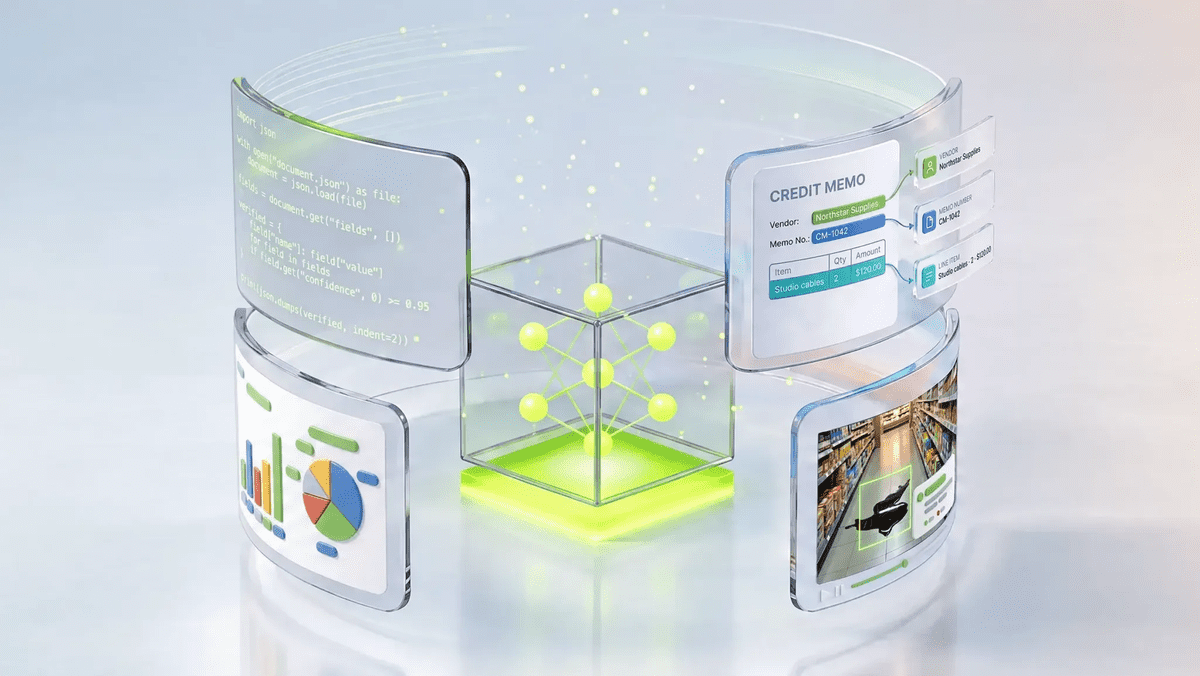
NVIDIA released Nemotron 3.5 Super VL, an open-weight model with 120 billion parameters that handles text, ima…
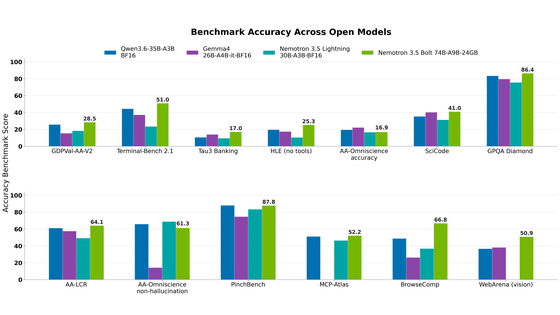
NVIDIA released Nemotron 3.5 Bolt 74B-A9B 24GB, an AI model for local agents that hits over 80 tokens per seco…