What happened
In an Android app built with Capacitor, the speech button failed every other press with a "Didn't understand, please try again." error in 5 ms, traced to @capacitor-community/speech-recognition 7.0.1 destroying and recreating the SpeechRecognizer each time.
Why it matters
The plugin's teardown of the recognizer caused the alternating failures, and the fix required patching the plugin itself with patch-package—meaning other apps using the same plugin version may need the same patch to avoid the intermittent failures.
Summaries like this, every morning.
The app in question is a self-made travel English shadowing tool that records the user's speech, converts it to text via speech recognition, and scores the match against a model sentence. On PC it used the browser's Web Speech API, but when wrapped as an Android app with Capacitor, the team chose to always use the native Android speech recognizer because Android's WebView exposes webkitSpeechRecognition as present while it does not actually function (Chromium issue 41172064). That decision set the stage for the bug, which lived in the native plugin layer.
The debugging was done by Claude Code, which first read the plugin's Android source and suspected the destroy-and-recreate pattern, but then connected a real device and measured before changing anything. Using adb to attach to the WebView's debug port, it wrapped Capacitor's native call bridge to log per-call response times, and simultaneously captured device logs with adb logcat. The logs showed that 4 ms after start, an error was already being sent, followed by the microphone opening and listening for 5 seconds before ending with "no speech detected"—and the same call received error notifications three times. The plugin's getErrorText() maps unrecognized error codes to the default "Didn't understand, please try again." message, so the exact code was not visible in the pre-fix version.
The patch makes three changes: it creates the SpeechRecognizer only if none exists and otherwise just cancels the previous session; it nulls out the call reference in onError() so the same call is not rejected twice; and it does the same single-settlement in onResults(). One caveat noted is that Android's official documentation says the caller must invoke destroy() when a SpeechRecognizer is no longer needed, and this patch simply stops calling destroy() on each press—the plugin has no other place that calls it. A practical snag during patching on Windows was a "Filename too long" error from npx patch-package, which was resolved by deleting the android/build folder before regenerating the patch.
Pick your industry and the AI tools you use, and get news related to your work every day.
Free · 30 seconds with Google · unsubscribe anytimeWhat is AIToday? →
Ask AI anything about this article. The AI reads this article, earlier AIToday articles, and Wikipedia, and cites its sources. Q&As are published on this page for other readers too.
Kreta's ARES packs an 8MP wide-angle camera shooting 3264×2448 photos and 2112×1568 video at 30fps, plus an AI…

Entravision expanded Coyotec, its AI cohost on José 97.5 FM's Al Aire y Sin Permiso, from a September 2025 wee…

A writer published step-by-step Windows 11 instructions for running EleutherAI's Aria, a piano-MIDI generation…
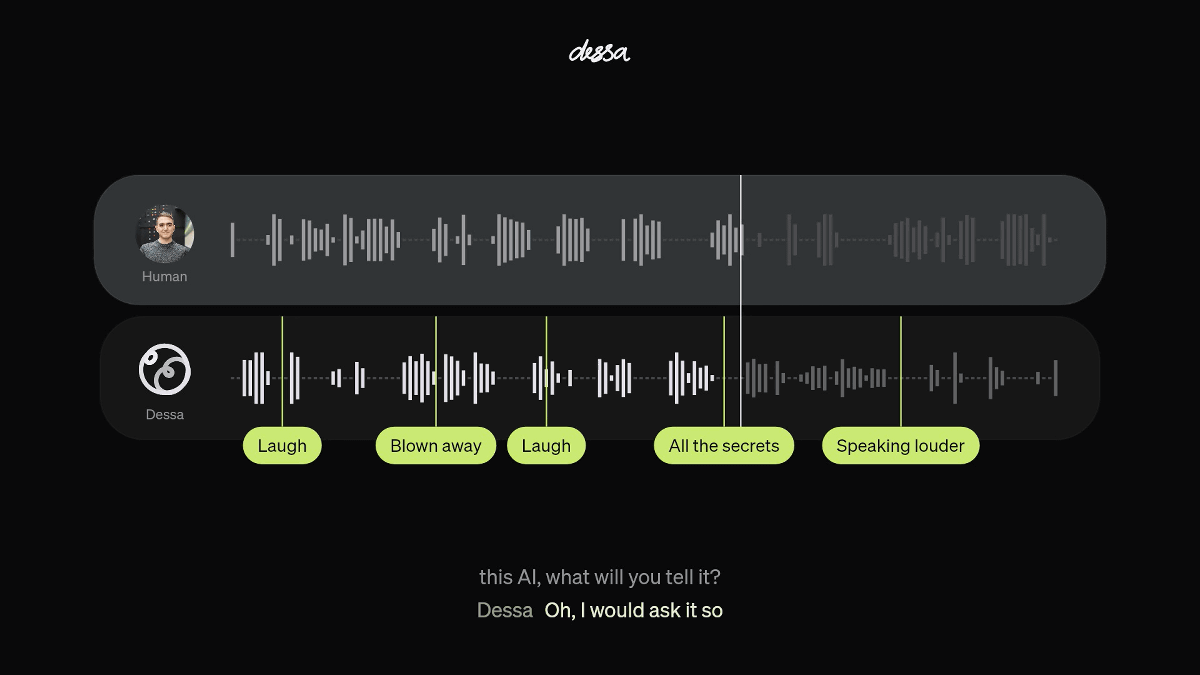
Block announced Dessa, which its team calls the world's first AI trained only on human speech audio, skipping…
A hobbyist fed a 90-second J-POP mp3 to Claude Code and got tempo right first try, a key estimate of F major /…
A Qiita article walks through installing and running ACE-Step, an open-source music generation model, on a loc…