What happened
CData's guide walks through creating a SELECT-only Snowflake role called claude_role, setting up an OAuth security integration, adding Connect AI's IP range to network policy, and registering the MCP server in Claude's connectors.
Why it matters
Scoping every Claude query to that SELECT-only role means the setup has no path for Claude to alter data, while OAuth and audit logs keep the access governed and traceable.
Summaries like this, every morning.
The guide is structured as an eight-step build: create the role, configure OAuth, set network policy, register the MCP server, link Claude, verify with a low-sensitivity read-only query, troubleshoot, and review governance. Its central design choice is to make a SELECT-only role the starting point for every Claude request, which the guide says removes any room for unintended DROP or INSERT operations even if a Snowflake user has write permissions. The guide also notes a practical tradeoff: stricter network policies improve security but reduce flexibility between systems, and the query path briefly takes data outside Snowflake's boundary while results route through Anthropic's cloud infrastructure to Claude. For teams in regulated industries, the guide advises confirming that this routing meets data residency requirements before running production workloads. Beyond Snowflake, the guide positions Connect AI as extending the same OAuth and RBAC model to hundreds of other enterprise systems, with a comparison table listing centralized audit logs across all agent operations and authentication options including OKTA and Azure AD.
Pick your industry and the AI tools you use, and get news related to your work every day.
Free · 30 seconds with Google · unsubscribe anytimeWhat is AIToday? →
Ask AI anything about this article. The AI reads this article, earlier AIToday articles, and Wikipedia, and cites its sources. Q&As are published on this page for other readers too.
And-Dot's sales manager Tomoyuki Adachi conceived and led development of the card-battle disaster quiz app "Ma…

A Dell Technologies survey of 2,950 business and IT decision-makers in 35 countries found 58% of Japanese comp…
Oracle announced on Oct 28, 2026 an expanded partnership with OpenAI and a new product lineup spanning four ar…

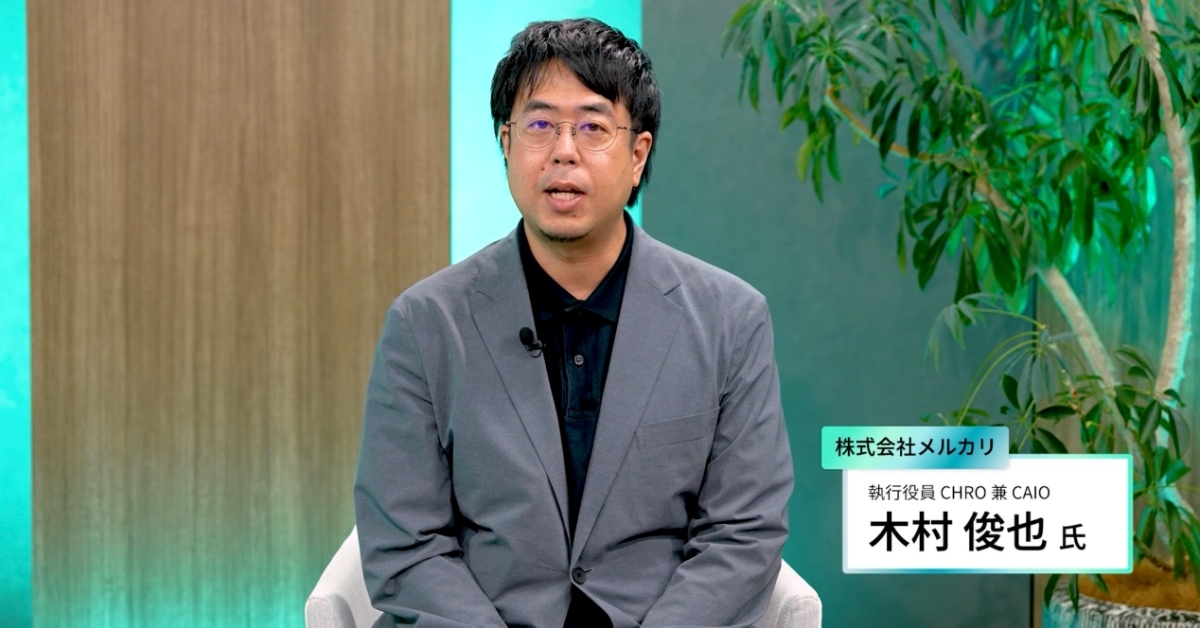
Mercari's fiscal 2026 June-period earnings material shows all employees were using AI tools by the end of Janu…
Reddit shares fell 29% to $91.73, wiping out more than $7 billion, after it warned daily users could drop by a…

Chinese embodied AI companies raised 93.5 billion yuan ($13 billion) across 322 deals in the first half of 202…