What happened
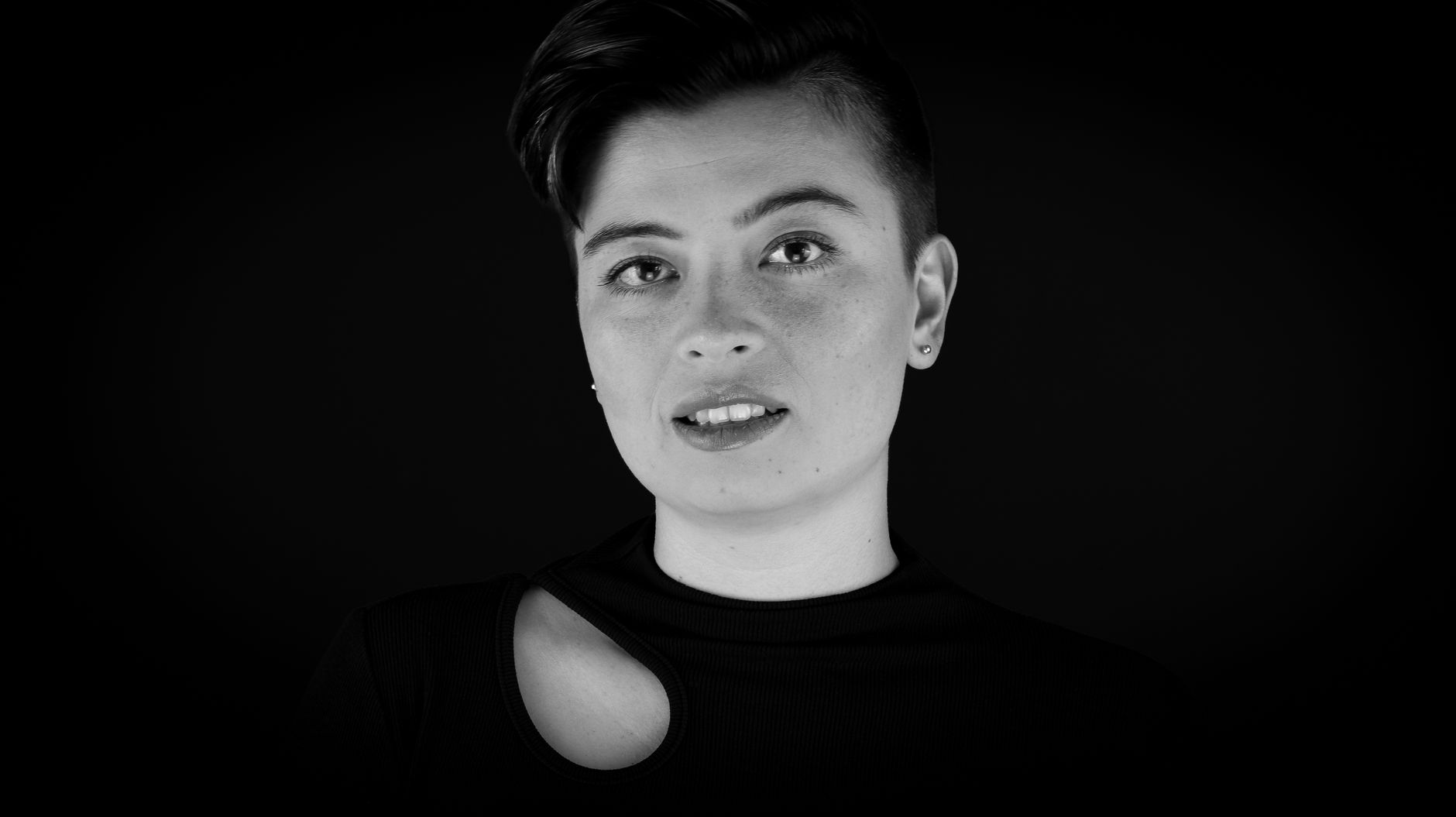
TrapWrap is a tool that takes an uploaded portrait and a chosen energy setting and outputs a short AI rap-style video, pitched at creators who want a shareable clip rather than a full production pipeline.
Why it matters
It lets creators produce a postable rap-style clip from a single portrait, without a studio day or a heavy edit stack, so they can iterate on another take if the beat feel is off.
Summaries like this, every morning.
Trap music visuals have traditionally required either a studio day or a heavy edit stack, which is overkill for a quick social hook. TrapWrap is positioned as a lighter alternative for creators who just need a face, a beat feel, and a clip short enough to post. The tool asks for a clear front-facing portrait and an energy setting, then produces a short AI rap-style video. The guidance to keep the first few seconds focused on face and rhythm suggests the output is optimized for in-feed hooks, and the recommendation to start with a single portrait and a 10–15s cut points to a test-and-iterate workflow rather than a polished production. For creators experimenting with AI music-video tooling in the trap/rap space, this lowers the barrier to trying a visual idea without committing to a full pipeline.
Pick your industry and the AI tools you use, and get news related to your work every day.
Free · 30 seconds with Google · unsubscribe anytimeWhat is AIToday? →
Ask AI anything about this article. The AI reads this article, earlier AIToday articles, and Wikipedia, and cites its sources. Q&As are published on this page for other readers too.

