What happened
Slack is launching Slackforce Surfaces, letting users describe a report, dashboard, or poll to Slackbot, which uses AI to pull information from conversations and connected apps like Google Drive or Salesforce.
Why it matters
This follows Slack's recent Slackbot overhaul into an AI assistant and last month's collaborative vibe coding channels, shifting Slack from a place to talk into a place to build and share live tools.
What to watch
Surfaces is available to all customers, including free users, with Slackbot enabled in their workspace, but live data support starts in October — the test is whether AI-generated dashboards match what teams expect from their data.
WHO IT HITSProduct managers, marketing teams, and operations staff who currently export Slack conversations to separate reporting tools may now assemble dashboards and reports without leaving the chat, assuming their workspace has Slackbot enabled and they grant the needed permissions.
Summaries like this, every morning.
Slackforce Surfaces arrives after Slack spent recent months remaking Slackbot into a more capable AI assistant that can summarize across channels, sort through messages, and find time for meetings. The company also added collaborative vibe coding channels last month, signaling a push to keep more work inside Slack rather than sending users to separate reporting or development tools.
Slack's chief marketing officer, Ryan Gavin, describes the pitch as keeping data in place: asking Slackbot to build the dashboard, deck, or report where the conversation already is, so the whole team can act on it together. Slack's example — a user requesting an arcade-themed visualization of AI token usage, which Slackbot turns into a dashboard breaking usage down by sales, design, and engineering — illustrates the intended range, from fun mockups to practical views like a customer support queue dashboard or a weather-themed financial forecast pulling from connected apps.
The feature's reach depends on two things Slack states plainly: it only pulls information you've given its AI tools permission to access, and live data support begins in October. Whether teams adopt it may hinge on how well its permission model and AI-generated outputs match the trust they already place in their existing reporting workflows.
Pick your industry and the AI tools you use, and get news related to your work every day.
Free · 30 seconds with Google · unsubscribe anytimeWhat is AIToday? →
Ask AI anything about this article. The AI reads this article, earlier AIToday articles, and Wikipedia, and cites its sources. Q&As are published on this page for other readers too.
AndDot CEO Yuta Ibaraki served as a lecturer at a generative AI literacy training hosted by Sapporo City's Fut…

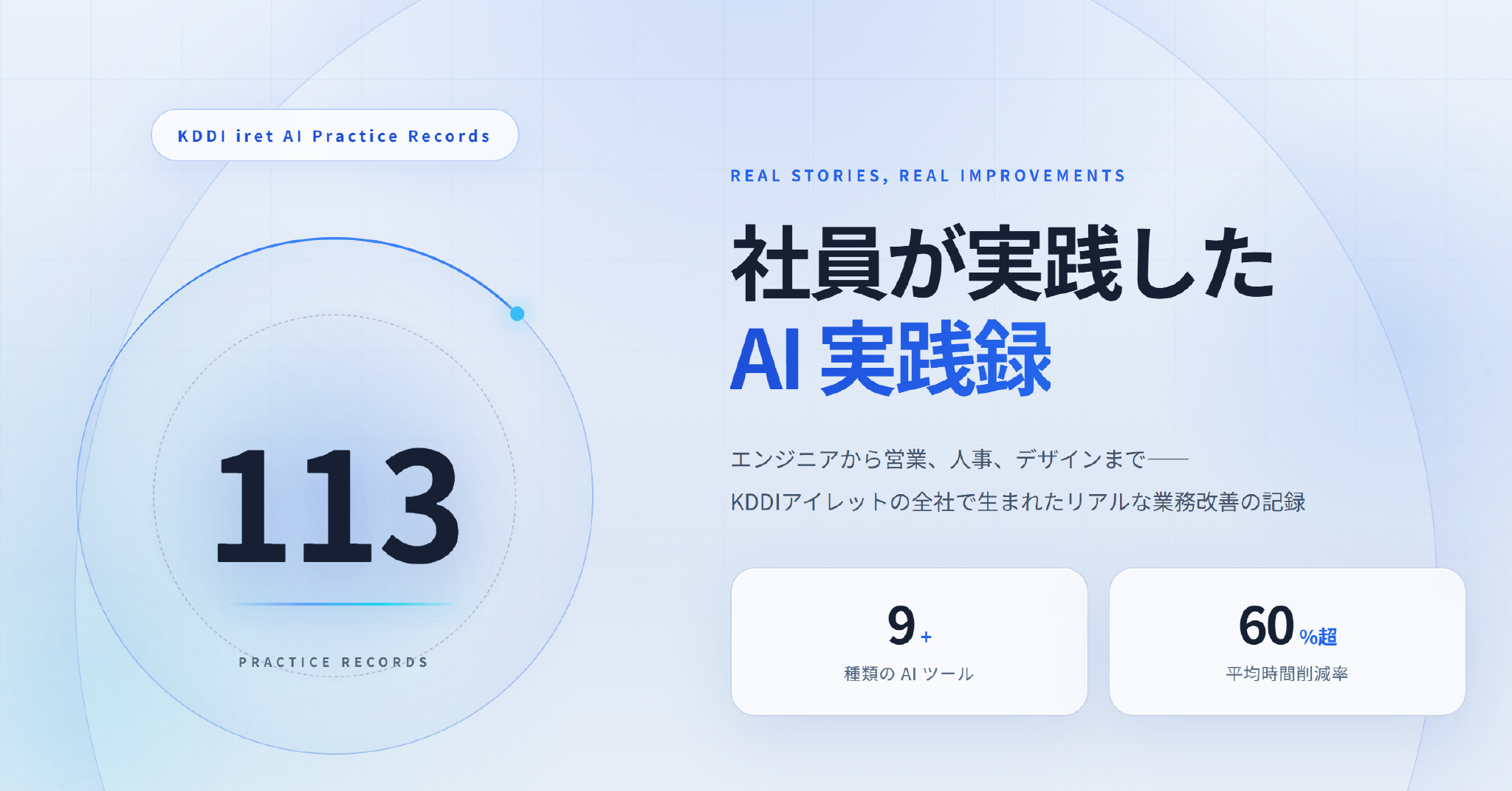
KDDI Ireet released a free site detailing 113 in-house AI use cases, 63 from engineering roles and 50 from non…
Microsoft announced on 28 October 2026 a voluntary buyout covering about 60,000 employees, roughly 27% of its…
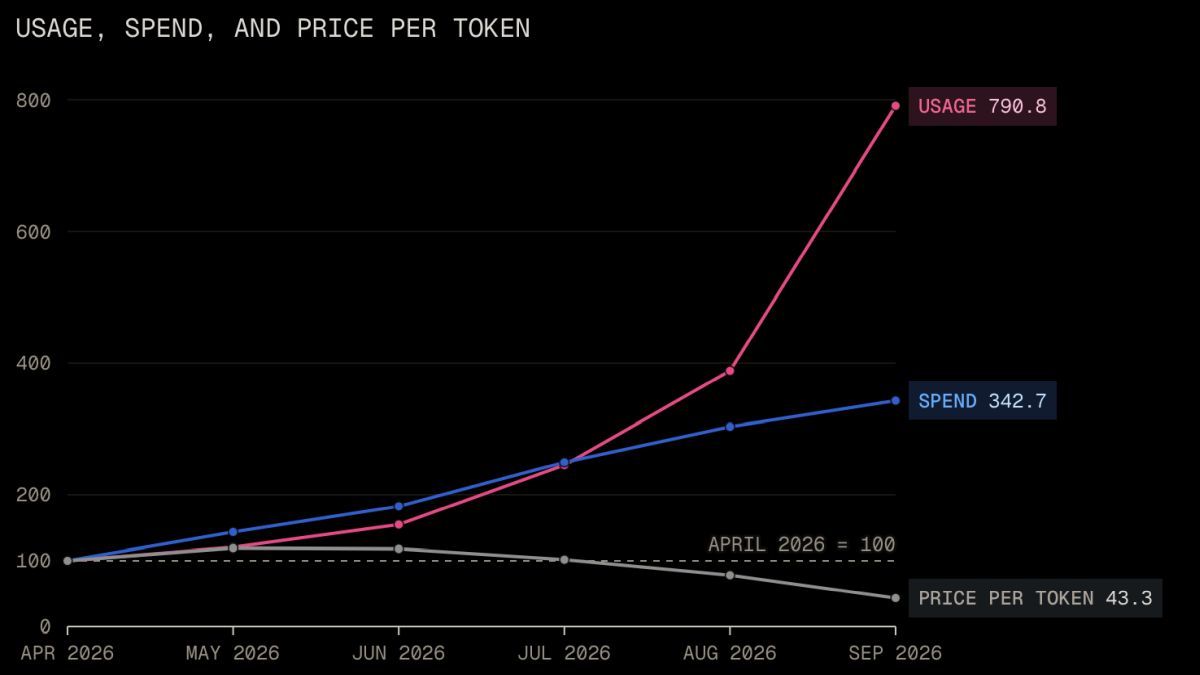
OpenAI and Anthropic cut LLM prices by up to 80% within a few months, and data scientist Max Woolf points to l…
Google said it is scaling high-quality ads within AI Overviews in AI Mode to more users and queries, taking it…

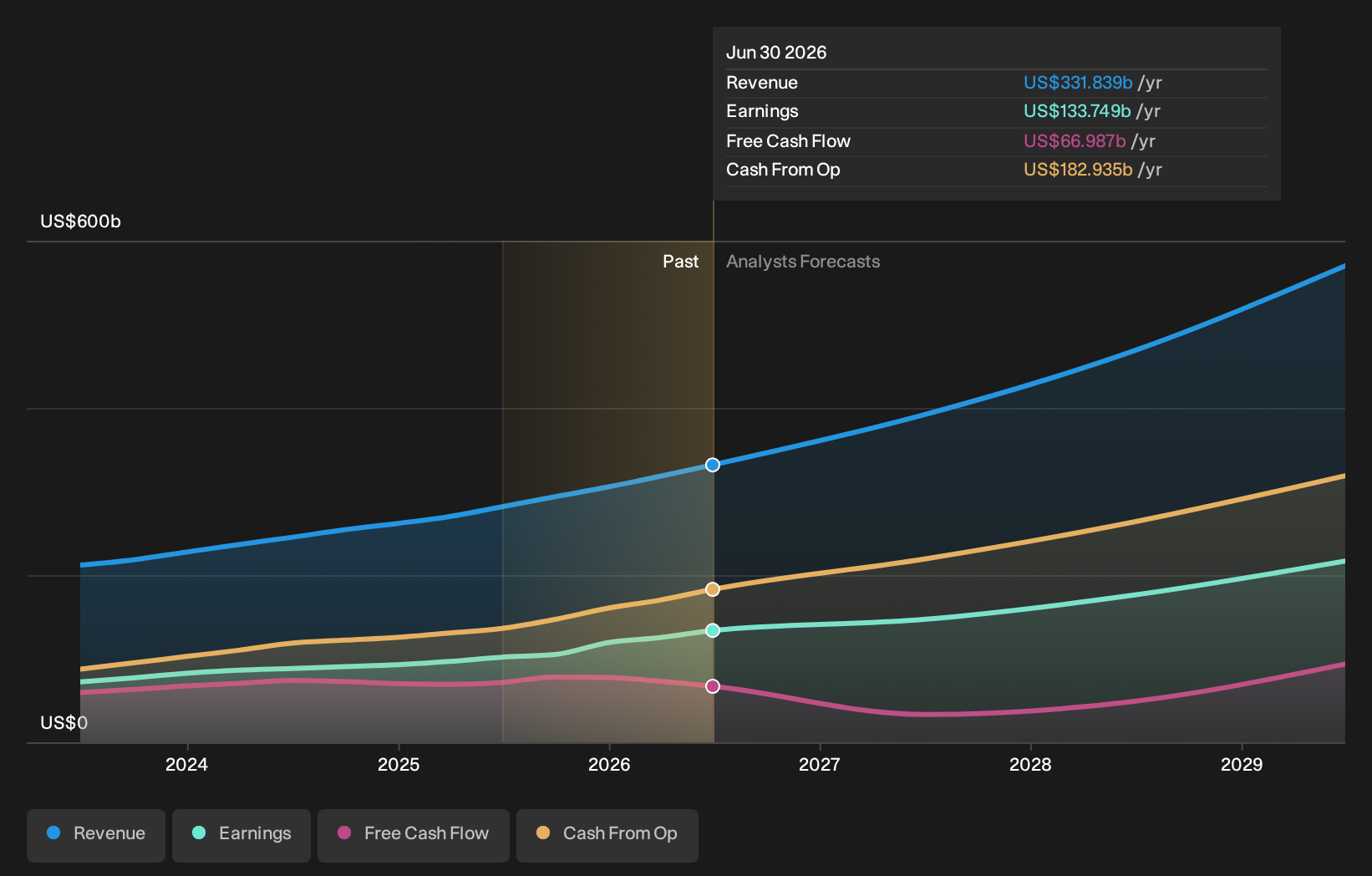
Microsoft reported $92.3 billion in quarterly revenue, up 19% year over year, and net income of $36.6 billion…