
What happened
Hugging Face and Amazon SageMaker AI announced a deep-link integration that lets developers move directly from discovering a model on Hugging Face to experimenting in SageMaker Studio. When clicking "Customize on SageMaker AI" or "Deploy on SageMaker AI" on supported models, developers land in Studio with the model pre-loaded, permissions pre-configured, and GPU quota visibility built in.
Why it matters
Previously, setting up SageMaker Studio after finding a model on Hugging Face required navigating multiple steps—opening the AWS Console, creating a domain, configuring permissions, sometimes requesting GPU quota—which slowed the path from discovery to hands-on work. The integration removes that friction, letting developers iterate faster without manual environment setup or permission troubleshooting. For teams using both platforms, this means staying focused on the task rather than switching between tools.
What to watch
The integration is available today on supported Hugging Face models. A new managed AWS policy, AmazonSageMakerModelCustomizationCoreAccess, is automatically created and attached, providing permissions for fine-tuning methods including supervised fine-tuning (SFT), direct preference optimization (DPO), reinforcement learning with verifiable rewards (RLVR), and reinforcement learning from AI feedback (RLAIF).
Summaries like this, in your inbox every morning.
The integration addresses a longstanding pain point in the model-to-deployment workflow. Developers using Hugging Face as a discovery platform and SageMaker as an experiment and deployment platform previously had to manually recreate context and permissions across both systems—a friction point that slowed iteration. By automating domain provisioning, attaching permissions on first use, and showing GPU quota availability upfront, Hugging Face and AWS have removed three of the most common setup bottlenecks.
The timing reflects a broader shift in how model development works. Developers now routinely browse pre-trained models, customize them on their data, and deploy them to managed infrastructure, often all in the same session. Hugging Face sits at the discovery layer, while SageMaker handles training and deployment. The deep-link integration makes both platforms feel like a single workflow rather than two separate services, reducing cognitive load and tool-switching overhead.
For AWS, the move also tightens Hugging Face's integration with its cloud ecosystem—potentially lowering friction for teams deciding where to host fine-tuning and inference workloads. For developers, the value is simpler: staying in flow instead of navigating menus and configuration dialogs.
Pick your industry and the AI tools you use, and get news related to your work every day.
Free · 30 seconds with Google · unsubscribe anytimeWhat is AIToday? →
Ask AI anything about this article. The AI reads this article, earlier AIToday articles, and Wikipedia, and cites its sources. Q&As are published on this page for other readers too.
Apple and Meta said they would jointly release a new open-weight AI model designed to run on high-end Macs, ai…
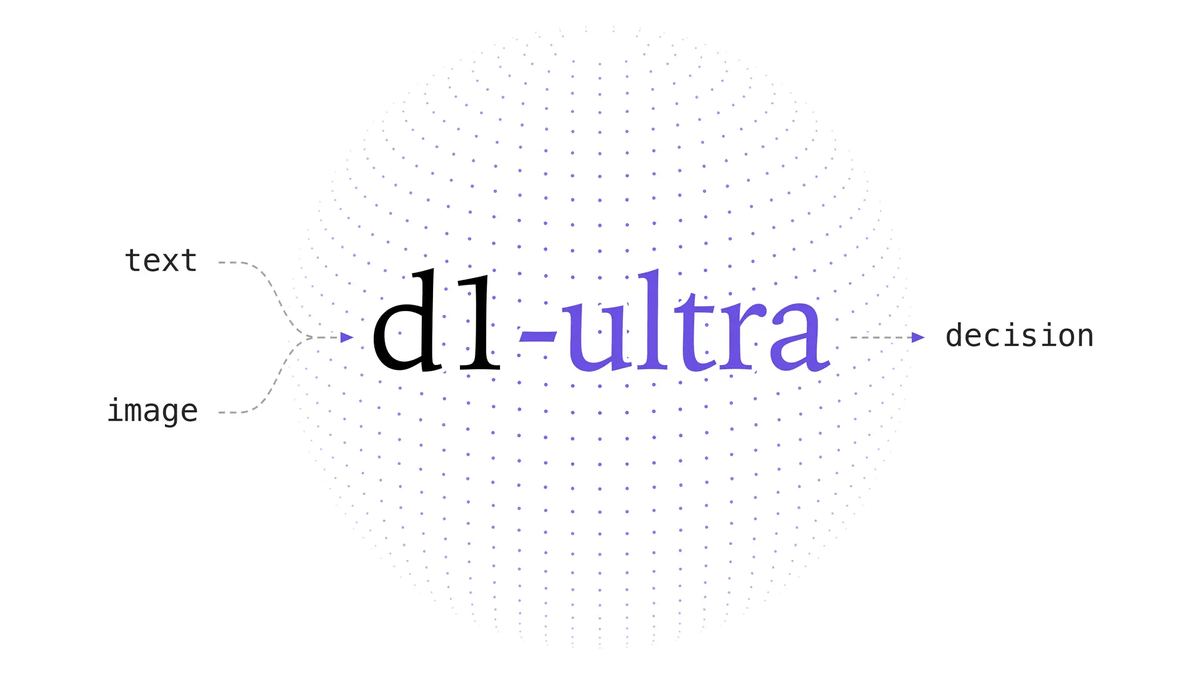
Liquid AI released d1-ultra on October 15, 2026, an upgraded open-weights decision model that averaged 76.7 ac…
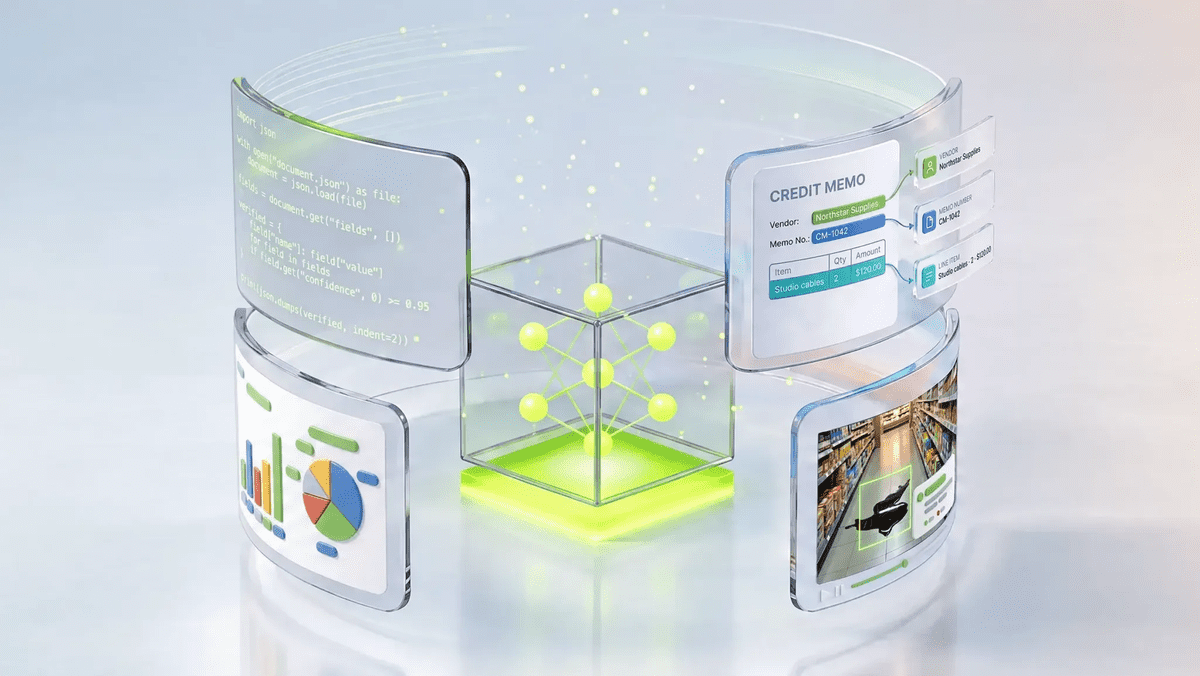
NVIDIA released Nemotron 3.5 Super VL, an open-weight model with 120 billion parameters that handles text, ima…
NVIDIA released Nemotron 3.5 Bolt 74B-A9B 24GB, an AI model for local agents that hits over 80 tokens per seco…
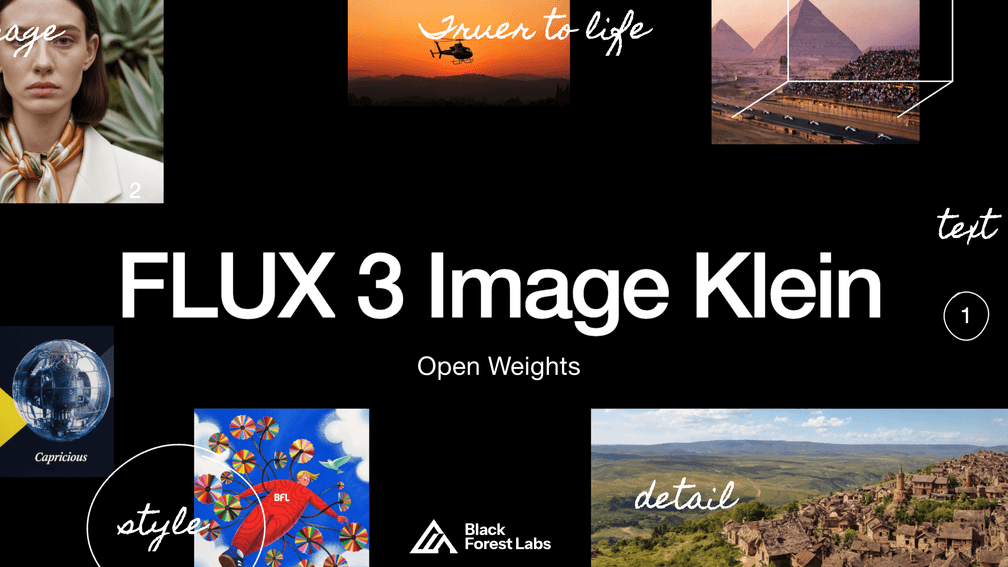
Black Forest Labs released FLUX 3 Image Klein as open weights on October 15, 2026 — a 5.6B-parameter model for…
PrismML released Ternary Bonsai 2 2B, 4B and 9B on October 15, 2026, remade from Qwen3.5 to process in three v…