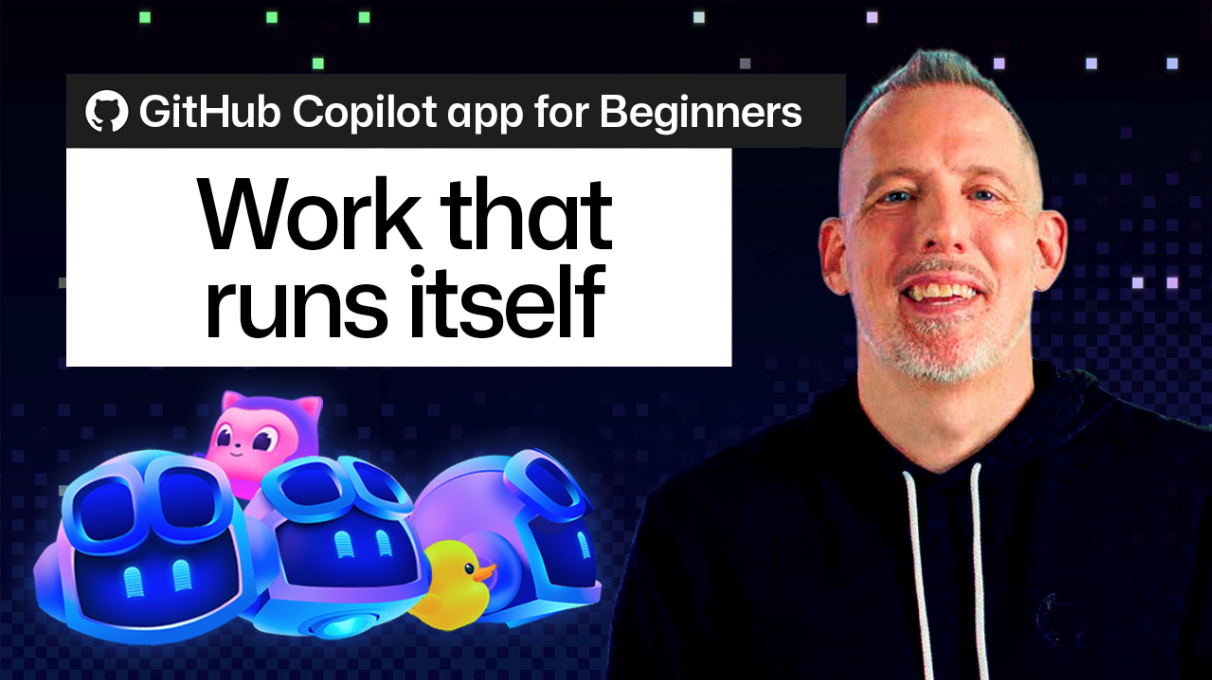
What happened
GitHub Copilot app automations can now handle first-round Dependabot pull request review, grouping them by risk, verifying CI status, and delivering a summary before your day begins.
Why it matters
This turns repetitive, low-difficulty work into background work, letting developers skip dozens of small merge decisions and focus on updates that need judgment. Every automation run is saved for transparency.
What to watch
You can schedule the automation to run daily before work, choose cloud or local execution, and when a summary flags a major upgrade, start a Copilot session directly from the results to continue the work.
Summaries like this, in your inbox every morning.
This guide addresses a common developer pain point: Dependabot regularly opens pull requests for security updates, and while reviewing them isn't hard, it's repetitive. The automation feature in GitHub Copilot app offloads that first round of review entirely, scheduling it to run before the workday starts so results are ready on login.
The workflow is built around natural language prompts, letting teams customize the triage criteria to match their own processes. Because every run is saved, the automation isn't a black box—developers can see when it ran and what actions it performed. The design also handles the transition from automated review to human judgment: when a summary flags a major upgrade, a Copilot session can begin directly from those results, preserving context and avoiding re-gathering information.
The practical advice is to start with a task you already do on autopilot, meaning the feature's value is in freeing attention for decisions that require expertise, not in replacing the developer entirely.
Pick your industry and the AI tools you use, and get news related to your work every day.
Free · 30 seconds with Google · unsubscribe anytimeWhat is AIToday? →
Ask AI anything about this article. The AI reads this article, earlier AIToday articles, and Wikipedia, and cites its sources. Q&As are published on this page for other readers too.
ElevenLabs completed a $300 million employee tender at a $22 billion valuation, and co-founder Mati Staniszews…

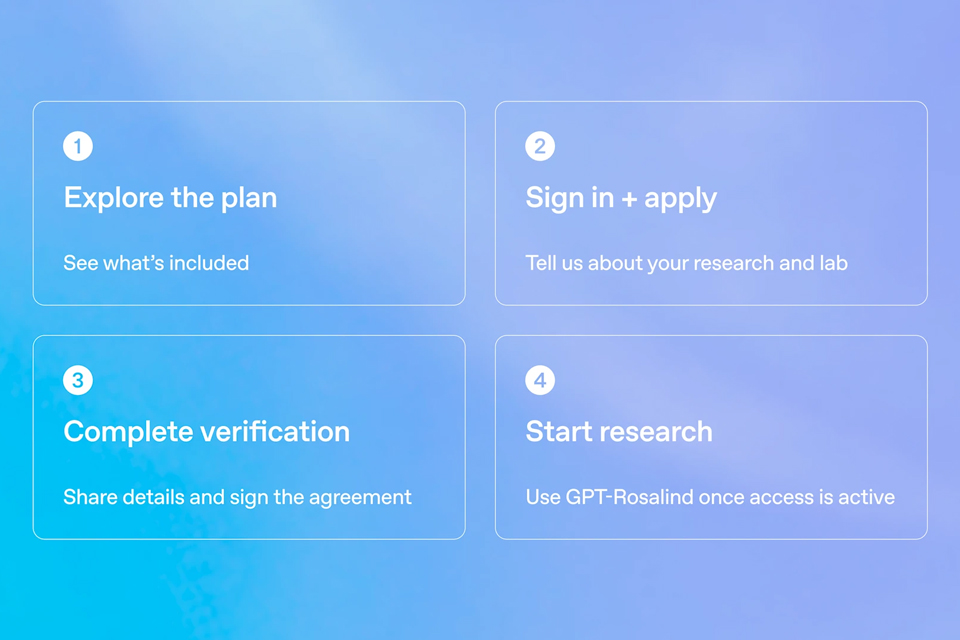
On October 15, OpenAI announced the Rosalind Academic Plan, giving approved US university labs free access to…
A Qiita article compared automated red-teaming methods for LLM apps — GCG, PAIR, and TAP — using mock implemen…

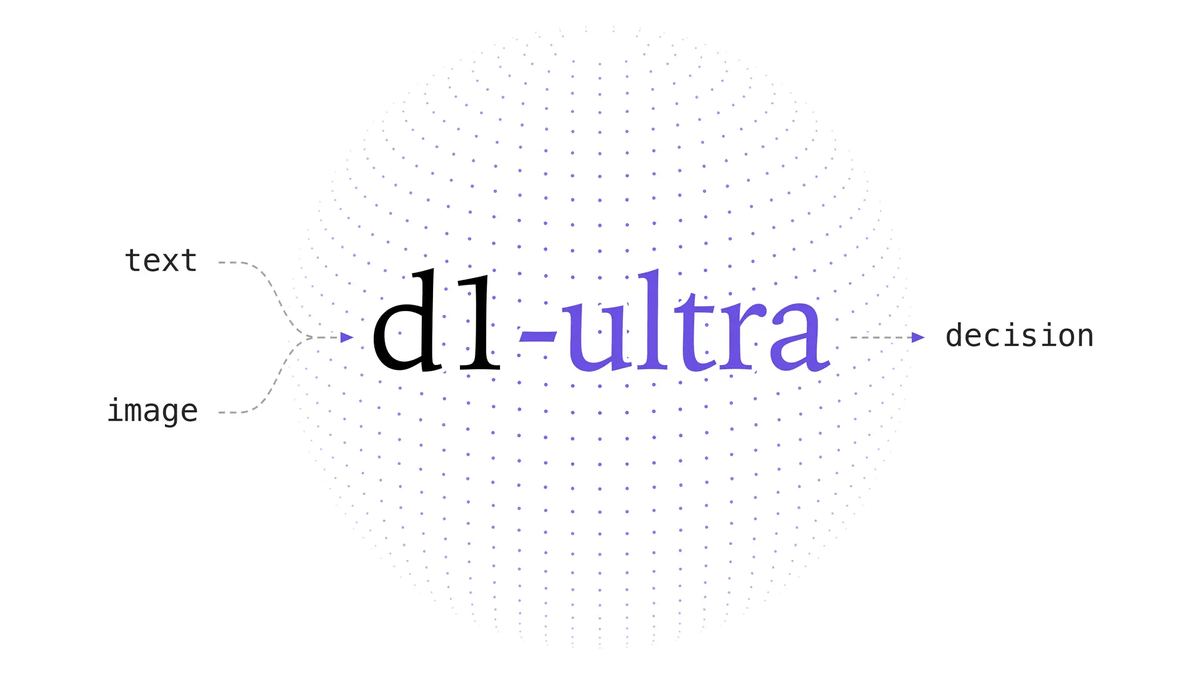
Liquid AI released d1-ultra on October 15, 2026, an upgraded open-weights decision model that averaged 76.7 ac…
Circlia started a proof-of-concept for TASTE SIGNAL: visitors to Holland Village Cafe FUKUOKA taste cookies an…

In a webinar hosted by French Mathematical Society president Isabelle Gallagher, Fields Medal winner Hugo Dumi…

