AIToday

Stuard AI brings local AI workspace to your PC, free forever

Hacker News2h agoSend on LINE
Stuard AI brings local AI workspace to your PC, free forever

Key takeaway

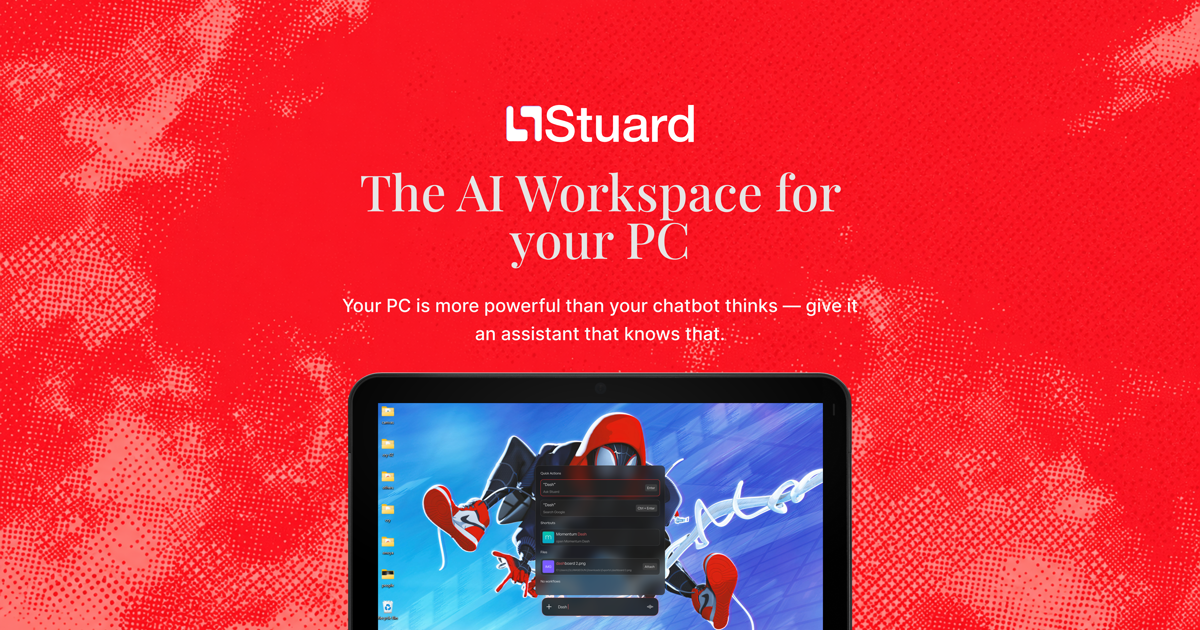
Stuard is a Windows desktop app that brings AI assistants directly to your PC, eliminating the need for multiple paid subscriptions and browser tabs. Instead of copying context between tools, you get one unified AI workspace with persistent memory that controls your real applications, finds your files, drafts emails, and automates repetitive tasks — all while keeping your data local and private by default. The core app is free forever, with optional paid cloud credits available from $5 for overnight jobs.

Summaries like this, in your inbox every morning.

Sign up free →

3 Key Points

  • What happened

    Stuard launched a desktop app for Windows that runs AI directly on your PC rather than in browser tabs. It provides a unified memory across multiple AI models, lets you automate tasks like email drafting and form-filling by controlling your actual apps and files, and offers free local use with optional paid cloud credits starting at $5.

  • Why it matters

    Instead of paying for multiple AI subscriptions and copying context between tabs, you get one persistent AI workspace on your machine that remembers your preferences and files, knows your accounts, and can work overnight on long research or automation tasks. All your data stays local by default — nothing trains on your data or leaves your PC without your permission.

  • What to watch

    Stuard is currently Windows-only (10/11), with a 2-minute install; Mac and Linux users are on a waiting list. The free tier covers local operation; cloud credits (for overnight jobs and extended research) start at $5 when you choose to use them.

In Depth

Stuard is a desktop workspace for Windows that integrates AI with your actual computer — not as a chat interface, but as an agent that can open your apps, read your files, and complete tasks as if you were doing them yourself. The core value proposition centers on unified memory: rather than explaining your context to ten different AI tools and copy-pasting between browser tabs, you tell Stuard once, and every model it uses (for writing, research, image generation, automation) shares that same context and remembers your preferences, past decisions, and project files.

The product emphasizes real execution over drafted suggestions. A demo shows Stuard writing an email directly into your Gmail inbox (ready to send, not a draft in a chat window), finding files by vague description ("that budget thing from March, the one with the blue chart"), filling out multi-field application forms by controlling your browser, and running existing applications on your desktop. For longer tasks, it can spawn sub-researchers in parallel across multiple search indexes, merging results and deduplicating by URL, then cite both public sources and your own local files in a single report saved to disk — and draft an email summarizing it without re-explaining the context.

Privacy is built into the architecture: files and chat stay on your machine by default, connected accounts are touched only under Google's Limited Use policy, every file edit is checkpointed so you can revert changes, and Stuard never trains on your data or sells it. You retain manual permission control until you explicitly hand over full access. For overnight work — scheduling agents to triage Gmail, reply on social media in your voice, or finish research reports — you can offload long jobs to the cloud while you sleep; Stuard can even notify you by call or text when tasks finish.

Pricing is free forever for local use on your PC. Cloud credits, which fund background execution and extended research, start at $5 when you choose to use them, framed as an alternative to replacing "$500 a month of AI subscriptions." The app is Windows 10/11 only and installs in 2 minutes; Mac and Linux users are invited to get in line for future availability.

Context & Analysis

Stuard positions itself as a replacement for the fragmented AI subscription model — where users pay for separate tools (ChatGPT, image generators, research assistants) and manually move context between them. By running as a local-first desktop application, Stuard sidesteps the tab-switching workflow and keeps your files, accounts, and chat history in one persistent workspace on your machine. The architecture reflects a privacy-first approach: your data never leaves your PC unless you explicitly move it to the cloud, and the app uses only your own API keys when you provide them. The free-forever positioning for local use is notable in a market dominated by subscription models; the optional paid tier emerges only when you delegate longer tasks to cloud compute overnight — a use case (research reports, email triage, form-filling) that benefits from persistent background execution. The Windows-only launch with Mac and Linux on a waiting list suggests a phased rollout strategy.

FAQ

How much does Stuard cost?
The desktop app is free forever on your PC. Cloud credits, used for overnight jobs and extended research, start from $5 when you choose to use them.
What platforms is Stuard available on?
Stuard is currently available for Windows 10/11 with a 2-minute install. Mac and Linux users can get in line for future availability.
Does Stuard train on or sell my data?
No. Stuard never trains on your data and never sells it. Your files stay on your PC by default unless you explicitly ask to sync, and connected accounts are touched only when you request it.

Get the latest Large Language Models news every morning

AI-summarized, only the topics you pick — one digest a day via Email, Slack, or Discord.

Free · takes 30 seconds · unsubscribe anytime

Discussion

No comments yet. Be the first to share your thoughts!

Log in to join the discussion

Related Articles

Stay ahead with AI news

Get curated AI news from 200+ sources delivered daily to your inbox. Free to use.

Get Started Free

Free · takes 30 seconds · unsubscribe anytime