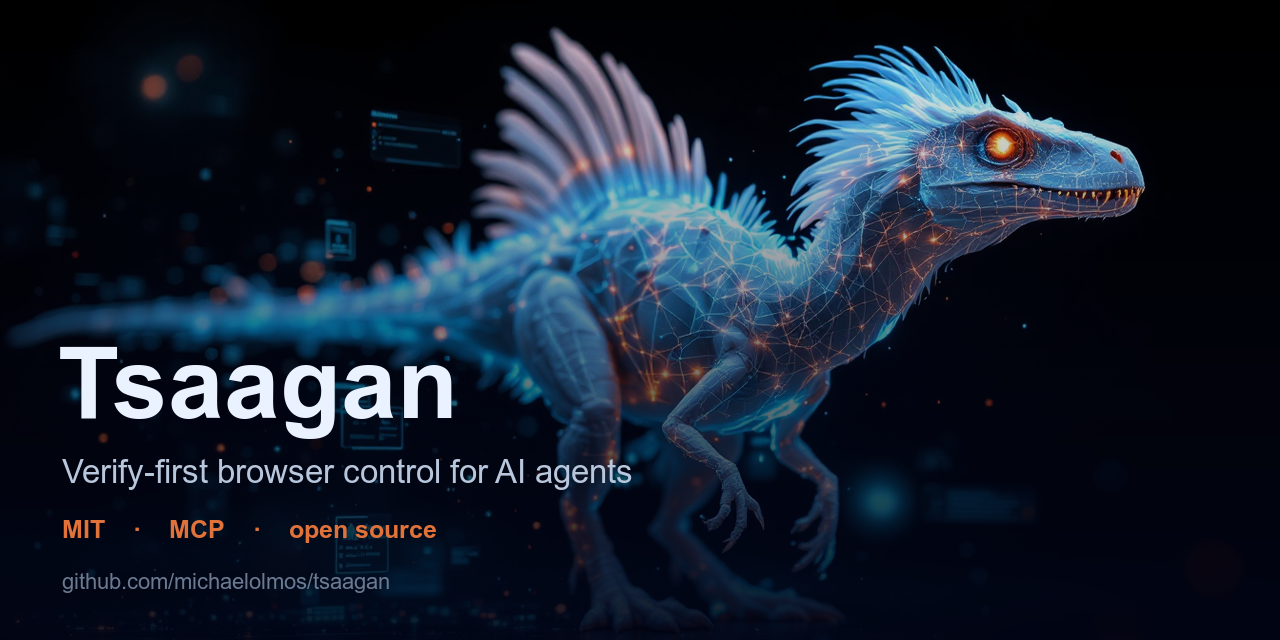
Michael Olmos released Tsaagan, an open-source browser-control tool that gives AI agents the ability to autonomously handle web tasks — logging in, clicking, filling forms, and retrieving data — on accounts and systems they are authorized to use. The tool's defining feature is structural verification: it confirms that each action succeeded (by checking URL changes, text appearance, or network state) rather than trusting the AI's guess, making automation reliable enough to run unattended. Credentials stay in your local keychain, and the tool deliberately stops at CAPTCHAs and irreversible actions to keep humans in control.
Summaries like this, in your inbox every morning.
Sign up free →What happened
Michael Olmos released Tsaagan, an open-source tool that lets AI agents autonomously control a real web browser — logging in, clicking, filling forms, and pulling data — while verifying that each action succeeded before proceeding. The tool operates as a CLI, library, or HTTP server and supports multiple LLMs (Claude, OpenAI, Anthropic, Groq, local models).
Why it matters
Today, AI agents stall when browser work is needed, forcing humans to take over for login, form-filling, and data retrieval tasks. Tsaagan closes that gap by giving agents 'hands' on the web — automating repetitive browser tasks on accounts and systems you own or are authorized to access. It stores credentials locally in your OS keychain, refuses to solve CAPTCHAs or violate site terms, and stops at irreversible actions (buy, send, delete) to hand control back to you.
What to watch
Tsaagan is early (GitHub stars still climbing as of Jun 2026, WebVoyager benchmark score in progress) and self-hosted only — no cloud option. Its core differentiator is verify-first: structural proof (URL change, expected text, console errors) that each action worked, which the article claims other tools (browser-use, stagehand, playwright-mcp, skyvern) do not offer as core functionality. It is MIT-licensed and runs on Node.js, with Python and JavaScript SDKs available.
Tsaagan is a browser-control toolkit for AI agents that Michael Olmos built to close the gap between agent reasoning and real-world browser work. The problem it solves is straightforward: agents can plan, write, and code, but the moment a task requires logging in, clicking through a dashboard, or pulling data from behind authentication, the agent stalls and a human must take over. Tsaagan gives agents "real hands on the web" so they can finish that work autonomously.
The tool is built on three core ideas. First, it practices patient perception followed by precise action: it reads the page's accessibility tree, picks the exact right element, acts, and then proves the action worked by checking real page state (did the URL change? is the expected text visible? are there console errors?). This verification step — checking the actual outcome rather than trusting the AI's guess — is what Olmos identifies as Tsaagan's structural advantage over competing tools. Second, it uses the lightest capability layer that works: if a site has an official API, Tsaagan calls it directly with credentials stored in your OS keychain; if not, it drives the real Chrome browser with trusted input (no debug port needed); for the middle of the web, it uses Playwright on the real Chrome binary. Third, it learns and remembers: it stores successful procedures per domain, converts failures into one-line lessons via LLM reflection, and uses semantic recall (ranked by relevance, importance, and recency) so recurring tasks get better over time.
Tsaagan can be deployed four ways: as a CLI that a developer or agent drives verb-by-verb (tsaagan snapshot, tsaagan click, etc.); as a bundled skill and agent for Claude Code, which reads the skill and drives the loop automatically; as an SDK (JavaScript or Python) that calls the daemon directly; or as an MCP server or HTTP endpoint that other tools and agents can invoke. The brain — the AI reasoning engine — is pluggable: it can be Claude Code (where the skill teaches Claude how to use Tsaagan), Codex or ChatGPT CLI, Cursor, or any LLM you choose for autonomous runs. For autonomous operation, you pick an LLM provider (Groq by default, or OpenAI, Google Gemini, Anthropic, xAI Grok, local Ollama, or any OpenAI-compatible endpoint) and set the environment variable; Tsaagan itself makes no LLM calls unless running autonomously — it is pure perception, action, and verification.
On the verification side, Tsaagan addresses two common failure modes of browser-agent stacks. Most rely on ephemeral element IDs that break the moment the page changes; Tsaagan addresses elements by accessibility-tree references and re-snapshots and re-locates them automatically if a reference goes stale. Most trust the model's guess that an action succeeded; Tsaagan returns a verify block after every action, built from real page state (URL delta, expected text, console errors, failed network requests), so the agent knows whether it actually worked. The tool also handles hard cases — iframes, shadow DOM, popups, cookie banners, file uploads and downloads, multi-tab scenarios — and supports authentication flows including cloned Chrome profiles, one-shot login, and TOTP-based 2FA (RFC 6238).
Tsaagan deliberately does not defeat CAPTCHAs or anti-abuse walls; when it encounters them, it stops and hands control back to the human. It also requires explicit human confirmation on consequential, irreversible actions (buy, send, delete). All credentials are stored in your OS keychain, and memory lives on your machine (~/.tsaagan/brain.db), not in the cloud or embedded in a model. The tool is MIT-licensed, written in Node.js, and available on GitHub. As of June 2026, Olmos notes it is early — fewer GitHub stars than browser-use (~99k), stagehand (~23k), playwright-mcp (~34k), and skyvern (~22k) — and its WebVoyager benchmark score is still in progress. The tool is self-hosted only and has no cloud or managed option. What it uniquely offers, according to the comparison table in the article, is verify-first architecture (structural proof per action), an API-first layer (skip the browser when a site has an API), self-healing stable accessibility-tree references, a local OS-keychain vault with TOTP/2FA support, cross-session site memory with semantic recall, trusted input modes that need no CDP debug port, and the ability to run fully offline and local.
Tsaagan addresses a well-known friction point in agentic workflows: the handoff moment when an AI agent's reasoning and planning abilities hit a wall the moment real-world browser interaction is required. The creator, Michael Olmos, encountered this repeatedly in his own work and built the tool to bridge that gap. The core insight is that agents can think, write, and code, but the moment a task requires logging in, clicking through a portal, or pulling data from behind authentication, the agent stalls and a human must take over — losing time and breaking the automation loop.
What sets Tsaagan apart from the existing browser-agent ecosystem (browser-use, stagehand, playwright-mcp, skyvern) is its emphasis on verification rather than speed or scale. Other tools rely on the AI model's perception of success; Tsaagan insists on structural proof. After every action, it reads real page state (URL, visible text, console errors, network requests) and reports back whether the action actually worked. This shifts the mental model from "automation that mostly works" to "automation you can trust to run unattended." The tool also bakes in guardrails: it refuses to solve CAPTCHAs, stops at consequential actions (purchases, sends, deletes), and enforces local credential storage in the OS keychain rather than the cloud.
The tool is deliberately narrow in scope: it is not for defeating security, evading site terms, or automating unauthorized access. Instead, it targets the broad middle — repetitive work on accounts and systems you already own or have permission to use. This ethical positioning, encoded in the Acceptable Use Policy and design choices, is as much part of the offering as the technical architecture.
AI-summarized, only the topics you pick — one digest a day via Email, Slack, or Discord.
Free · takes 30 seconds · unsubscribe anytime
No comments yet. Be the first to share your thoughts!
Log in to join the discussion





Get curated AI news from 200+ sources delivered daily to your inbox. Free to use.
Get Started FreeFree · takes 30 seconds · unsubscribe anytime
1 minute a day. The AI essentials.
200+ sources · Email / LINE / Slack
