
What happened
Adobe has updated its Indigo camera app with an "AI Playground" suite of generative AI tools — including style filters, object removal, photo guidance suggestions, and a custom edit prompt tool. The app now uses Google's Nano Banana AI model for these features. Free access is being tested with a small percentage of Indigo users over the next few weeks, with an opt-out button available.
Why it matters
Indigo launched last year as a camera app focused on computational photography and manual controls to replicate SLR-quality iPhone photos. Adding generative AI editing directly inside the app transforms it from a pure capture tool into an integrated mobile camera-and-editing experience. Adobe says it is experimenting to learn how people use AI-powered editing and may eventually offer a paid version if the feature proves popular.
What to watch
Adobe is working toward adding C2PA Content Credentials — a metadata standard for identifying AI-manipulated content — to images edited by Indigo's tools. The company notes that Nano Banana already applies Google's invisible SynthID watermark. Adobe fellow Marc Levoy emphasized that responsibility in use remains the user's responsibility, not just the tool's.
Summaries like this, in your inbox every morning.
Indigo launched last year as a computational-photography camera app aimed at mobile photographers who wanted manual controls — focus, shutter speed, ISO, white balance — and the algorithmic enhancements of a dedicated camera tool rather than a standard iPhone camera. The initial positioning was narrow: a camera app built by and for camera enthusiasts. With the 1.1 update, Adobe is broadening that scope dramatically by embedding generative AI editing directly into the workflow, moving Indigo from capture-focused to capture-and-edit-integrated. This shift aligns with Levoy's statement at the app's launch that Indigo represented "the beginning of a journey" toward leveraging both computational photography and AI.
The choice to use Google's Nano Banana model rather than Adobe's own Firefly is noteworthy and suggests Adobe is prioritizing the right tool for the task over brand consolidation. Nano Banana is positioned as a lightweight model suited to on-device or fast inference, which fits a mobile editing workflow. Adobe's approach to AI transparency here is notably lighter than its usual posture — the company is still working toward adding C2PA Content Credentials to AI-edited images, whereas Firefly already carries those standards widely. This gap may reflect the experimental nature of the Indigo rollout or the constraints of using a third-party model.
Pick your industry and the AI tools you use, and get news related to your work every day.
Free · 30 seconds with Google · unsubscribe anytimeWhat is AIToday? →
Ask AI anything about this article. The AI reads this article, earlier AIToday articles, and Wikipedia, and cites its sources. Q&As are published on this page for other readers too.
In Q2, billionaires or their funds sold six 'Magnificent Seven' AI stocks
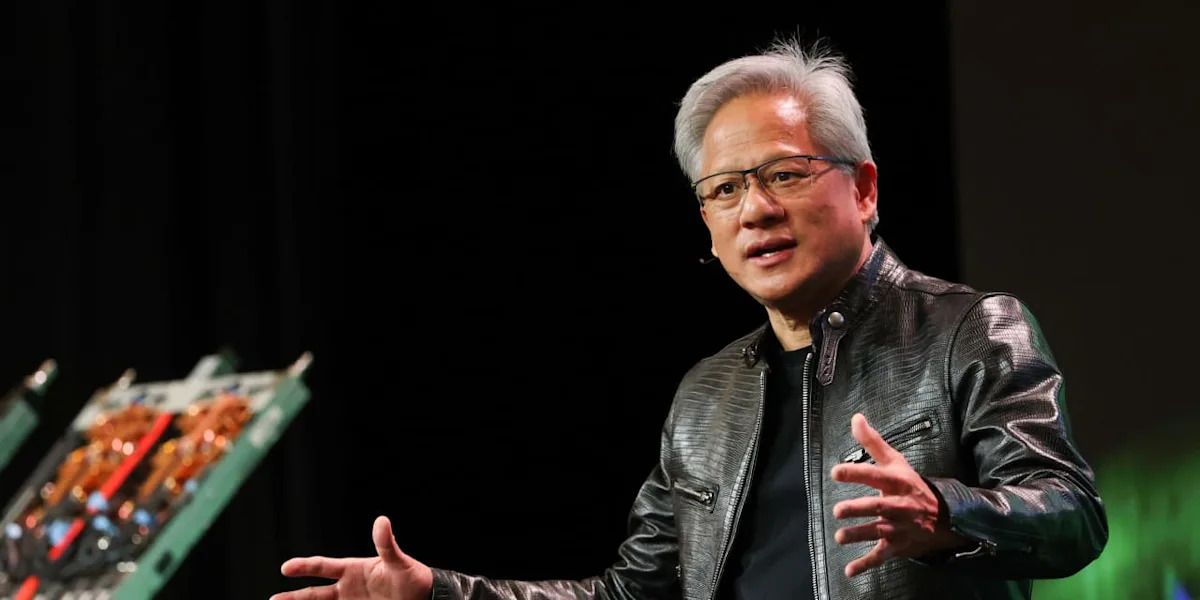
Nvidia was rising early Friday, even as the wider chip sector kept falling, Barron's reported
ElevenLabs completed a $300 million employee tender at a $22 billion valuation, and co-founder Mati Staniszews…

On October 15, OpenAI announced the Rosalind Academic Plan, giving approved US university labs free access to…

Neostellar Capital principal Evan Schlossman said CoreWeave's $103.7 billion in remaining performance obligati…
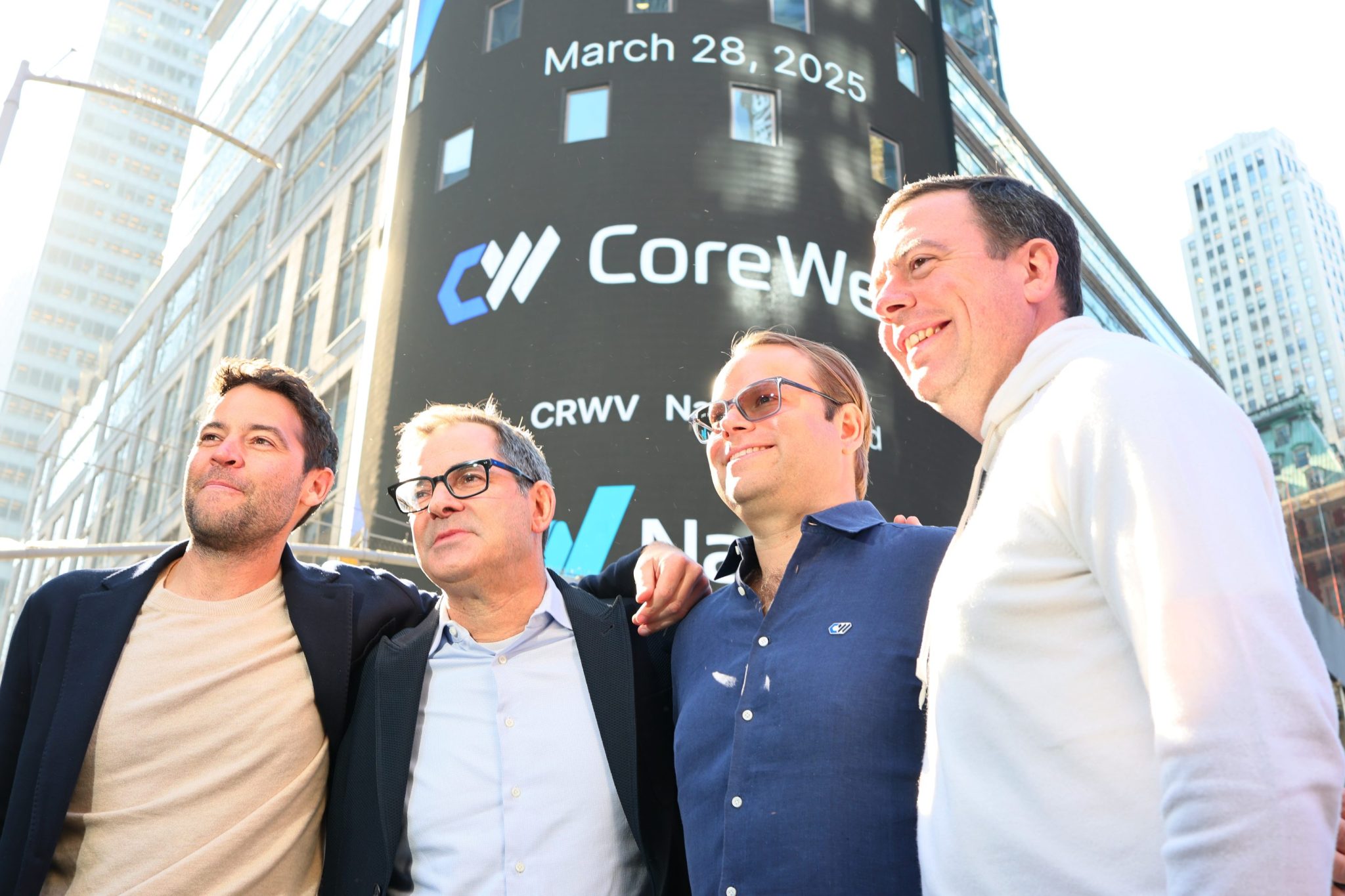
Supermicro Computer appointed Mark Long as chief financial officer, bringing an experienced technology finance…