
What happened
yagura v0.1.0 was released as a desktop app for Windows, macOS and Linux that runs Claude Code, Codex CLI, Antigravity CLI and plain shells in one window layout, with a bundled MCP server named yagura-mcp handling agent-to-agent handoffs.
Why it matters
the app shows which window is running, waiting for input or waiting for approval, and it routes any action one agent takes on another window through an approval dialog, so cross-vendor agent work stays under human control.
WHO IT HITSDevelopers and small engineering teams who already run several agent CLIs in separate terminals, and who have to copy output between windows by hand, get a single pane with status badges and an approval gate. IT policies that restrict unapproved code will also care, since each CLI still logs in on its own.
Summaries like this, in your inbox every morning.
The release addresses a specific friction that appears once developers use more than one agent CLI: output has to be copied by hand between terminals, waiting windows get forgotten, and closing a terminal kills the running agent. yagura's windows are real terminals, held by a background daemon, so agents keep running when the GUI is closed, and the previous layout can be restored on the next launch.
Its cooperation features are more than window tiling. The bundled yagura-mcp server gives agents tools to list, open, read, message and close windows, so one agent can ask another to review a change and know whether the request was received. A shared chat room lets agents and the user address each other by @name, @parent or @user, and stops itself and waits for the user if agent conversation loops. For larger jobs, an agent can hand yagura a plan of tasks and dependencies; yagura splits the work into waves, refuses tasks that would write to the same file at once, and opens a window per task using the CLI, model and effort the user assigned.
Control stays with the user by design. Actions aimed at another window pass through an approval dialog, and new plans open no task windows before approval. The default auto-approval set is narrow — only chat posts and opening windows — and everything else can be enabled per tool in Settings > Approvals. The app also leaves each CLI's login alone, an onboarding choice that keeps setup simple but means users must install and sign in to the agent CLIs themselves.
Pick your industry and the AI tools you use, and get news related to your work every day.
Free · 30 seconds with Google · unsubscribe anytimeWhat is AIToday? →
Ask AI anything about this article. The AI reads this article, earlier AIToday articles, and Wikipedia, and cites its sources. Q&As are published on this page for other readers too.
ElevenLabs completed a $300 million employee tender at a $22 billion valuation, and co-founder Mati Staniszews…

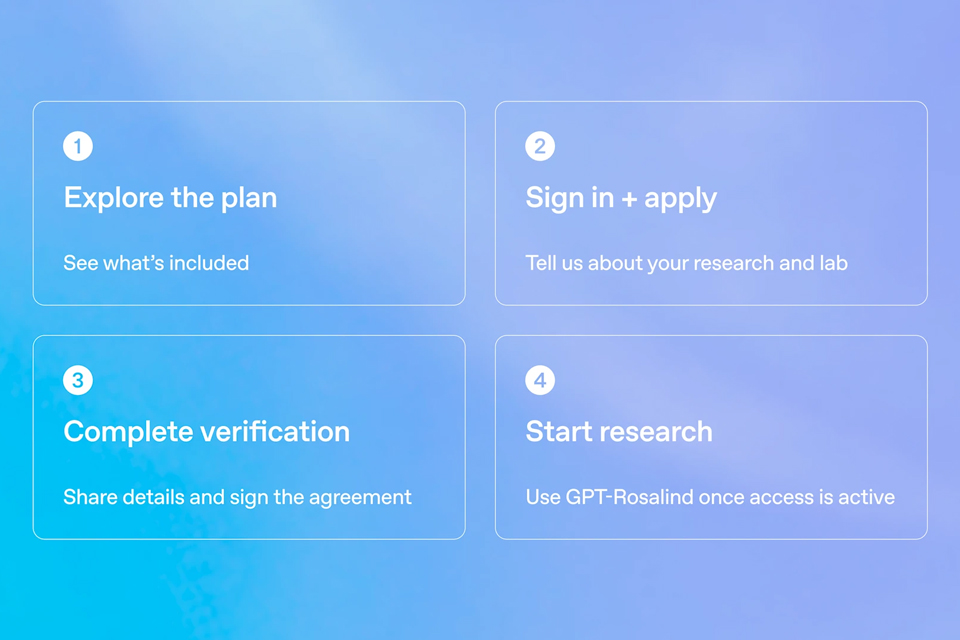
On October 15, OpenAI announced the Rosalind Academic Plan, giving approved US university labs free access to…
A Qiita article compared automated red-teaming methods for LLM apps — GCG, PAIR, and TAP — using mock implemen…

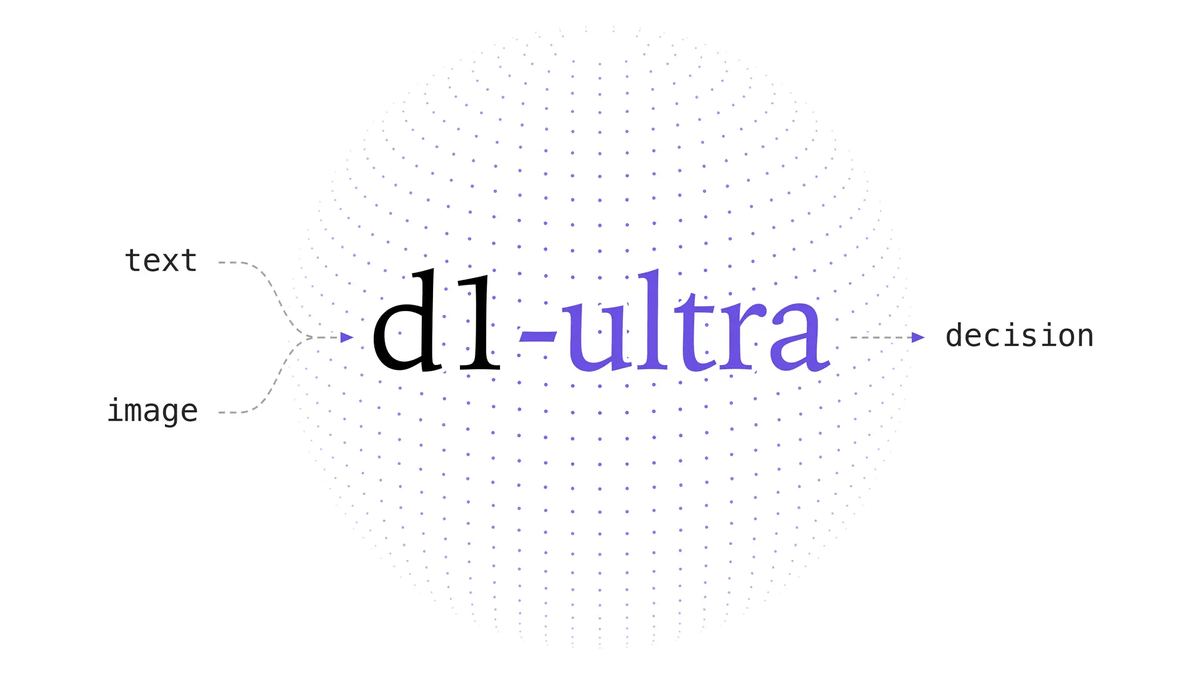
Liquid AI released d1-ultra on October 15, 2026, an upgraded open-weights decision model that averaged 76.7 ac…
Circlia started a proof-of-concept for TASTE SIGNAL: visitors to Holland Village Cafe FUKUOKA taste cookies an…

In a webinar hosted by French Mathematical Society president Isabelle Gallagher, Fields Medal winner Hugo Dumi…

