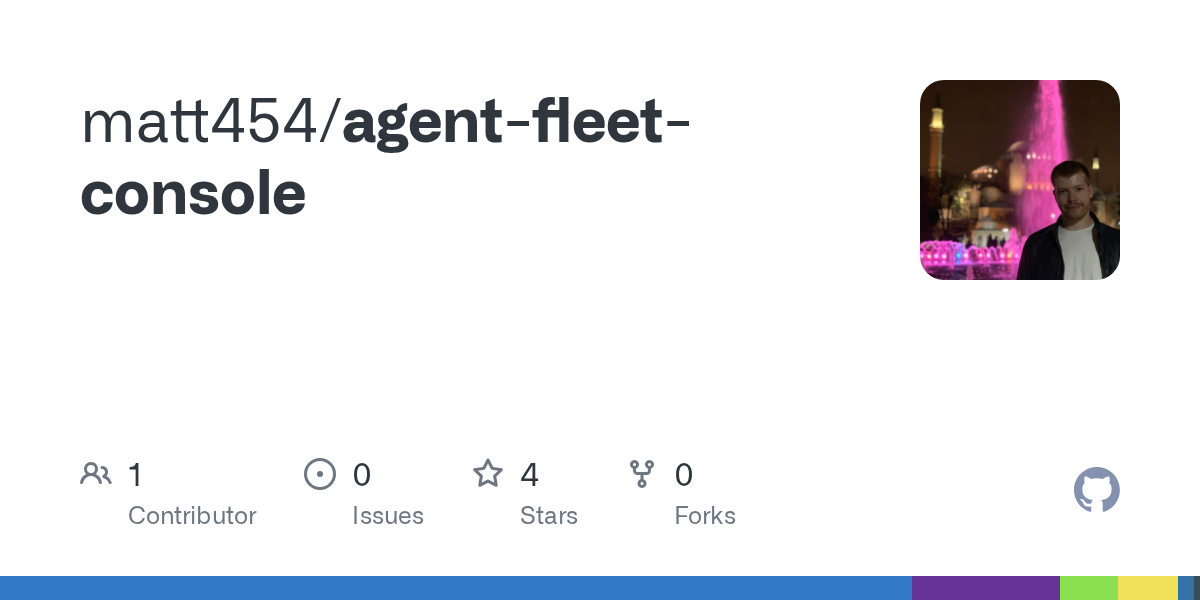
Fleet is a web-based control plane for managing multiple Dockerized Hermes AI agents on trusted machines. It consolidates agent monitoring, chat access, credential management, and remote node coordination into a single dashboard while keeping runtime state and secrets local by default. The tool is designed for technical operators running personal or team infrastructure and is available now through npm setup.
Summaries like this, in your inbox every morning.
Sign up free →What happened
Fleet is a new local-first web console designed to create, configure, monitor, and operate Dockerized Hermes agents across one or more trusted machines. It provides a single operator view for managing service health, provider defaults, shared credentials, chat sessions, and remote nodes, along with features like backups, restores, clones, VNC access, and terminal connectivity.
Why it matters
Teams and individuals running personal or team-controlled agent infrastructure on workstations, homelabs, or trusted LANs gain a unified dashboard to coordinate multiple agents without moving runtime state and secrets outside their local environment. The tool addresses the operational complexity that arises once more than one agent is running, making it easier to manage what would otherwise become unwieldy.
What to watch
Fleet requires Node.js 20+, npm 10+, Docker with Docker Compose v2, and optionally nemohermes on PATH for sandbox agents. The console binds to 0.0.0.0 by default for trusted LAN access but keeps local-only mode available by setting HERMES_CONSOLE_HOST=127.0.0.1, and requires API authentication when exposed to a network.
No comments yet. Be the first to share your thoughts!
Log in to join the discussion

Get curated AI news from 200+ sources delivered daily to your inbox. Free to use.
Get Started FreeFree · takes 30 seconds · unsubscribe anytime
1 minute a day. The AI essentials.
200+ sources · Email / LINE / Slack