What happened
The article recommends organizing a reference image into three parts—subject and composition, light and background, then mood—and says Promptelle's image-to-prompt generator can draft the prompt for you.
Why it matters
Separating what is visible from stylistic wording appears to make generated layouts more stable, since vague composition or stacked contradictory styles tend to scatter the results.
What to watch
The article's method hinges on adding missing elements one at a time after checking output, so it is worth testing whether that step-by-step approach produces a reusable prompt.
WHO IT HITSThis lands on designers, illustrators, and content creators who write image-generation prompts, especially those who work from reference photos and want more predictable layouts rather than piling on adjectives.
Summaries like this, in your inbox every morning.
The article frames prompt writing as an observation exercise rather than a vocabulary exercise. Its first recommendation is to split a reference image into what is present and where it sits, giving the example of a portrait where you specify the number of people, the impression of their age, their gaze, whether the shot is upper body or full body, and the camera distance. Specifying only an art style while leaving composition vague, it says, makes the generated layout hard to stabilize.
The second and third recommendations build on that base. Light and background should be described from observable facts—the direction of the light source, its hardness, the time of day, and the depth of the background—so that abstract phrases like "beautiful lighting" become concrete observations such as soft side light coming through a window or a background blurred with shallow depth of field. Only after subject, composition, light, and background are organized should mood be added, through things like a warm-toned film look, natural skin texture, or restrained grain.
The article then presents Promptelle as a starting point for people who find it hard to put an image into words, noting that its image-to-prompt generator can produce a draft from a reference image that users then edit. Its advice for refinement is incremental: after reviewing the output, add only the missing elements one at a time. That habit, the article suggests, makes it easier to see which instruction affected the result and to grow the prompt into something reusable.
Pick your industry and the AI tools you use, and get news related to your work every day.
Free · 30 seconds with Google · unsubscribe anytimeWhat is AIToday? →
Ask AI anything about this article. The AI reads this article, earlier AIToday articles, and Wikipedia, and cites its sources. Q&As are published on this page for other readers too.
Alibaba's Qwen team open-sourced Qwen-Image-2.1 on September 20, 2026 — a 7B model generating 2048×2048 images…
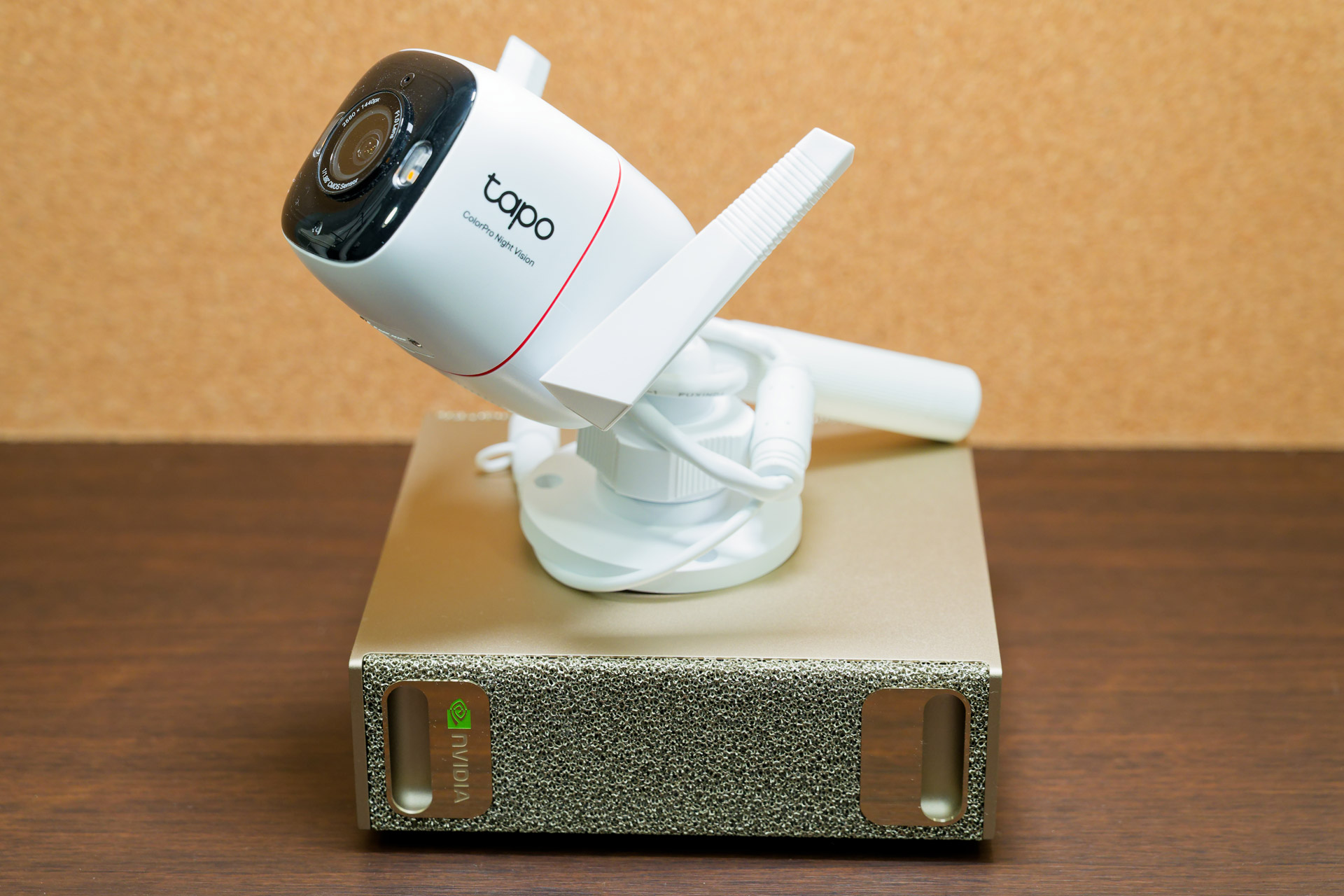
The author moved his local-AI surveillance camera system onto a 128GB DGX Spark, adding the larger Qwen 3-VL 3…
A seven-part Qiita series on the math behind image-generation AI concluded by tracing a relay from Pascal Vinc…

AMD said it signed a definitive agreement to buy World Labs, the AI company led by Fei-Fei Li, in an all-stock…

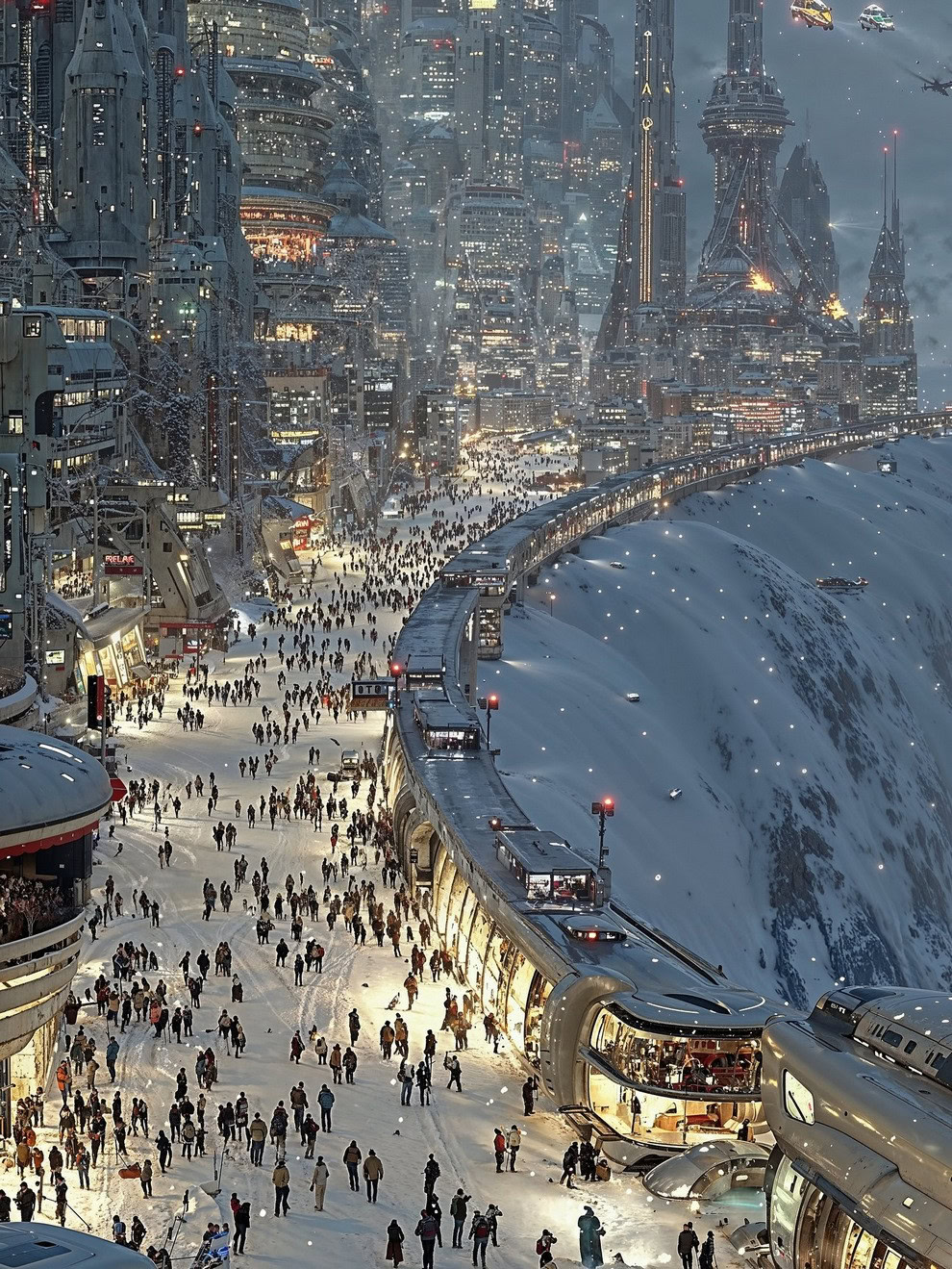
Corey Danaher, a British futurist and 3D spatial designer, reimagines urban environments with AI-driven archit…
AWS published a code sample deploying a real-time endpoint for FLUX.2-klein-4B image generation and an asynchr…