What happened
Twitch has added a toggle in its Security and Privacy settings that lets streamers opt out of having their content — streams, VODs, clips, chat, and channel text and images — used to train Amazon's generative AI models. The toggle was set to "on" by default when discovered.
Why it matters
Streamers who are uncomfortable with their content feeding Amazon's text, audio, image, or video generation models can now prevent that use. Other AI-supported Twitch features like captions and safety tools remain unaffected by opting out. The move gives creators control over a specific use of their content, though opting out does not prevent Amazon and Twitch from using content for other purposes listed in Twitch's Privacy Notice.
What to watch
The toggle is now available in Twitch settings under the Security and Privacy tab. Notably, if a streamer participates in chat on another person's stream, that other person's opt-out preference determines whether that chat can be used for training — individual streamers cannot unilaterally protect chat they participate in on others' channels.
Summaries like this, in your inbox every morning.
Amazon's use of Twitch content for training generative AI models has been a background practice, but Twitch's new opt-out toggle represents a formal acknowledgment that streamers may object to this use. By placing the toggle in the Security and Privacy tab and setting it to "on" by default, Twitch appears to be framing generative AI training as an opt-out rather than opt-in activity — meaning streamers must actively disable it rather than agree to it. This differs from other AI-supported features like captions and AutoMod, which continue regardless of the opt-out choice, underscoring Twitch's distinction between generative AI training (which streamers can now refuse) and other operational AI uses that benefit the platform and community. The rule governing chat on other streamers' channels — where the channel owner's preference takes precedence — reflects the complexity of shared spaces on streaming platforms and may limit the practical scope of individual opt-outs for chatters who frequent multiple channels with different preferences.
Pick your industry and the AI tools you use, and get news related to your work every day.
Free · 30 seconds with Google · unsubscribe anytimeWhat is AIToday? →
Ask AI anything about this article. The AI reads this article, earlier AIToday articles, and Wikipedia, and cites its sources. Q&As are published on this page for other readers too.
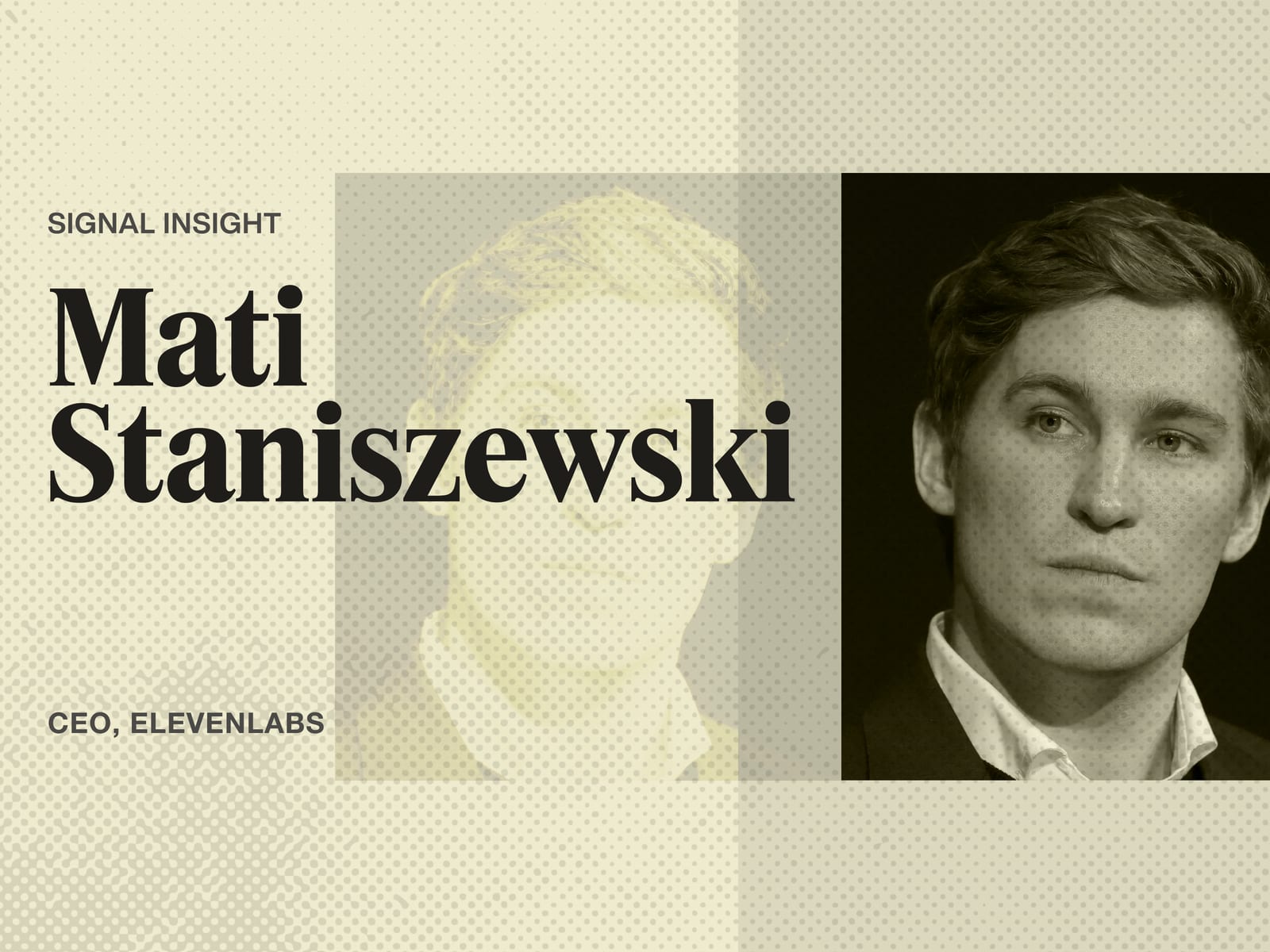
ElevenLabs completed a $300 million employee tender at a $22 billion valuation, and co-founder Mati Staniszews…
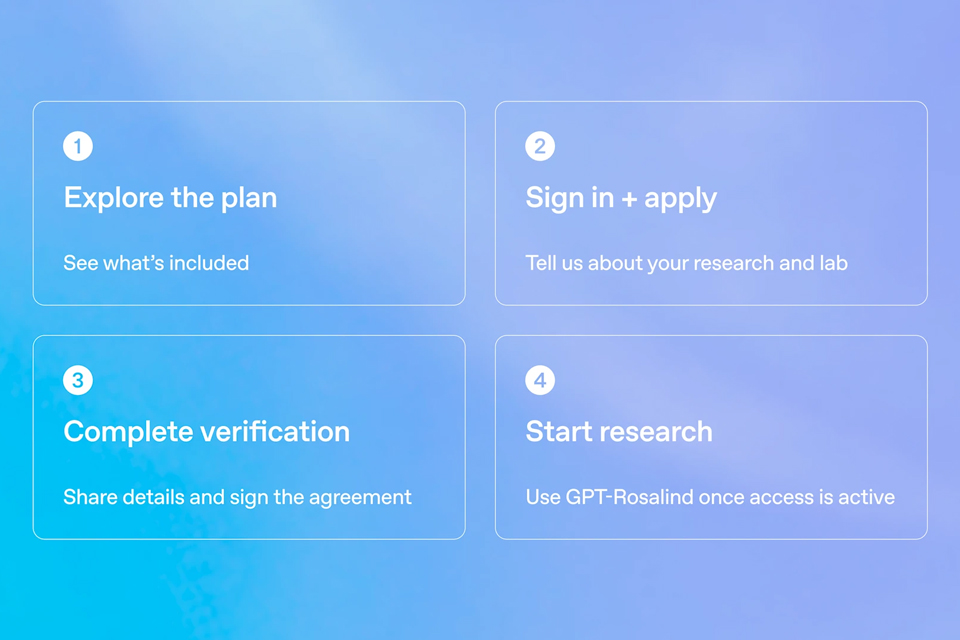
On October 15, OpenAI announced the Rosalind Academic Plan, giving approved US university labs free access to…
A Qiita article compared automated red-teaming methods for LLM apps — GCG, PAIR, and TAP — using mock implemen…

Liquid AI released d1-ultra on October 15, 2026, an upgraded open-weights decision model that averaged 76.7 ac…
Circlia started a proof-of-concept for TASTE SIGNAL: visitors to Holland Village Cafe FUKUOKA taste cookies an…

TOPPAN Holdings and Keio University ran a quantum-computer and generative-AI proof-of-concept from February 1…