What happened
A one-person marketer using Claude Code, CData Connect AI and the Google Ads API automated daily, weekly and monthly Google Ads routines, reporting a rough 70% cut per cycle (2+ hours down to 30–45 minutes) and a zero-conversion audit that found 30+ ad groups wasting over ¥500,000 across three months.
Why it matters
Read-only queries run through CData Connect AI while all writes go through dedicated Python scripts with a dry run and human review, a split the author frames as the way to use AI on a live ad account without accidental edits.
Summaries like this, every morning.
The setup is described not as a replacement for judgment but as a way to make previously impractical work feasible. The author draws the line clearly: the stack handles data retrieval, analysis and repetitive tasks, while decisions like ad strategy and which search intents to target stay with the human. That framing matters because the headline numbers — the roughly 70% time cut and the ¥500,000 in waste — are presented as the result of acting on problems the stack made visible, not as outputs the tool produced on its own.
The data-access design reflects that caution. CData Connect AI answers read queries, including a natural-language request to pull ad groups with zero conversions and more than ¥40,000 in spend over the last 30 days. Writes — RSA headline and description updates, pausing keywords, budget changes — are deliberately routed through separate Google Ads API scripts, with a dry run and one human review before anything reaches the production account. The author argues AI does not need write permission at all, and this split is presented as the safety design for using AI on a live ad account.
The author also explains the choice of Connect AI over Google's official Ads MCP server by pointing to cross-platform needs: ads data alone does not capture the picture when Meta, Bing, GA4, Search Console and BigQuery are also in play. Joining ad data with Search Console, for example, lets the marketer spot keywords already ranking well organically but still drawing expensive bids — a use case the single-platform official server cannot cover.
Pick your industry and the AI tools you use, and get news related to your work every day.
Free · 30 seconds with Google · unsubscribe anytimeWhat is AIToday? →
Ask AI anything about this article. The AI reads this article, earlier AIToday articles, and Wikipedia, and cites its sources. Q&As are published on this page for other readers too.
Bay AI Inc. launched with $50 million — a $37 million Series A led by Battery Ventures and a $13 million seed…

Kora Systems, led by Cyanogen co-founder Kirt McMaster, unveiled a Linux-based desktop OS that runs AI models…

Google unveiled TPU 8tx, built with AMD for confidential training and inference, and TPU 8i Max, which combine…

Anthropic will offer 825 million Class A shares at $70 to $78 each, raising $57.75 billion to $64.35 billion…
IPROS announced five free 20-minute sessions at AI-Industry World 2026, covering Microsoft 365 Copilot, busine…

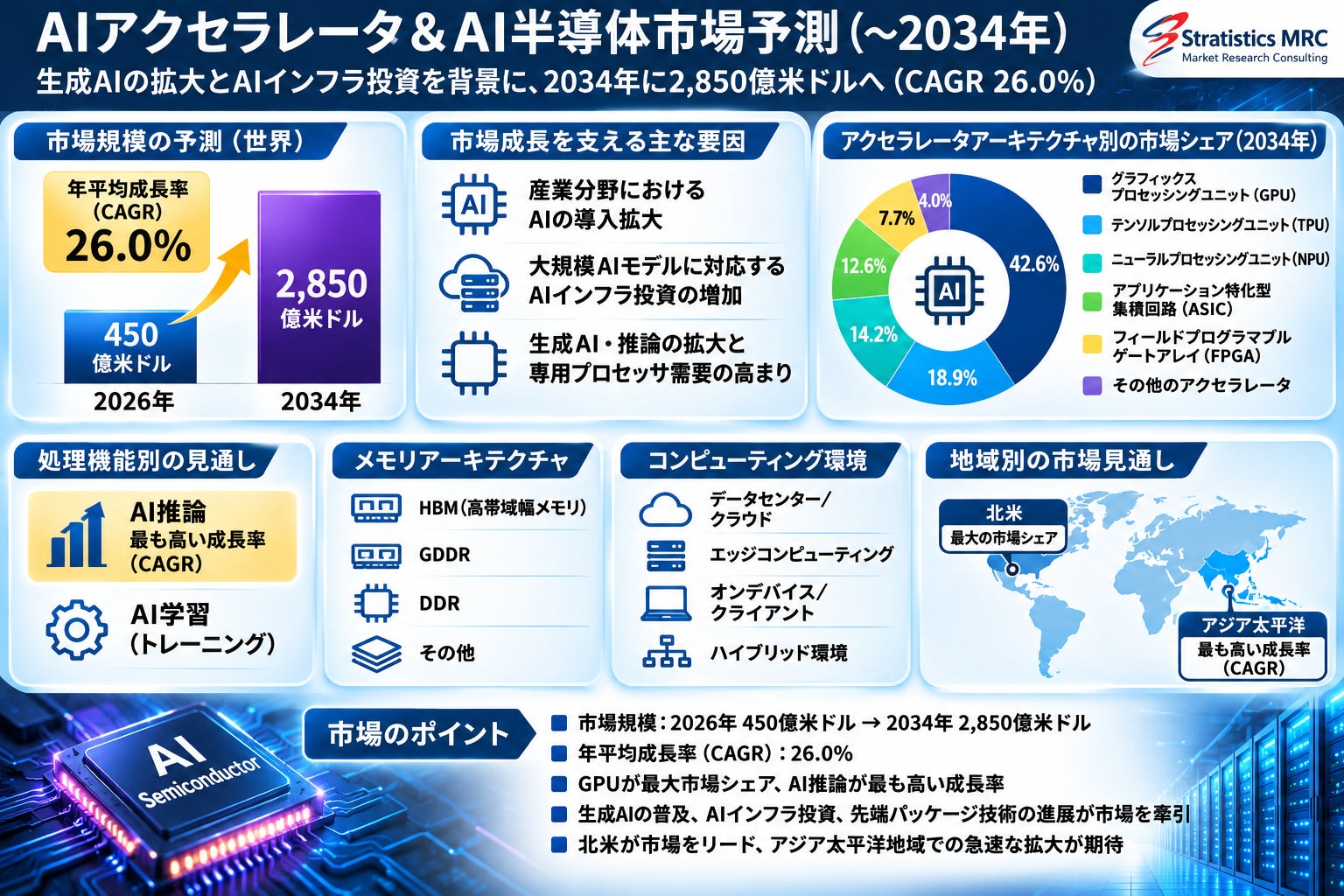
Stratistics MRC forecasts the AI accelerator and AI semiconductor market will reach $285 billion by 2034, up f…