What happened
An e-dash SRE used Claude Code with a Chrome extension for about three months on a low-code admin console with no connector and no API, delegating action creation, saving, test runs and result counts. The human clicked only once, to confirm the save dialog.
Why it matters
Anything reachable only through a logged-in browser screen — not through an MCP connector or an API — becomes automatable again, though the person keeps responsibility for staging and production.
Summaries like this, in your inbox every morning.
Automation keeps running into small in-house tools that were picked to fit a workflow and never got an API. For a low-code console, an action is defined only through its screen — there is no API to create one — so the work stayed with a person opening the page.
The author's approach was to let Claude read the ordinary, already-logged-in Chrome rather than sign in again. Read access to console errors and network traffic let it distinguish a page that merely displays from one whose call returns a 500, and the same round trip covered saving, a test run and a result count.
Just as specific is what remained manual. Credentials never enter Claude Code's context, and it stops at login screens and CAPTCHAs. All of the described work sits in development environments; staging and production stay human. Dialogs and cross-origin iframes are named as reach limits, and fixed skills divide the steps into creating, fixing, checking on screen and checking data.
Pick your industry and the AI tools you use, and get news related to your work every day.
Free · 30 seconds with Google · unsubscribe anytimeWhat is AIToday? →
Ask AI anything about this article. The AI reads this article, earlier AIToday articles, and Wikipedia, and cites its sources. Q&As are published on this page for other readers too.
Germany's government will unveil an AI agreement with Nvidia next week, according to government sources cited…

Amazon introduced Bee Frontier, a wearable personal AI, for $74.99 in Onyx, Lavender and Sage, and Bee Eclipse…

Citi has become the latest US bank to restrict AI agents from accessing accounts, per the Financial Times

Aparna Nair, IBM's chief talent, leadership, and culture officer, said generalists alone "will cut it" in the…

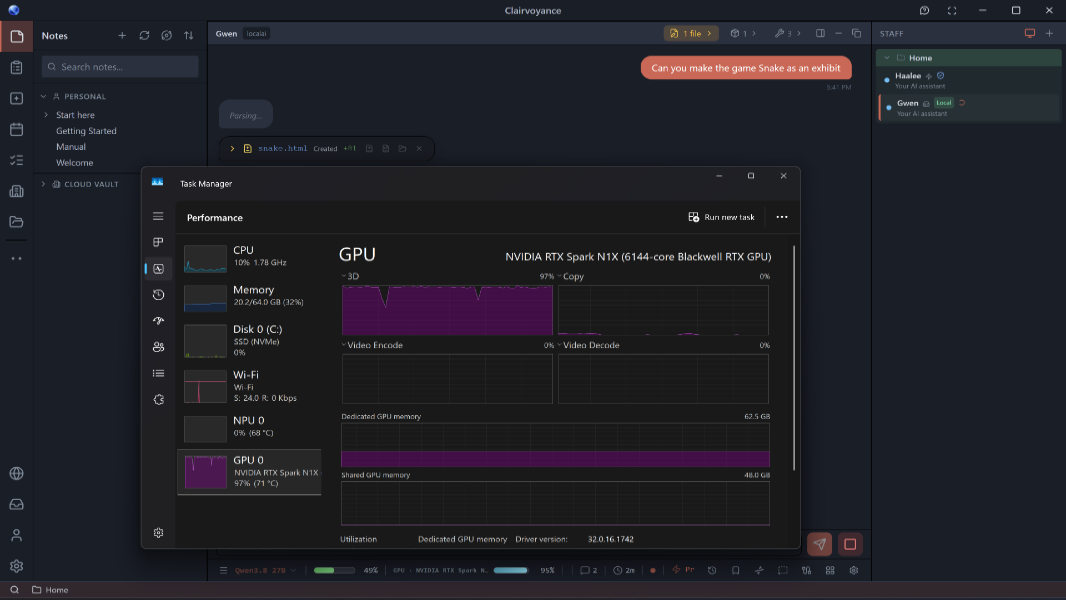
Microsoft and Nvidia are promoting RTX Spark, a new class of Windows PCs for local AI, with a top configuratio…
Dell says its AI Data Platform uses a four-engine architecture and a Unified Semantic Layer to connect siloed…