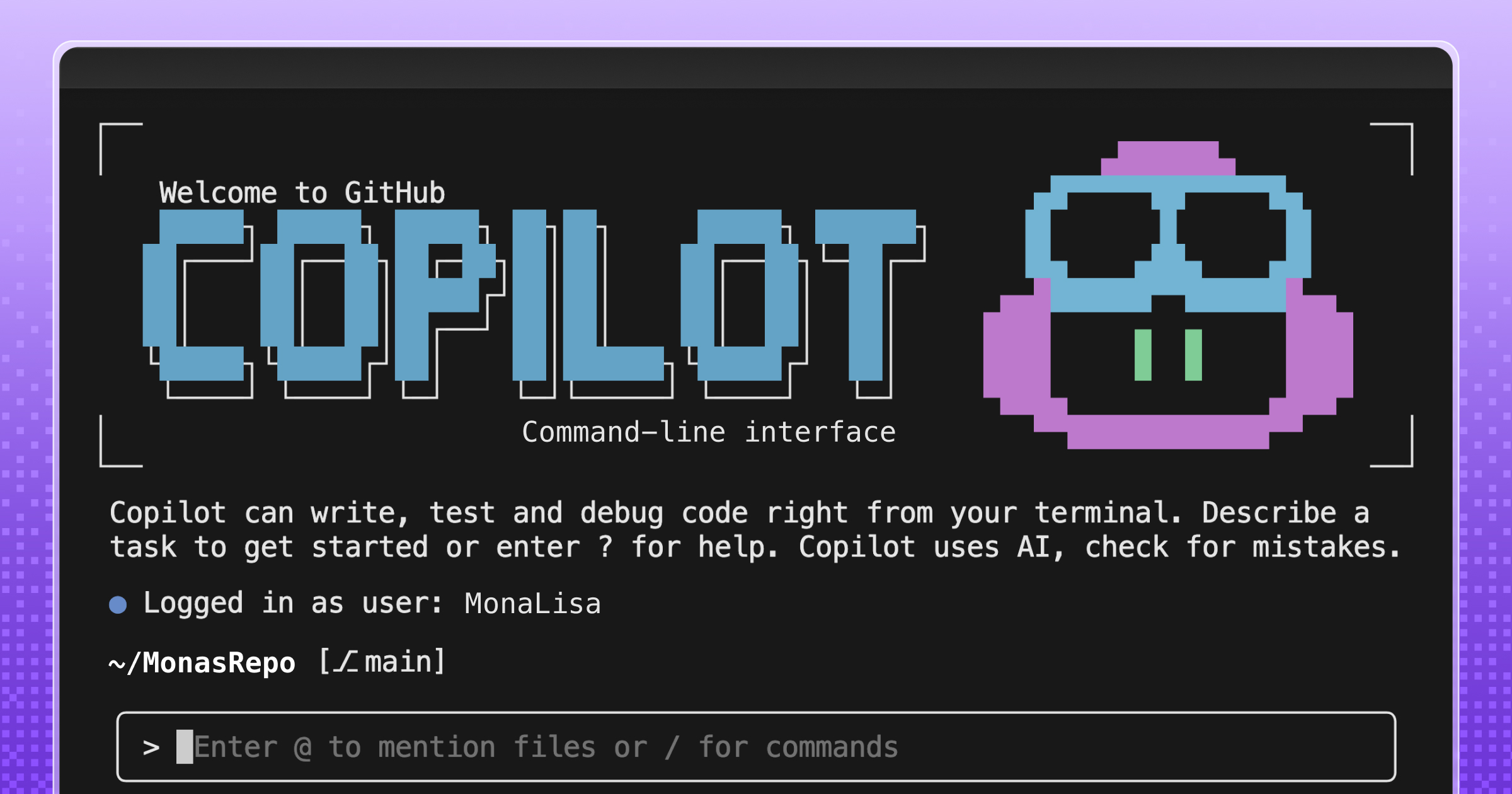
GitHub Copilot CLI is adding custom agents—AI assistants configured via Markdown files stored in a repository's `.github/agents` directory. Instead of one-off prompts, teams can encode their standards, tools, and guardrails into reusable agent profiles that behave consistently across the CLI, IDE, and GitHub.
Custom agents are defined using agent profiles (Markdown files with YAML frontmatter) that specify the agent's role, which tools it can access, and what guardrails apply. Examples include a security audit agent that runs standard security checks and produces a pull-request-ready checklist, or an infrastructure-as-code compliance agent that reviews Terraform plans and Kubernetes manifests against organizational policies.
Because agent profiles live in the repository, teams can review, version, and share them so the same expectations follow workflows from the terminal into pull requests. The agent will execute the workflow the same way every time it runs.
Summaries like this, in your inbox every morning.
Pick your industry and the AI tools you use, and get news related to your work every day.
Free · 30 seconds with Google · unsubscribe anytimeWhat is AIToday? →
Ask AI anything about this article. The AI reads this article, earlier AIToday articles, and Wikipedia, and cites its sources. Q&As are published on this page for other readers too.
The walkthrough points the CLI at a local mock via the ANTHROPIC_BASE_URL environment variable
A non-engineer operator says one person ships four smartphone apps on Google Play, three on the App Store, wit…
A Zenn guide explains systems to install before letting AI agents, bots or scheduled jobs post, send, publish…
A developer released agent-guardrails, a one-script Python standard-library plugin that guards Bash, Write, Ed…
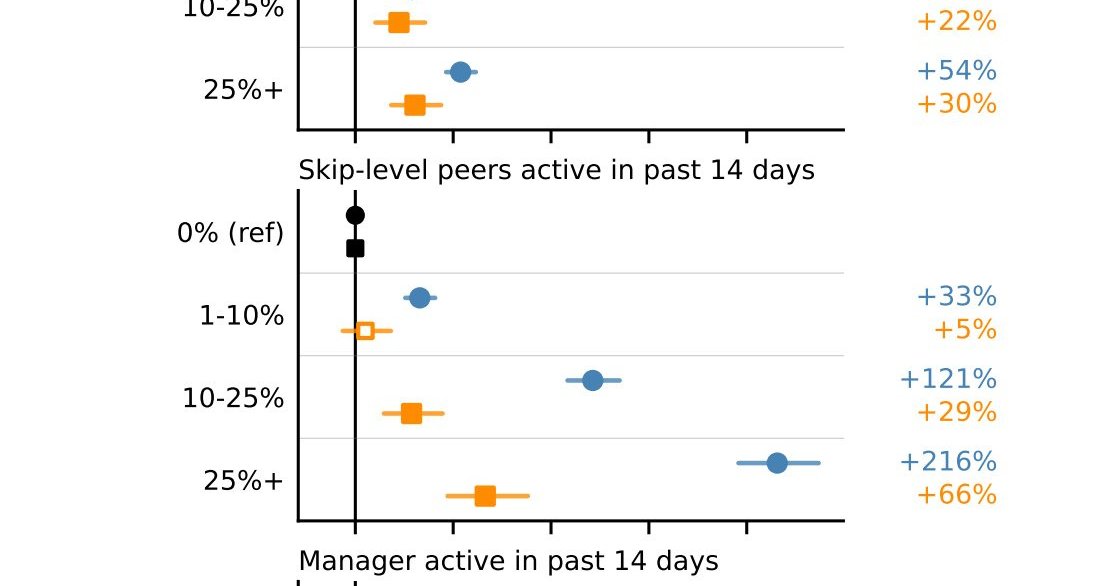
Researchers at Microsoft published a paper titled "Adoption and Impact of Command-Line AI Coding Agents: A Stu…
Meta released open weights for Muse Spark Open, an 816B-parameter model built for coding and long-running agen…