What happened
AWS published a guide explaining how to deploy and host an MCP server on AgentCore Runtime, then connect it to Amazon Quick using AgentCore Gateway. The integration lets AI agents in Amazon Quick access external tools and data through the MCP server.
Why it matters
Amazon Quick users can now reuse common tools and agents exposed through an MCP server instead of building custom connectors for every use case. This promotes reusability and avoids duplication of AI tools, so customers get a way to use your product inside Amazon Quick without custom integrations.
What to watch
You can use the integration if you have your own REST API, an AWS Lambda function, or a fully managed serverless MCP server hosted on AgentCore Runtime. The guide includes step-by-step instructions, prerequisites like an AWS account and Python 3.10+, and a sample MCP server code.
Summaries like this, in your inbox every morning.
This guide is part of AWS's effort to standardize how AI agents connect to external tools and data through the Model Context Protocol (MCP). By providing a path to host an MCP server on AgentCore Runtime and integrate it with Amazon Quick, AWS enables developers to expose tools once and reuse them across multiple chat agents and workflows. The architecture uses AgentCore Gateway as a secure bridge, with inbound authentication handled by Amazon Cognito and outbound authentication via OAuth 2.0 through AgentCore Identity.
The guide offers multiple integration options depending on the user's needs: direct REST API integration via Amazon Bedrock AgentCore Gateway, a serverless Lambda-based approach, or a fully managed serverless MCP server with features like session isolation, extended execution time, and built-in authentication. This flexibility suggests AWS is positioning AgentCore as a central hub for agentic AI workflows, where tools and sub-agents can be shared across applications.
For businesses, the practical implication is reduced development overhead: instead of building custom connectors for every product integration, an MCP server can be deployed once and connected to Amazon Quick, allowing customers to use the product's capabilities inside their existing chat agents and flows. However, the implementation requires technical expertise in AWS services, Python, and MCP, as outlined in the prerequisites and detailed steps.
Pick your industry and the AI tools you use, and get news related to your work every day.
Free · 30 seconds with Google · unsubscribe anytimeWhat is AIToday? →
Ask AI anything about this article. The AI reads this article, earlier AIToday articles, and Wikipedia, and cites its sources. Q&As are published on this page for other readers too.
Cammarata reinterprets InceptionV1's cat-car neuron as a V-shape detector, not two unrelated concepts

Google Deepmind's Gemini 4 Argon scored 97.5 percent on ARC-AGI-3 at a cost of $4,800, second only to GPT-6 As…

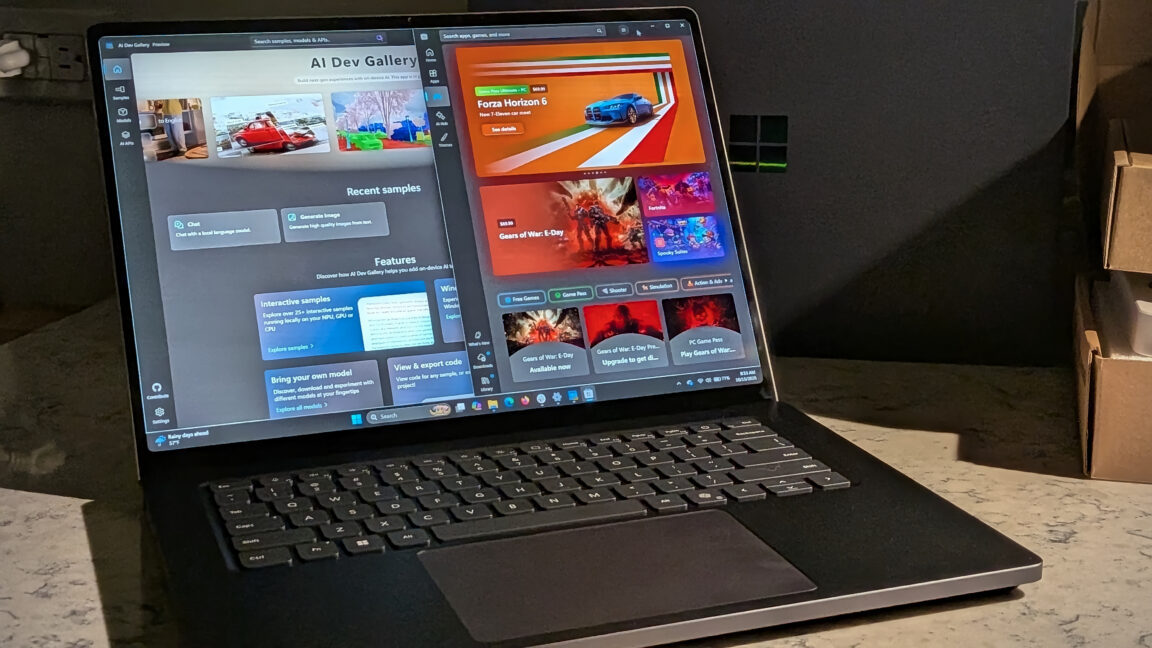
Microsoft's Surface Laptop Ultra, using Nvidia's RTX Spark platform, starts at $2,599 (up to $5,899)
Meta's new commercial terms, effective October 30th, appear to let it crawl and train AI on content from websi…
Vercel data published Thursday shows TypeSafe AI's Jev, a lightweight decision model for choosing among predet…
Reflection AI introduced Beam, an open-weight model for agentic coding and long-horizon tasks, with 501 billio…