What happened
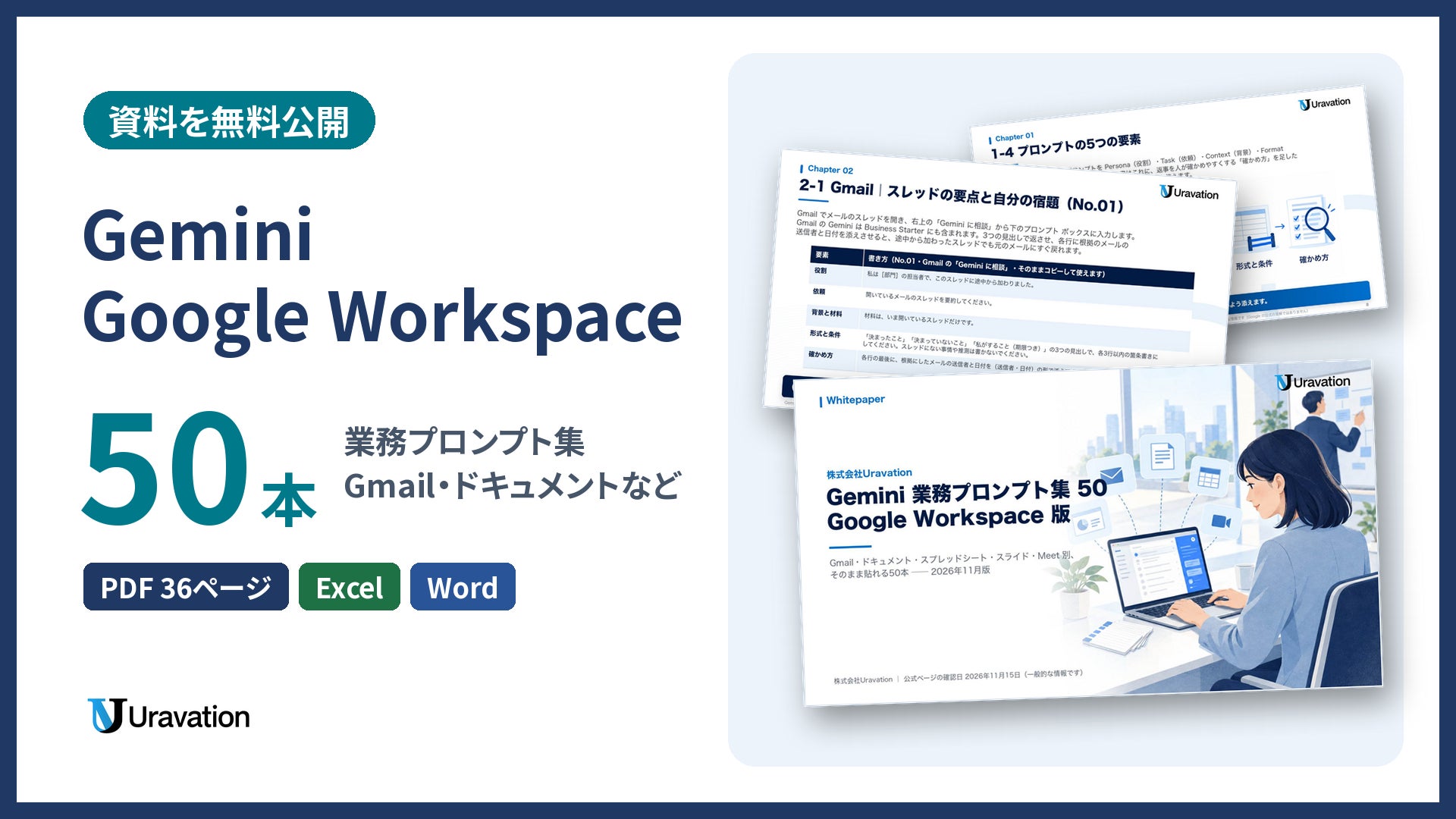
株式会社Uravation published a free 36-page PDF plus Excel and Word files with 50 Gemini prompts for Gmail, Docs, Sheets, Slides, Meet and Drive, each labeled with the Workspace edition that supports it.
Why it matters
Teams that have just switched on Gemini often don't know what to ask or whether their plan covers a given app, so prompts paired with edition checks and a one-page internal-rules template aim to shorten that trial-and-error stage.
What to watch
Google's official pages say work-account Gems are scheduled to move to skills in 2027年3月, which could change how shared prompts are managed.
WHO IT HITSIT and operations staff at companies rolling out Google Workspace with Gemini get a ready-made prompt set and an internal-rules template; the guide's per-prompt edition labels help Business Starter users see which features their plan supports.
Summaries like this, every morning.
The guide comes from Uravation, a company that runs generative-AI training, consulting and development, and its framing points at a common gap after a Workspace Gemini rollout: knowing what to type. Uravation's CEO, 佐藤 傑, notes that once Gemini becomes available the frequent snag is what to ask for inside Gmail or Docs, so the collection spells out material selection, format and conditions, and how to verify answers, alongside the edition needed for each prompt.
The 50 prompts are spread across Gmail (10), Docs (9), Sheets (10), Slides (5), Meet (4), Drive (3), the Gemini app (7) and Gemini Notebook (2), and five were actually run on fictitious material with screenshots included. The guide is built around five elements — role, request, background and material, format and conditions, and a verification step — which Uravation presents as a reworking of Google's official Persona, Task, Context and Format framework into something people can check themselves.
Two cautions run through the material: Gemini's replies are drafts, so numbers, dates and proper nouns should be checked against the source or citation numbers, and the judgment and sending stay with people. Uravation also flags that custom instructions and knowledge files in a shared Gem are visible to everyone with access, and that Google's official pages state work-account Gems are scheduled to move to skills in 2027年3月.
Pick your industry and the AI tools you use, and get news related to your work every day.
Free · 30 seconds with Google · unsubscribe anytimeWhat is AIToday? →
Ask AI anything about this article. The AI reads this article, earlier AIToday articles, and Wikipedia, and cites its sources. Q&As are published on this page for other readers too.
On the Hard Fork podcast, Terence Tao described "Big Math," where human-AI teams systematically map thousands…
A Qiita literature memo compares three ways of placing normalization layers in Transformers: Pre-LN (Xiong2020…
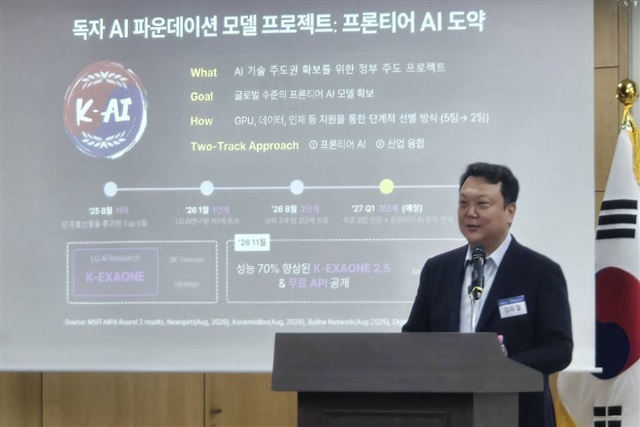
LG AI Research is automating data preparation, building expert foundation models, and setting up an autonomous…
SemiAnalysis posted that GPT-6.2 Sol scored 11.5% on its GDPx benchmark at $9.22 per task, within half a point…

Google Deepmind created "Humanity's First Exam" to measure AI reliability rather than peak performance, and ea…
A researcher sent unique trackable URLs inside prompts to MiniMax models via OpenRouter between July and Octob…