What happened
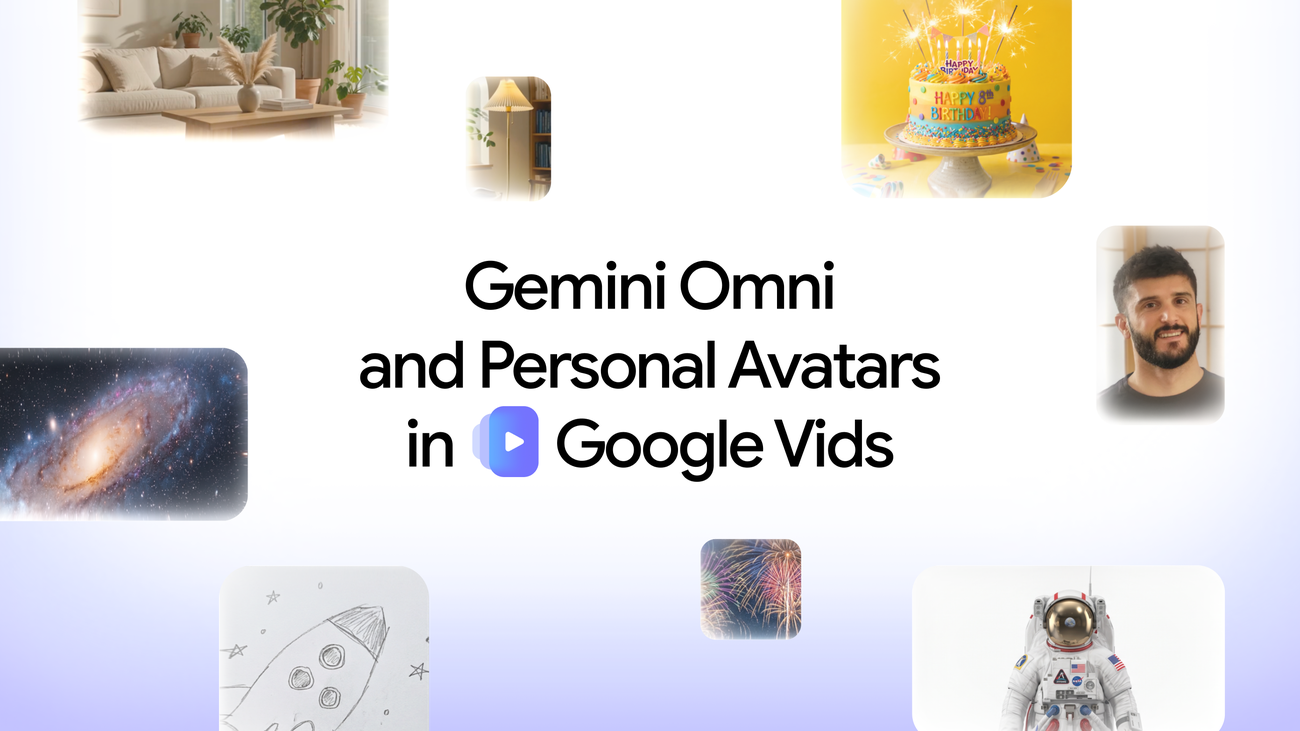
Google is rolling out two new features to Google Vids—Gemini Omni, which generates and edits high-quality video clips from text prompts and images, and personal avatars, which let users create a digital likeness to star in videos by uploading a selfie and voice recording.
Why it matters
Video creation becomes accessible without filming or professional editing skills; users can now refine videos through conversation (swapping backgrounds, fixing lighting, adding effects) rather than starting over, and send personalized messages as their avatar without being camera-ready. The features are available to Google AI Pro and Ultra subscribers and Google Workspace business customers.
What to watch
Personal avatars are currently limited to users 18 or older in certain regions; all generated clips include an invisible SynthID digital watermark so viewers can verify the content was AI-created.
Summaries like this, in your inbox every morning.
Google Vids has been gaining traction with millions of videos created over the past year; the addition of Veo 3.1 in February already simplified video generation for all users. Today's rollout of Gemini Omni and personal avatars extends that momentum by removing two more friction points: the need for iterative editing and the need to be physically present on camera. Gemini Omni's step-by-step editing via natural language—swapping backgrounds, adjusting lighting, adding effects through conversation—addresses a real pain point in post-production where users typically must re-render or restart. Personal avatars solve a different problem: the friction of recording, being presentable, and managing time for video messaging. The SynthID watermark indicates Google is attempting to address transparency concerns around AI-generated content, allowing creators to share their work responsibly while giving viewers a way to verify authenticity.
Pick your industry and the AI tools you use, and get news related to your work every day.
Free · 30 seconds with Google · unsubscribe anytimeWhat is AIToday? →
Ask AI anything about this article. The AI reads this article, earlier AIToday articles, and Wikipedia, and cites its sources. Q&As are published on this page for other readers too.
Kling AI announced on October 15 that Kling 4.0 is formally released, with a refreshed Web creation screen and…

A Zenn checklist for Seedance 2.5 lays out what to write when generating a roughly 30-second, audio-included c…
A Higgsfield API estimate returned a price formula, not a price, for Seedance 2.5, so the author computed it a…
Everygen AI published a beginner's guide explaining two AI video generation methods — text-to-video, where you…
A Zenn post lays out a four-step checklist for comparing text-to-video tools, starting with a short prompt to…
Higgsfield AI CEO and co-founder Alex Mashrabov says GPT-6 Astra lets users create videos over 10 minutes long…