What happened
Brent and team released FileForge Finder, a local file search tool that uses AI to help export file content to chatbots, available for download at fileforge.com with a one-click setup.
Why it matters
The tool runs entirely on-device and works offline, addressing privacy concerns for users sharing file content with AI systems—all processing stays local rather than being sent to external servers.
What to watch
The app offers particular gains for Windows users, though the team is also seeking feedback from macOS Spotlight users; file export uses drag-and-drop rather than an MCP connector to improve security and cross-platform compatibility.
Summaries like this, in your inbox every morning.
FileForge Finder addresses a practical workflow gap: users who work with AI chatbots often need to search their local files and share specific content with those systems, but doing so conventionally means uploading sensitive documents to cloud services. The creator's decision to keep all processing local is a direct response to that security friction. The tool originally used an MCP (Model Context Protocol) connector for export but shifted back to drag-and-drop file transfer to broaden compatibility and reduce security surface area—a trade-off between convenience and control. Windows users are already seeing the largest gains, suggesting the tool fills a notable gap in that ecosystem, though the team is actively seeking macOS Spotlight user feedback to understand how the product performs against the native search integration that macOS users are accustomed to.
Pick your industry and the AI tools you use, and get news related to your work every day.
Free · 30 seconds with Google · unsubscribe anytimeWhat is AIToday? →
Ask AI anything about this article. The AI reads this article, earlier AIToday articles, and Wikipedia, and cites its sources. Q&As are published on this page for other readers too.
Cammarata reinterprets InceptionV1's cat-car neuron as a V-shape detector, not two unrelated concepts

Google Deepmind's Gemini 4 Argon scored 97.5 percent on ARC-AGI-3 at a cost of $4,800, second only to GPT-6 As…
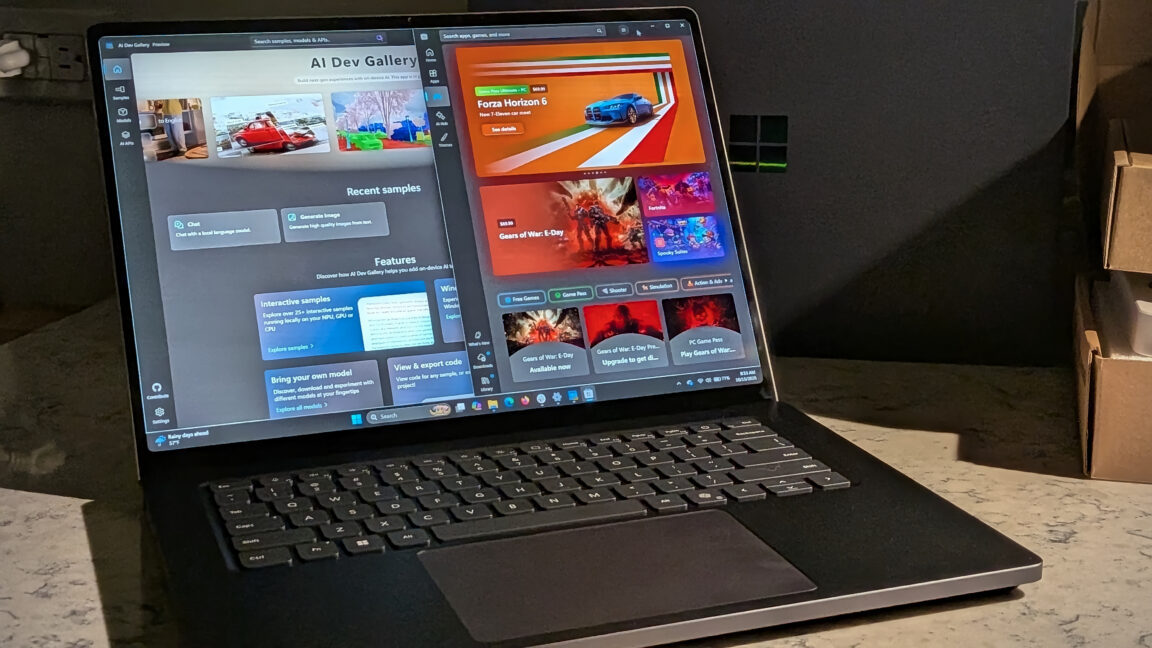
Microsoft's Surface Laptop Ultra, using Nvidia's RTX Spark platform, starts at $2,599 (up to $5,899)
Meta's new commercial terms, effective October 30th, appear to let it crawl and train AI on content from websi…
Vercel data published Thursday shows TypeSafe AI's Jev, a lightweight decision model for choosing among predet…
Reflection AI introduced Beam, an open-weight model for agentic coding and long-horizon tasks, with 501 billio…