What happened
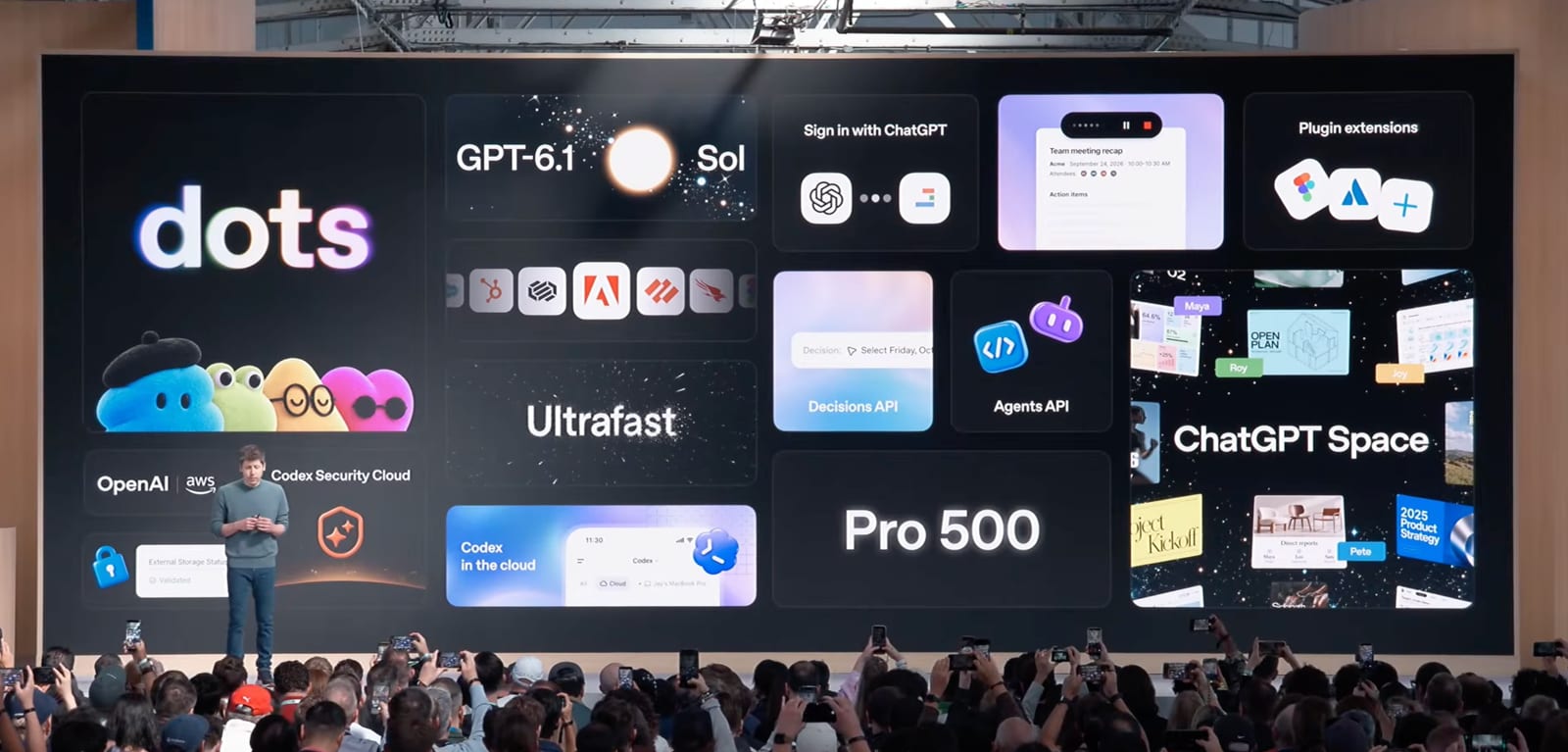
OpenAI launched Dots at DevDay — friendly, always-on personal agents you can message or call like a human assistant. One Dot comes with the Pro plans, and it doesn't draw from usage limits for now.
Why it matters
A proactive assistant you can name and give an avatar, running underneath on a simple, never-ending chat with GPT-6 Astra, points to assistants that act on their own rather than waiting for prompts, and the usage-limit carve-out hints OpenAI wants heavy daily use.
What to watch
Dots is tool-dependent rather than file-dependent, so its appeal hinges on how many connectors beyond your calendar and email arrive — the test is whether it feels useful before that ecosystem fills in.
WHO IT HITSOpenAI's Pro-plan subscribers get the first taste of an always-on assistant, while developers building apps that Dots connects to — calendars, email, Slack, Notion, Jira — stand to gain a new distribution channel if the tool integrations land.
Summaries like this, in your inbox every morning.
Dots arrives as OpenAI's bid to make its assistant feel less like a tool you open and more like a presence that's already there. The design choices point that way: a Dot is a never-ending chat with GPT-6 Astra that acts as an orchestrator, spawning separate chats to do work and reporting back, and it runs on its own computer so you don't need to leave your desktop on. Giving it a name and avatar, and letting it message you first, pushes the same direction.
The contrast with OpenClaw is telling. There, users hand-built personality and memory through markdown files; Dots has no clear way to add such files and instead leans on connecting to tools where your life happens, starting with calendar and email. That makes the product's usefulness a function of how many connectors — Slack, Notion, Jira, messaging apps — OpenAI brings on, which the newsletter frames as an open question rather than a settled one.
Other DevDay items fill in the picture around Dots: GPT-6.1 Sol feels like a real upgrade over GPT-5.6 Sol, Sign in with ChatGPT lets your usage carry into other AI apps, Plugins return as apps inside ChatGPT, and Ultrafast makes GPT-6 Astra run 8x faster at 6x the normal usage. Whether Dots becomes the everyday habit OpenAI is aiming for is likely to hinge on those connectors landing before users lose patience with a tool that can't yet reach most of their working life.
Pick your industry and the AI tools you use, and get news related to your work every day.
Free · 30 seconds with Google · unsubscribe anytimeWhat is AIToday? →
Ask AI anything about this article. The AI reads this article, earlier AIToday articles, and Wikipedia, and cites its sources. Q&As are published on this page for other readers too.
Meta's rapid rollout of its Muse AI agent is serving as an early test of how agentic AI reshapes server infras…
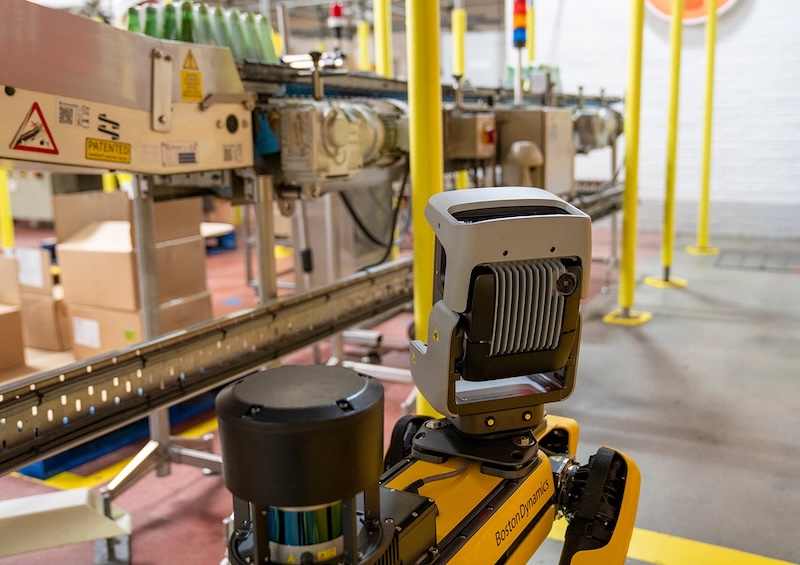
Boston Dynamics released Spot 5.2, expanding Orbit fleet software with a Model Context Protocol layer that let…
Anthropic launched Claude for Government for US federal and state civilian agencies

Glow Security found more than 13,000 screenshots from internal software projects at 343 organizations on publi…
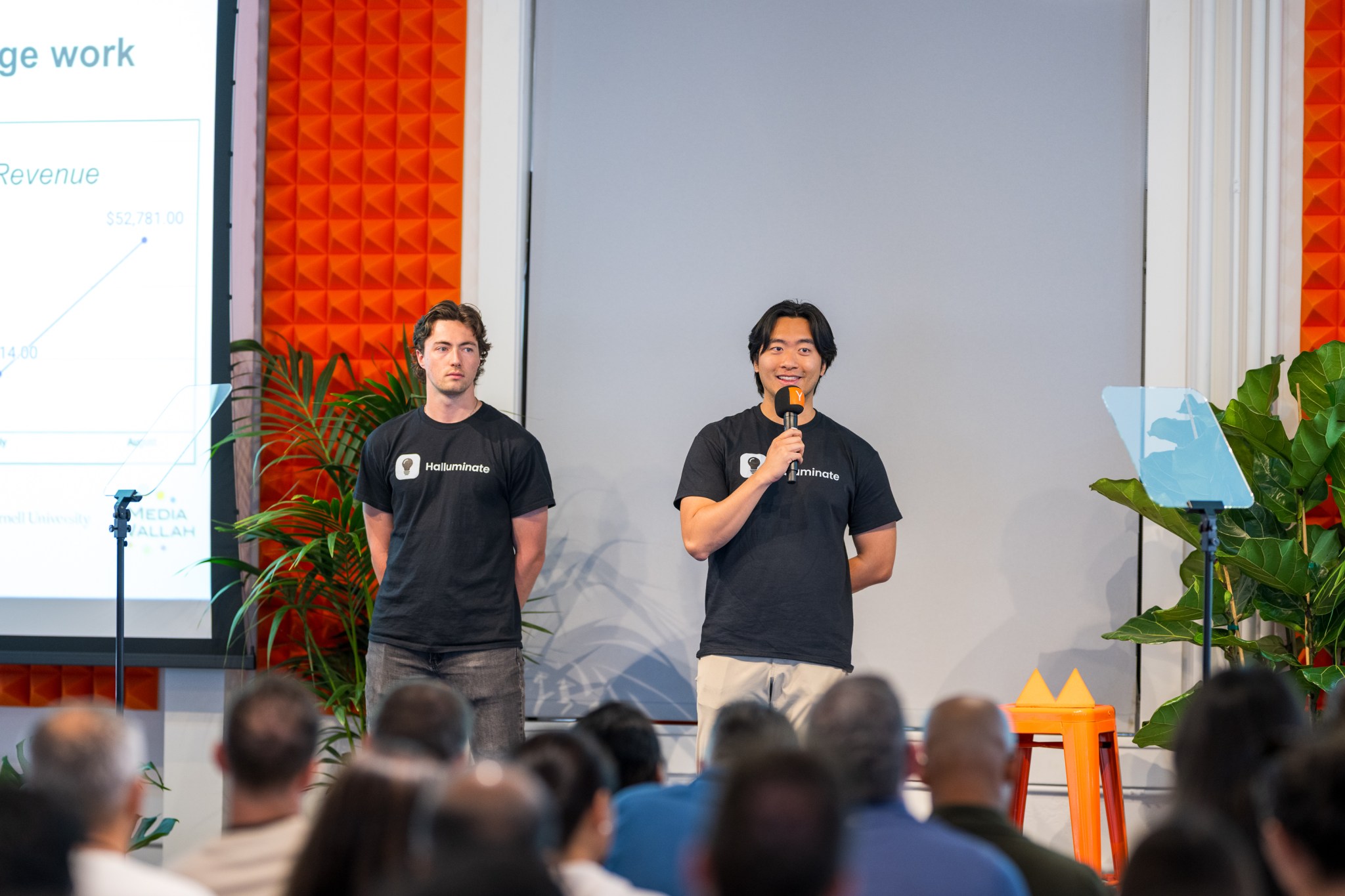
Halluminate raised $30 million in a Series A led by Oak HC/FT, bringing total funding to $38.5 million, and CE…
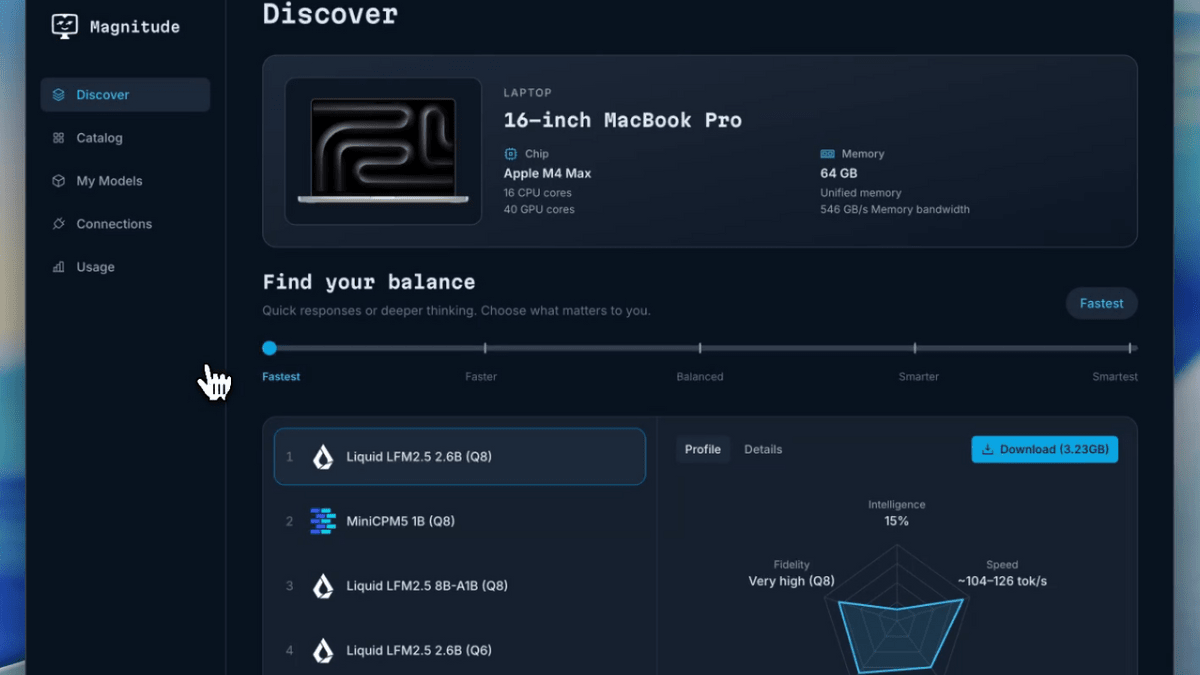
The Magnitude development team published an open-source inference engine that compiles and tunes model kernels…