What happened
Google published the Gemini app for Windows on September 10, available globally for Windows 10 and 11 PCs with Japanese support, downloadable from its official site.
Why it matters
Alt+Space overlays Gemini on the current screen, so tasks like fact-checking a document or drafting presentation titles no longer require switching apps; the Windows-native Gemini app is a first.
What to watch
Gemini Spark and Gemini Omni require a Google AI subscription, vary by region, and are limited to users 18 and older, so availability hinges on those conditions.
WHO IT HITSWindows knowledge workers who draft documents or presentations get an always-available AI assistant on top of their current screen. Teams evaluating Google AI subscriptions may need to check regional availability for Gemini Spark and Gemini Omni.
Summaries like this, every morning.
Google's Windows release follows a piecemeal path. On April 14, an English-only Google app brought Alt+Space, local file search and Google Lens to Windows, and the Mac Gemini app went global the next day. The dedicated Gemini app for Windows arrived first on September 10, and Google describes it as the starting point for the Windows version, with desktop-specific features to be added over time.
The app is positioned as lightweight, running in the background without slowing the PC, and once logged in it carries over the Gemini features users already had. That includes handing multi-step tasks to the always-on personal agent Gemini Spark, pulling information from Gmail and Google Drive to summarize a project, generating presentation images with Nano Banana, and creating video with Gemini Omni.
The catch is that Gemini Spark and Gemini Omni sit behind a Google AI subscription, vary by region, and are limited to users 18 and older. So the value of the launch for any given user hinges on whether those paid features reach their region and plan — the same conditions that will shape how broadly the Windows app is actually used.
Pick your industry and the AI tools you use, and get news related to your work every day.
Free · 30 seconds with Google · unsubscribe anytimeWhat is AIToday? →
Ask AI anything about this article. The AI reads this article, earlier AIToday articles, and Wikipedia, and cites its sources. Q&As are published on this page for other readers too.
Jedify Inc. formally launched Data Agents, letting business teams set up autonomous AI analysts by describing…

MIT Technology Review, founded at the Massachusetts Institute of Technology in 1899, published content framed…

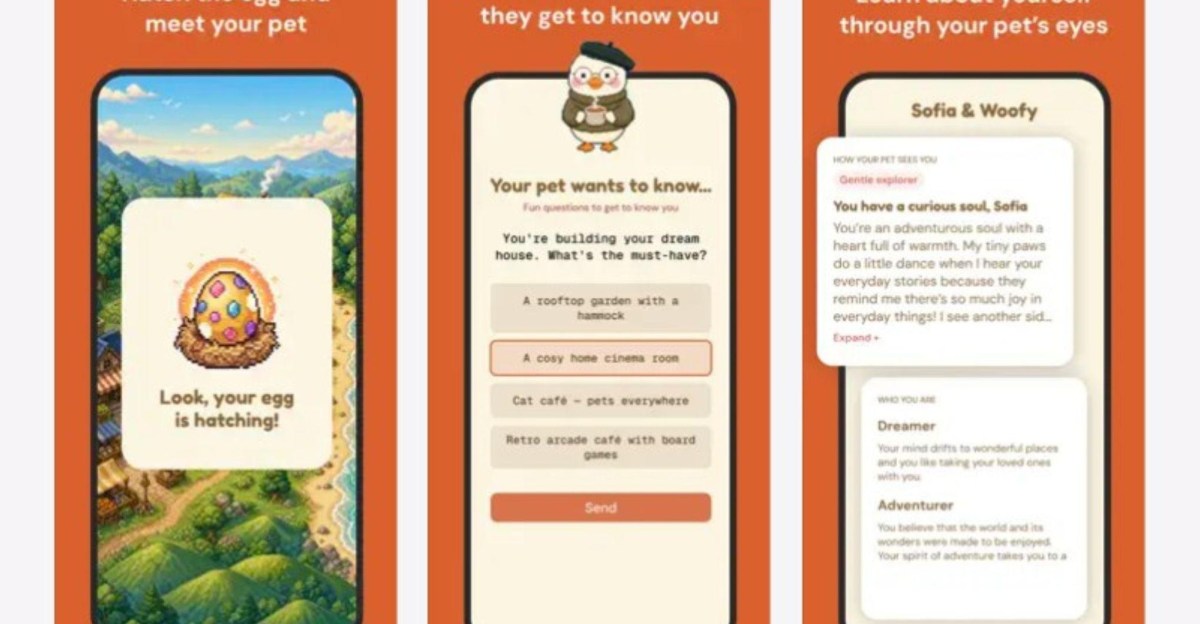
Meta launched Waddle World, a free "16-bit pet care game" listed on Apple and Play Stores for adults in the Ph…
Macmillan introduced NOA, an AI chatbot from Chaptr backed by parent Holtzbrinck, with a January 2024 party

Legora CEO Max Junestrand says the Stockholm-founded legal AI company, started in 2023, uses OpenAI models to…
Rising Academies' WhatsApp-based math tutor Rori, used twice weekly for 30-minute sessions, helped 500 student…