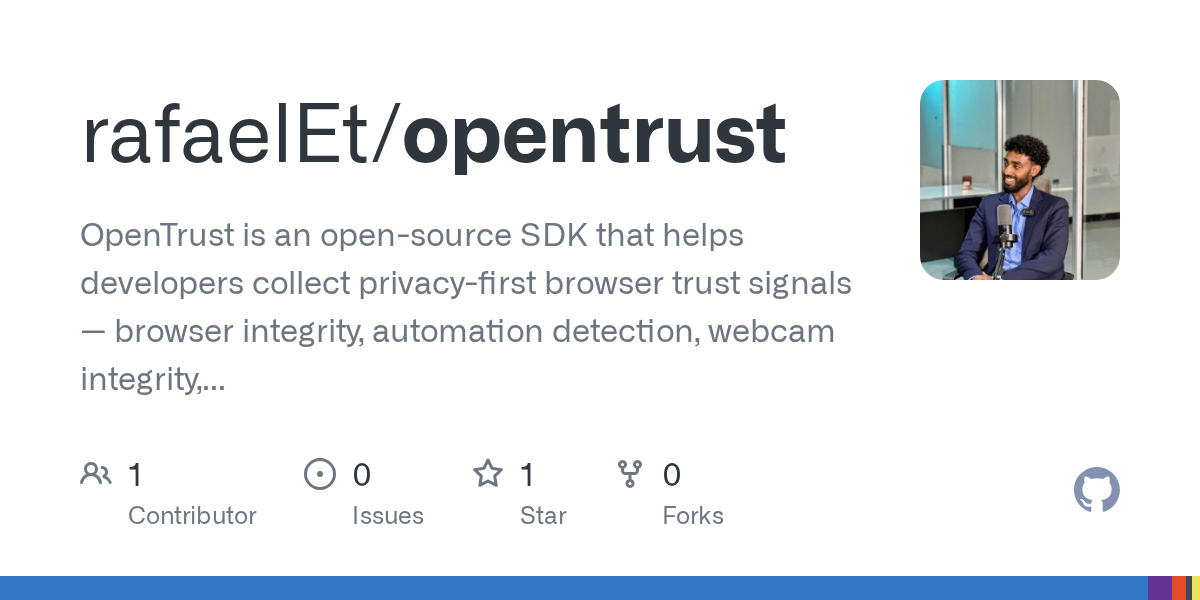
OpenTrust is a new open-source SDK that generates privacy-preserving browser trust signals to help developers combat fraud and bot attacks. All processing happens on the user's device—raw camera frames and microphone audio never leave the browser—making it a privacy-first option for risk scoring and bot mitigation that works alongside existing authentication and server-side fraud detection systems.
Summaries like this, in your inbox every morning.
Sign up free →What happened
OpenTrust, an open-source SDK, has been released to collect privacy-preserving browser signals that help developers estimate trustworthiness of browser interactions. The tool detects browser automation, checks webcam and microphone integrity, and analyzes passive liveness (face presence, motion, blink detection) — all processed client-side so raw frames and audio never leave the device.
Why it matters
Developers building fraud prevention, bot mitigation, and risk-scoring systems now have access to a privacy-first alternative that collects confidence signals rather than binary judgments. By keeping processing on the user's device, OpenTrust addresses privacy concerns while providing layered trust data that can be combined with server-side verification and authentication systems.
What to watch
The SDK is available via npm (opentrust-sdk), a React hook (opentrust-react), and a CDN-hosted version; a live demo is available at https://open--trust.vercel.app. The project is MIT-licensed and open to contributions on GitHub.
OpenTrust is an open-source TypeScript SDK released to help developers collect privacy-preserving browser trust signals. The core insight is that trustworthiness estimation should rely on multiple layers—browser-side signals combined with server-side verification and authentication—rather than a single decision point.
The SDK provides four categories of browser signals. Browser automation detection identifies webdriver flags, headless browsers, and abnormal properties that suggest script-driven access rather than a real user. Webcam integrity checks detect virtual cameras and analyze video feeds for signs of static or replayed content. Passive liveness analysis looks for face presence, motion, and blink patterns without requiring active user gestures. Microphone integrity checks identify virtual microphones and analyze audio signal quality. All processing occurs on the client device; raw frames and audio never leave the browser.
Developers integrate OpenTrust through a simple TypeScript API. The verify() method accepts options to enable camera and microphone checks, with a configurable timeout (default 15 seconds). The method returns a trustScore ranging from 0.0 to 1.0 and a signals object containing individual readings: faceDetected, livenessScore, virtualCameraDetected, browserAutomationDetected, replayRisk, audioScore, and virtualMicDetected. A quick-start example shows a trustScore of 0.85 with liveness at 0.72 and no virtual camera or browser automation detected.
The SDK is distributed via npm (opentrust-sdk for the core library, opentrust-react for a React hook), a CDN at https://cdn.jsdelivr.net/npm/opentrust-sdk@0.1.0/dist-browser/opentrust.umd.js, and a live demo at https://open--trust.vercel.app. The project is MIT-licensed and hosted on GitHub, welcoming contributions. OpenTrust explicitly documents what it is not intended to replace—KYC, identity verification, enterprise liveness detection, device attestation, and server-side fraud detection—positioning itself as a complementary signal source rather than a standalone security solution.
OpenTrust addresses a growing need for lightweight, privacy-respecting fraud and bot detection in web applications. Rather than replacing comprehensive identity verification or server-side security systems, it is positioned as one layer in a multi-layered trust architecture. The SDK returns confidence scores (0.0–1.0) and individual signal readings—such as livenessScore, replayRisk, and virtualCameraDetected—rather than binary classifications, giving developers flexibility to combine the signals with their own authentication and backend verification logic.
The emphasis on client-side processing aligns with modern privacy expectations: developers can offer trust checks without collecting or transmitting raw biometric data. By publishing the tool as open-source under an MIT license and offering multiple distribution channels (npm, React hook, CDN), the project lowers the barrier to adoption for developers building fraud prevention and bot mitigation workflows. The live demo and straightforward API are designed to make experimentation accessible.
AI-summarized, only the topics you pick — one digest a day via Email, Slack, or Discord.
Free · takes 30 seconds · unsubscribe anytime
No comments yet. Be the first to share your thoughts!
Log in to join the discussion

Get curated AI news from 200+ sources delivered daily to your inbox. Free to use.
Get Started FreeFree · takes 30 seconds · unsubscribe anytime
1 minute a day. The AI essentials.
200+ sources · Email / LINE / Slack
