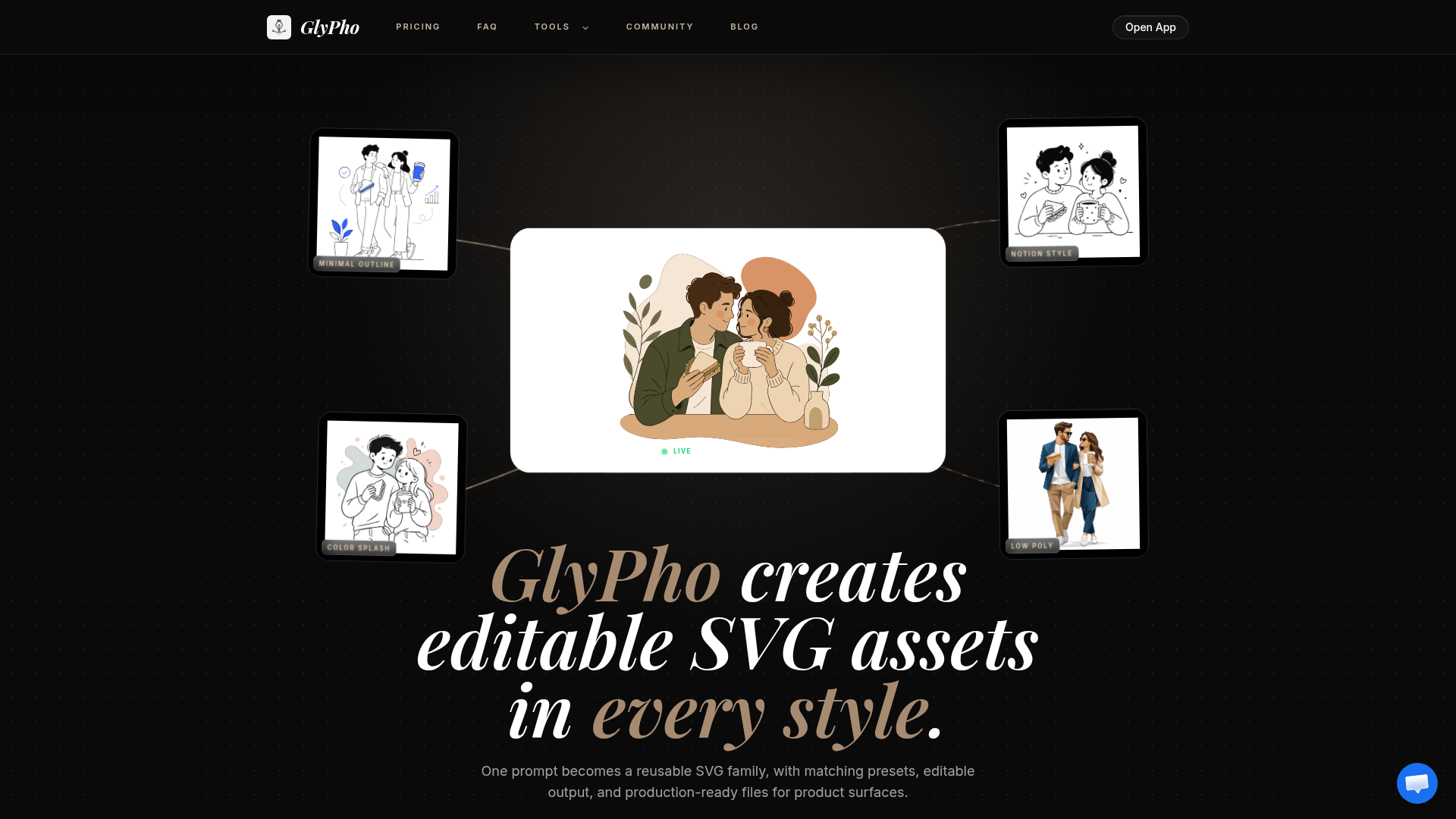
What happened
GlyPho, an AI SVG generator, lets users create logos, icons, illustrations, and other vector graphics by writing a prompt and selecting a visual style. The tool outputs editable SVG files that can be adjusted for color, paths, and spacing after export.
Why it matters
Design teams often struggle to keep multiple assets (logos, icons, empty states) visually consistent without a full illustration cycle. GlyPho addresses this by letting users reuse the same style preset and prompt logic across related assets, so a logo, onboarding icon, and product illustration can share stroke weight and shape language without becoming copies.
What to watch
The tool offers five preset styles—Minimal Outline, Notion Style, Sticker, Duotone, and Line Art—each with its own visual rules. Users can save promising assets to a private library and reuse their prompt logic before publishing SVGs to the community; pricing is based on credits for SVG exploration.
Summaries like this, in your inbox every morning.
The core problem GlyPho solves is the fragmentation that occurs when design teams assemble multiple graphics for a product launch or interface without a unifying system. Traditionally, teams either hunt through stock image libraries (where unrelated files rarely work well together) or commission a full illustration cycle—both time-consuming and expensive. GlyPho collapses this workflow by letting users generate new, editable assets on demand while enforcing visual consistency through reusable presets and prompt logic.
The product's design philosophy centers on keeping control in the user's hands. Every SVG remains editable after export, so teams can tweak colors, paths, and spacing to fit their exact needs while preserving the visual family resemblance that came from the shared preset. The private library feature allows designers to test multiple directions, keep the promising ones, and reuse their underlying prompt logic—essentially building a reusable design system in code rather than starting from scratch each time.
For example, today's edition would include:
AI-summarized, only the topics you pick: one digest a day via Email, LINE, or Slack.
Free · 30 seconds with Google · unsubscribe anytimeWhat is AIToday? →
Ask AI anything about this article. The AI reads this article, earlier AIToday articles, and Wikipedia, and cites its sources. Q&As are published on this page for other readers too.
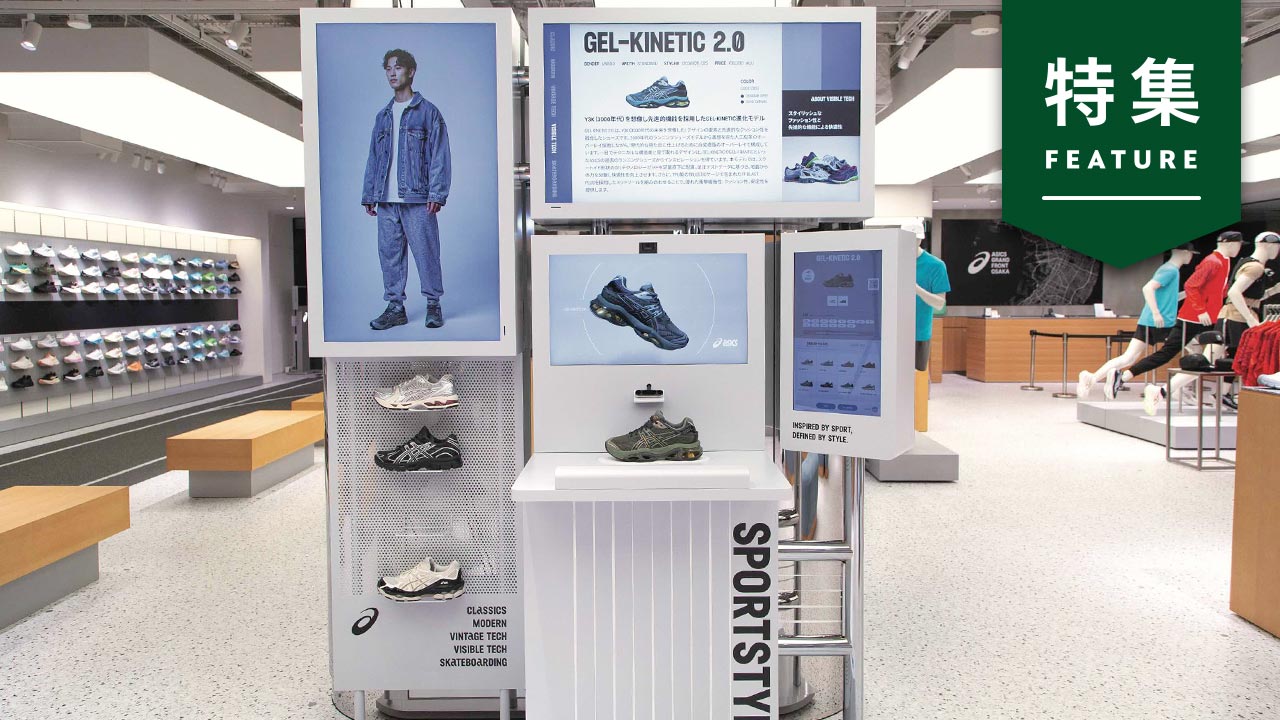
ASICS built a generative AI system that creates on-foot styling images of its shoes without a photo shoot or m…
An undervalued-stock screen highlighted Adobe (ADBE) and Broadcom (AVGO) as AI-driven picks, flagging Adobe's…
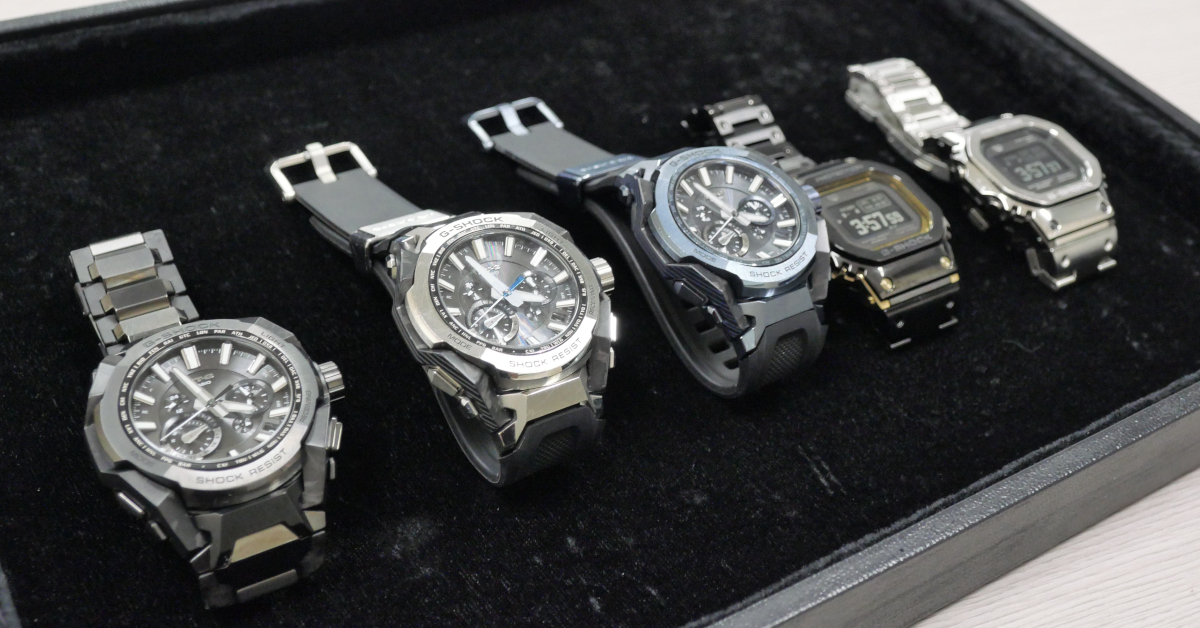
Casio's G-SHOCK team used AI image generation alongside its own designers to develop a watch concept into a pr…
Black Forest Labs released FLUX 3 Action, an open robotics model that takes multi-camera video feeds and predi…

Apple researchers introduced probe guidance, which uses frozen internal states of an existing diffusion model…

Oracle announced new features for Oracle AI Agent Memory: graph-aware retrieval, image memory, and enterprise…