What happened
Visual Studio Code 1.135 now includes an experimental 'Rubber Duck' feature that lets developers request a second opinion from a different AI agent, separate from the main coding assistant. It was first introduced in GitHub Copilot CLI in April 2026 and has now been adapted for VS Code.
Why it matters
The feature addresses a key limitation of AI-assisted development: when a single AI model reviews its own work, it tends to use the same biases and may miss errors. By using a different AI model for review, developers can catch mistakes earlier, reducing the need to redo planning or coding—saving time and effort.
What to watch
The feature is available via the '/rubber-duck' command in the Copilot Agent Host session within VS Code. It is part of a series of updates in VS Code 1.132 to 1.135, which also include a hybrid Markdown editor, a comment feature for web pages in the integrated browser, and automatic hot reload for local HTML files.
Summaries like this, in your inbox every morning.
The introduction of the Rubber Duck feature in VS Code comes from a practical need: AI agents often fall into the trap of self-review bias. When the same AI model plans and reviews its own implementation, it may overlook errors due to inherent biases. By tapping a separate AI agent for a second opinion, developers can increase the chances of catching problems early, saving time and reducing the rework that often follows late-stage failures. The feature's name is a nod to a classic debugging technique where programmers explain their code to a rubber duck to spot issues. This move is part of a broader trend in developer tools to improve AI reliability through multi-model collaboration. As these tools evolve, they may help reduce the trial-and-error that currently accompanies AI-assisted coding, though the effectiveness of cross-model reviews is still an area of active experimentation.
Pick your industry and the AI tools you use, and get news related to your work every day.
Free · 30 seconds with Google · unsubscribe anytimeWhat is AIToday? →
Ask AI anything about this article. The AI reads this article, earlier AIToday articles, and Wikipedia, and cites its sources. Q&As are published on this page for other readers too.
ElevenLabs completed a $300 million employee tender at a $22 billion valuation, and co-founder Mati Staniszews…

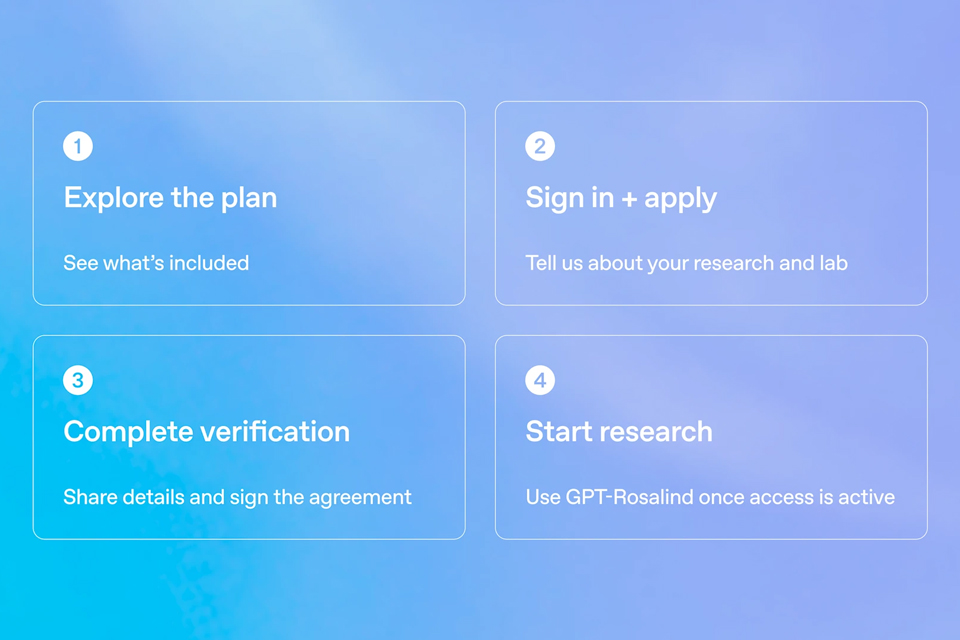
On October 15, OpenAI announced the Rosalind Academic Plan, giving approved US university labs free access to…
A Qiita article compared automated red-teaming methods for LLM apps — GCG, PAIR, and TAP — using mock implemen…

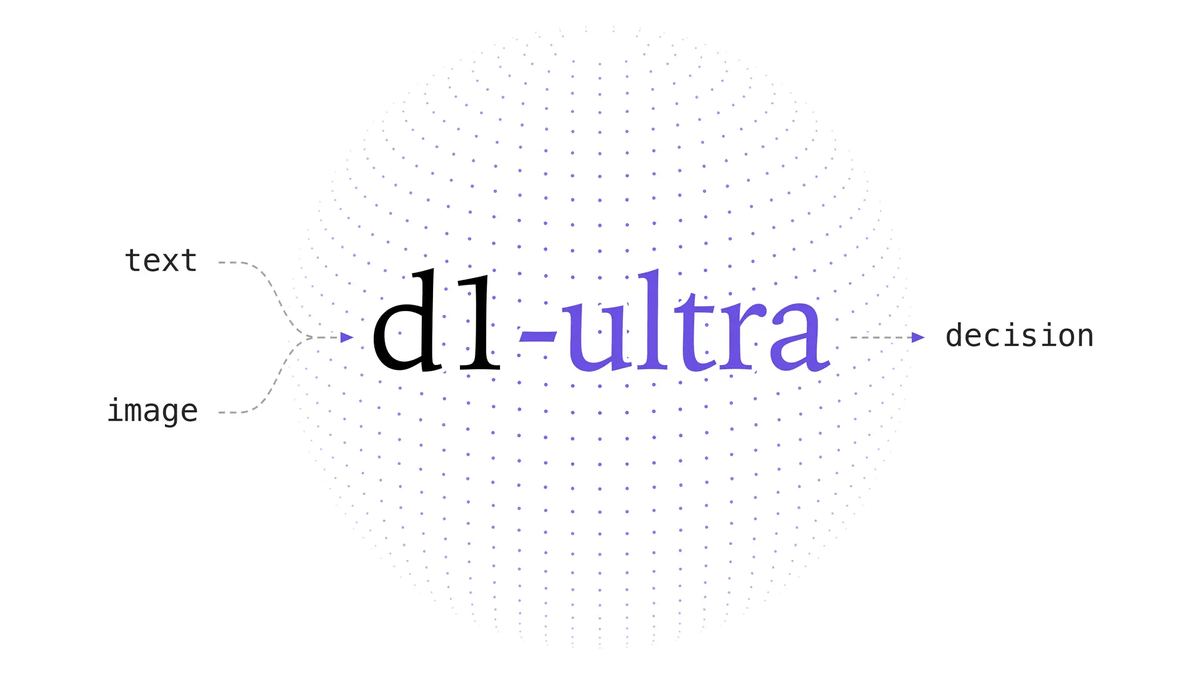
Liquid AI released d1-ultra on October 15, 2026, an upgraded open-weights decision model that averaged 76.7 ac…
Circlia started a proof-of-concept for TASTE SIGNAL: visitors to Holland Village Cafe FUKUOKA taste cookies an…

In a webinar hosted by French Mathematical Society president Isabelle Gallagher, Fields Medal winner Hugo Dumi…

