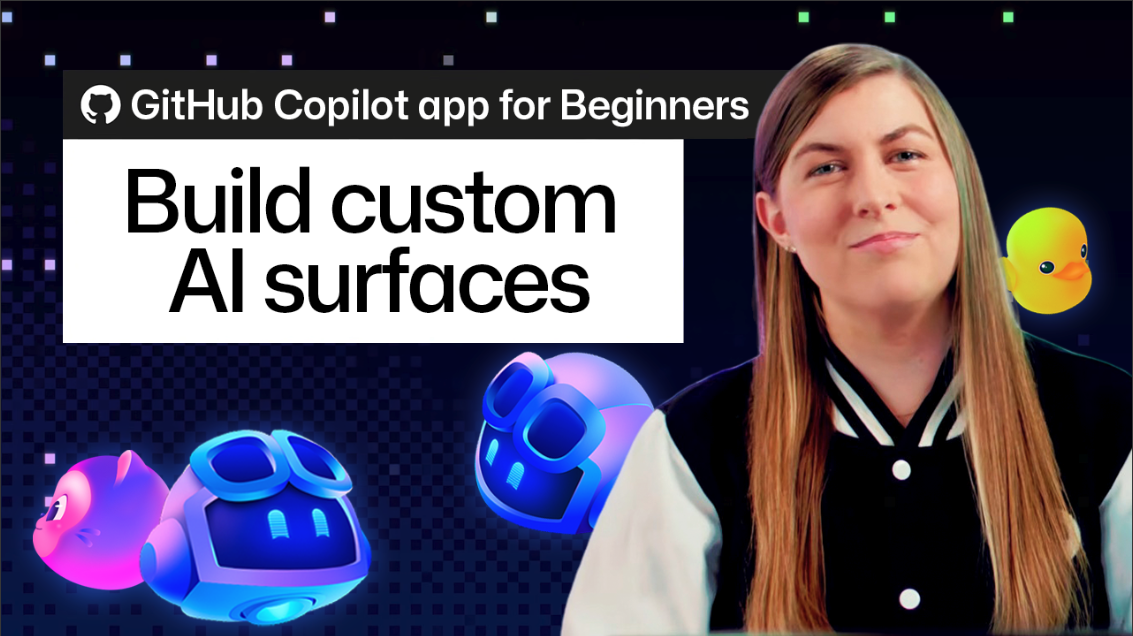
What happened
GitHub detailed canvases—custom interfaces built via the /create-canvas skill—where users describe the workflow, controls, and agent actions in plain English and the agent generates the UI.
Why it matters
Canvases are bidirectional, so the agent and user update the same shared state without send or sync steps, potentially cutting time spent adapting work to fixed tool layouts.
What to watch
The approach hinges on whether agent-generated interfaces stay stable as workflows evolve; ready-made extensions are available on Awesome Copilot for users who want a starting point.
WHO IT HITSProduct managers, designers, and other non-engineering team members who use GitHub Copilot app could build and share custom boards or checklists without coding, though the post frames it as a beginner tutorial rather than a full release announcement.
Summaries like this, in your inbox every morning.
The post is written as a beginner tutorial, positioning canvases as a shift away from fixed tool layouts. Most tools give a fixed set of screens and ask users to fit work into them; canvases invert that by starting with the workflow and generating the interface around it. GitHub describes the canvas as bidirectional—the agent can update it as it works, and the user can use buttons, cards, and filters to make changes, like a live shared whiteboard.
Collaboration is a central theme. GitHub emphasizes that when a user clicks a button or moves a card, the shared state changes immediately and the agent sees the update without a separate sync step. The reverse also works: users can ask the agent to use the canvas's own capabilities to add a release note or move a card, then watch the change appear.
For teams, the practical takeaway may hinge on whether these generated interfaces hold up as workflows change. GitHub notes there is no fixed menu of layouts—if you can describe a workflow, you can likely turn it into a canvas—so the real test is whether iterating with the agent keeps the canvas useful over time. The post suggests starting small and refining from there, which may suit beginners more than teams with complex, stable processes.
For example, today's edition would include:
AI-summarized, only the topics you pick: one digest a day via Email, LINE, or Slack.
Free · 30 seconds with Google · unsubscribe anytimeWhat is AIToday? →
Ask AI anything about this article. The AI reads this article, earlier AIToday articles, and Wikipedia, and cites its sources. Q&As are published on this page for other readers too.
Google DeepMind chief Koray Kavukcuoglu said Gemini 4 has entered post-training and Google intends to ship an…

CrowdStrike Holdings (NasdaqGS:CRWD) became a founding member of the Blueprint Alliance, joined by AWS, Google…
At Dreamforce 2026, Salesforce presented an agentic health enterprise, citing UCLA Health's 75,000+ patient in…
Microsoft launched an updated Copilot app that can code and handle productivity tasks, replacing separate 365…

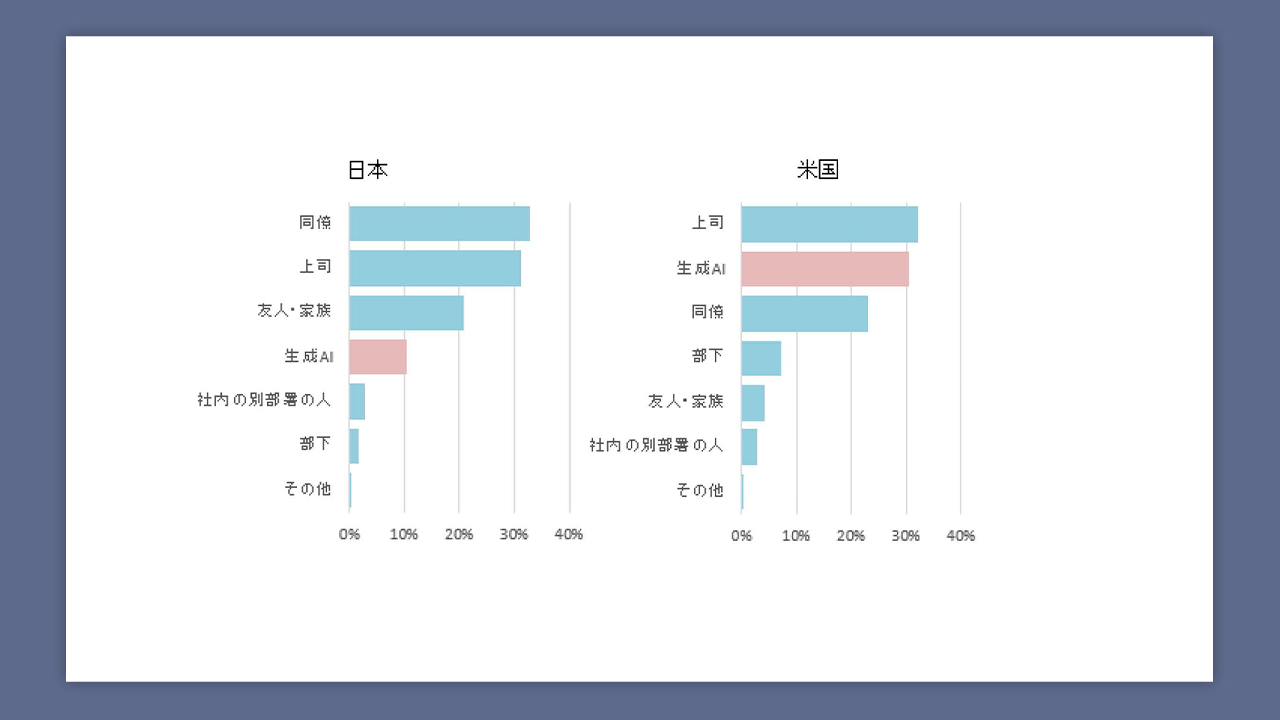
AdverTimes (AdverTimes by Sendenkaigi) compared how people in Japan and the U.S
Shoeisha will publish 'Evaluation-Driven Development for LLM Applications' on September 24