Q is a shell script installed via curl that requires only curl (always present) and jq (auto-installed if missing). It provides one-shot questions, code-only output, and debug mode with recent terminal output as context.
The tool logs shell commands (skipping vim, fzf, claude, etc.) and supports redacting sensitive values via patterns stored in ~/.config/q/qignore. Session logging can be paused/resumed with q-stop and q-start shell aliases.
Q supports multiple LLM providers—OpenAI (default), Amazon Nova, Azure, Anthropic, and custom endpoints—via environment variables Q_PROVIDER, Q_MODEL, Q_ENDPOINT, and Q_API_KEY. Configuration is auto-saved to ~/.config/q/config.sh on first run.
Shell completions are available for zsh, bash, and fish via the q completions subcommand.
Ask the AI about this article →
For example, today's edition would include:
AI-summarized, only the topics you pick — one digest a day via Email, Slack, or Discord.
Free · takes 30 seconds · unsubscribe anytimeWhat is AIToday? →
Ask AI anything about this article. Q&As are published on this page for other readers too.
CBTS Technology Solutions LLC launched Forge Agents, a platform that turns a plain-language job description in…

Imec CEO Patrick Vandenameele said at SEMICON Taiwan 2026 that the Belgian research center is broadening its c…

Alphabet's AI Overviews now reach over 2.5 billion monthly users through Google Search, and its ad business ge…

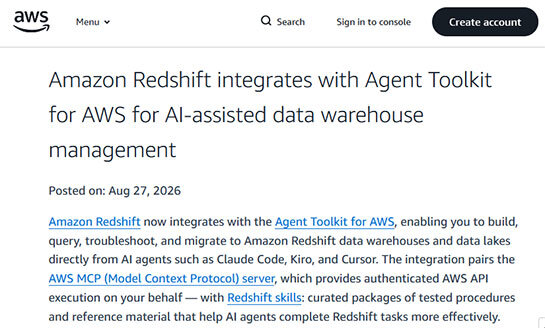
Amazon Web Services (AWS) has integrated its fully managed data warehouse service, Amazon Redshift, with Agent…
Visual Studio Code 1.135 now includes an experimental 'Rubber Duck' feature that lets developers request a sec…
Sonos announced a new app update with generative AI features, a new soundbar called the Beam Ultra, and its se…