What happened
Corv v1.1, an SSH client designed for AI agents, was released with features including connection reuse through a local broker, structured JSON output, detached long-running jobs with resume capability, and encrypted credential storage. Agents can execute commands by connection name without exposing passwords or private keys.
Why it matters
AI agents (Claude, Codex, and others) traditionally struggle with SSH—they must manage authentication, connection details, and terminal parsing themselves. Corv eliminates that overhead by providing a unified interface that keeps secrets local, reuses warm authenticated connections to avoid repeated setup costs, and returns structured output agents can parse directly. This reduces the infrastructure burden on agent workflows across Windows, macOS, and Linux.
What to watch
The tool is available for immediate install via curl, PowerShell, or Go (go install github.com/khalid-src/corv-client/cmd/corv@latest). Ready-to-use integrations for Claude and Codex are included in the repository (integrations/claude/corv-ssh and integrations/codex/AGENTS.md). The local broker automatically exits after 15 minutes of idle time and installs nothing on the remote server.
Summaries like this, in your inbox every morning.
Corv addresses a gap in how AI agents interact with infrastructure. SSH is designed around human workflows—users manage keys, negotiate interactive prompts, and parse terminal output—but agents need programmatic interfaces, credential isolation, and connection efficiency. Raw SSH invocations force agents to either handle authentication state themselves or expose secrets in command-line arguments, both poor for security and state management.
The local broker model solves connection reuse without requiring server-side changes (OpenSSH ControlMaster works on Unix but not Windows). By holding one authenticated connection per profile and multiplexing commands over that connection, Corv avoids repeated SSH handshakes and authentication. Detached job support is critical for long-running workflows: agents can start a deployment or install script, poll its status asynchronously, and resume output retrieval at any point, with bounded output handling (first 4 MiB + final section for large logs) so agents do not exhaust memory on verbose remote tasks.
The structured JSON output (with fields like exit_code, original_bytes, saved_bytes, returned_bytes, truncated, and output_truncated) gives agents the metadata they need to determine success, detect truncation, and decide whether to re-query or proceed. The integration paths for Claude and Codex suggest the tool is positioned for immediate adoption in agent-driven infrastructure workflows.
Pick your industry and the AI tools you use, and get news related to your work every day.
Free · 30 seconds with Google · unsubscribe anytimeWhat is AIToday? →
Ask AI anything about this article. The AI reads this article, earlier AIToday articles, and Wikipedia, and cites its sources. Q&As are published on this page for other readers too.
Circlia started a proof-of-concept for TASTE SIGNAL: visitors to Holland Village Cafe FUKUOKA taste cookies an…

In a webinar hosted by French Mathematical Society president Isabelle Gallagher, Fields Medal winner Hugo Dumi…

NVIDIA released Nemotron 3.5 Super VL, an open-weight model with 120 billion parameters that handles text, ima…
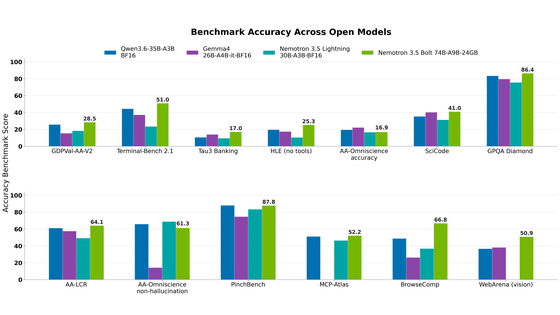
NVIDIA released Nemotron 3.5 Bolt 74B-A9B 24GB, an AI model for local agents that hits over 80 tokens per seco…
NVIDIA published a blog post titled "AI Security Is an Engineering Problem - How to Solve It at Every Layer of…

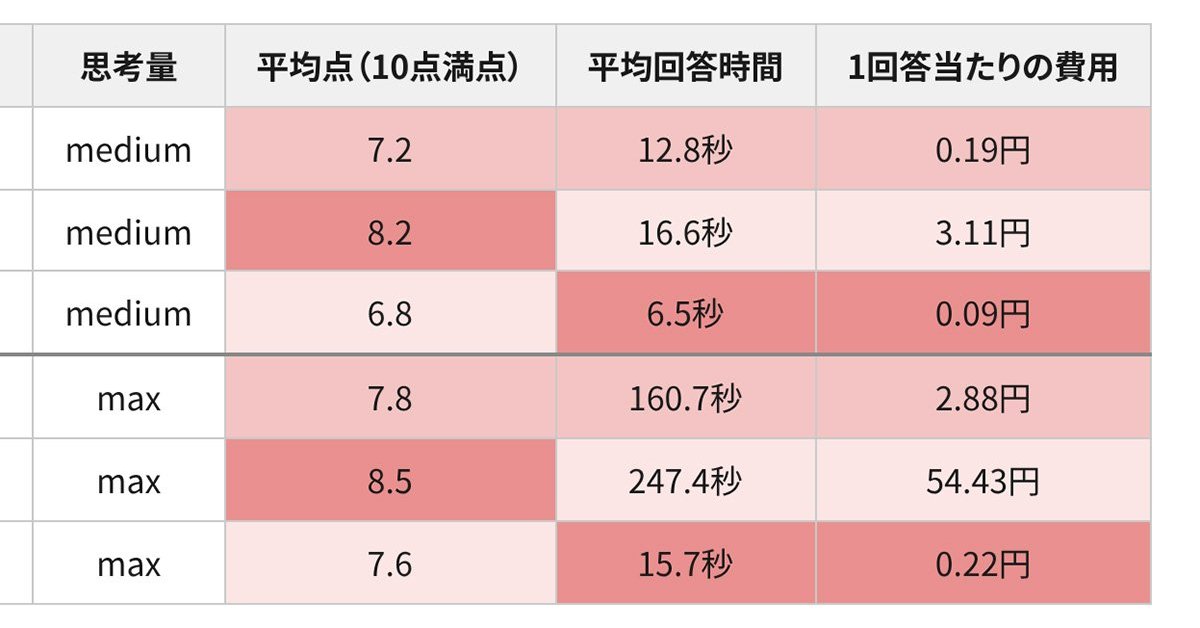
In the test, Haiku 5.5 on medium setting averaged scores close to Sonnet 5.5 on routine documents at about 1/1…