What happened
With Google Chrome's Modern Web Guidance plugin loaded, Claude Opus 5.5 wrote 2,740 JavaScript lines across 16 tasks versus 4,376 without it, using twice as many modern browser features (4.6 to 8.6 per build).
Why it matters
The change is less about better-looking output than about approach — delegating work to built-in browser features instead of hand-written script — and it came at a cost of 24% more tokens and 38% more time.
Summaries like this, every morning.
The test compared Claude Opus 5.5 with and without the Modern Web Guidance plugin across 16 front-end tasks, from modals and tooltips to CSV aggregation and theme switching. The headline result was a 37% drop in JavaScript lines, but the bigger shift was in approach: with the plugin, the model more often replaced hand-written JavaScript with native HTML and CSS features. For example, a custom select went from 429 lines of JavaScript to 12 using appearance: base-select, and an FAQ accordion fell from 136 to 10 lines. The plugin also nearly doubled the variety of modern browser features used per build, introducing APIs like closedby, interestfor, and scroll-state queries that the model never chose on its own. The trade-off was higher cost: 24% more tokens and 38% longer median task time. There were also failures — one task broke at runtime in Chrome because the model tested only a polyfill path and missed a native initialization bug, and several builds added CDN-loaded polyfills pinned at @latest. The body notes these results are from a single run per condition and may not generalize.
Pick your industry and the AI tools you use, and get news related to your work every day.
Free · 30 seconds with Google · unsubscribe anytimeWhat is AIToday? →
Ask AI anything about this article. The AI reads this article, earlier AIToday articles, and Wikipedia, and cites its sources. Q&As are published on this page for other readers too.
A paper by University of Macau and The Hong Kong Polytechnic University researchers tested web-application dev…
Google detailed the Mirror Dimension, an isolated replica internet with social media, shopping and bank dashbo…
Meta employees said Muse mixed up chats across accounts and surfaced messages and bank balances they never sha…

Anthropic's shares began trading on the Nasdaq at $111.50, 33% above the $83 IPO price set Wednesday, which wa…

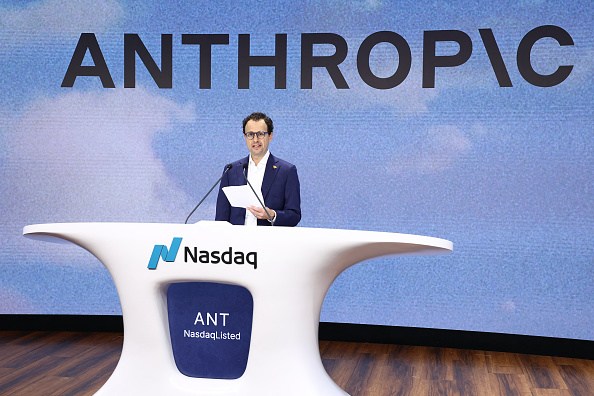
On IPO day, Dario Amodei told the Nasdaq opening bell crowd Anthropic will pace training and deployment of its…
Google said Gemini's macOS desktop app can now use the computer for you, navigating native Mac apps and browsi…