What happened
Amazon SageMaker AI launched training session APIs that let you write your own LLM training loop in Python on your machine while the service runs the GPUs. In a sample GRPO loop on GSM8K, 10 training steps on 40 problems took held-out accuracy from 56 percent to 75 percent.
Why it matters
Usage is billed per token processed, so no GPU time is billed during local reward computation, data loading, logging, or debugging.
WHO IT HITSPost-training and alignment researchers, teams doing supervised fine-tuning or preference optimization with non-standard losses, agentic and multi-turn RL builders, and ML engineers who have outgrown config-driven fine-tuning but do not want to operate GPU clusters.
Summaries like this, in your inbox every morning.
Fine-tuning an LLM has usually forced a choice between control over the training procedure and operational simplicity. Fully managed services own everything beyond the base model, data, and hyperparameters, which works when a standard recipe fits. Less managed options give more algorithmic freedom but shift infrastructure work onto the team. Amazon SageMaker AI's training session APIs aim to remove that tradeoff by abstracting away the compute rather than the algorithm.
The programming model is built around three SDK clients created in sequence: a ServiceClient for platform-level settings, a TrainingClient for training and checkpointing operations, and a SamplingClient for generation and scoring during rollouts. Operations such as forward_backward(), optim_step(), and sample() become SageMaker API calls against a live, stateful session, so the model stays loaded on the GPUs across steps. The service handles runtime setup, distributed execution, gradient synchronization, fault recovery, tenant isolation, and GPU operations at scale.
The cookbook packages the engineering beyond the minimal loop, including overlapped sampling and training, streamed gradient computation, held-out validation, checkpoint resume, and per-step metrics. The code_rl recipe adds multi-turn tool use, where the model can call a check_solution tool and revise its answer before grading, and it runs generated Python against unit tests in a SandboxFusion container. According to the post, training reward rose from 0.46 to 0.60 over 50 steps, and accuracy on 200 held-out test problems rose from 40 percent to 50.5 percent.
Pick your industry and the AI tools you use, and get news related to your work every day.
Free · 30 seconds with Google · unsubscribe anytimeWhat is AIToday? →
Ask AI anything about this article. The AI reads this article, earlier AIToday articles, and Wikipedia, and cites its sources. Q&As are published on this page for other readers too.
Morgan Stanley already blocks AI agents entirely, and JPMorgan, Bank of America and Citi are doing the same, A…

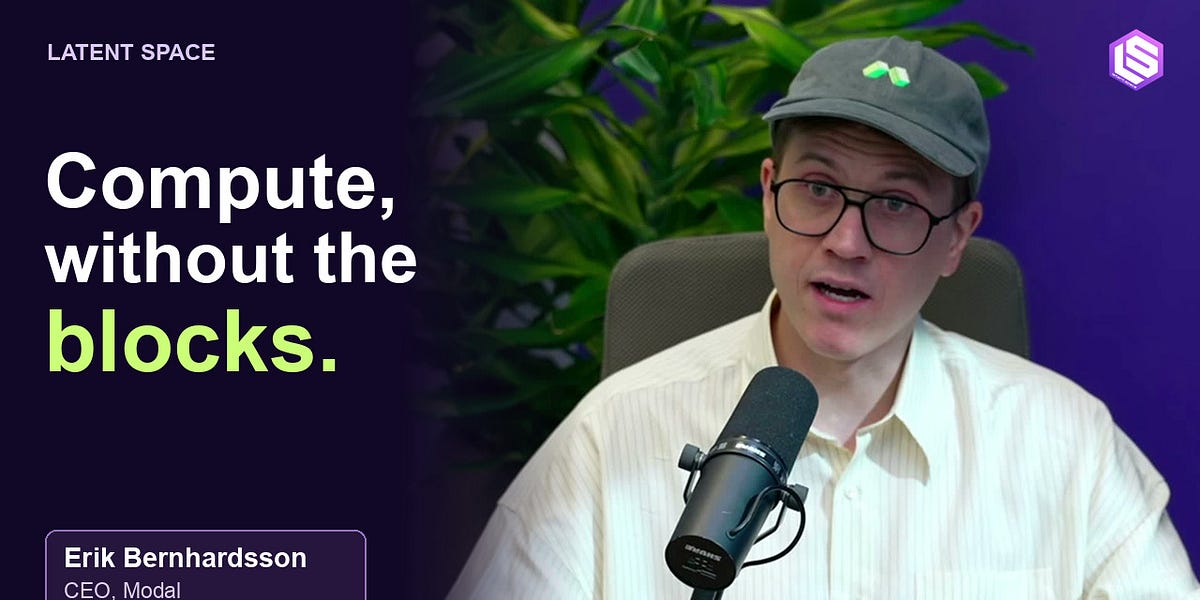
Modal CEO Erik Bernhardsson said the AI infrastructure company crossed $1 billion in annualized run rate, rais…
Researchers using AI models including OpenAI's GPT-5.6 Sol discovered two PHP vulnerabilities, collectively na…
Microsoft's Diagnostic Orchestrator, powered by OpenAI's GPT-5, scored about 83 percent diagnostic accuracy on…
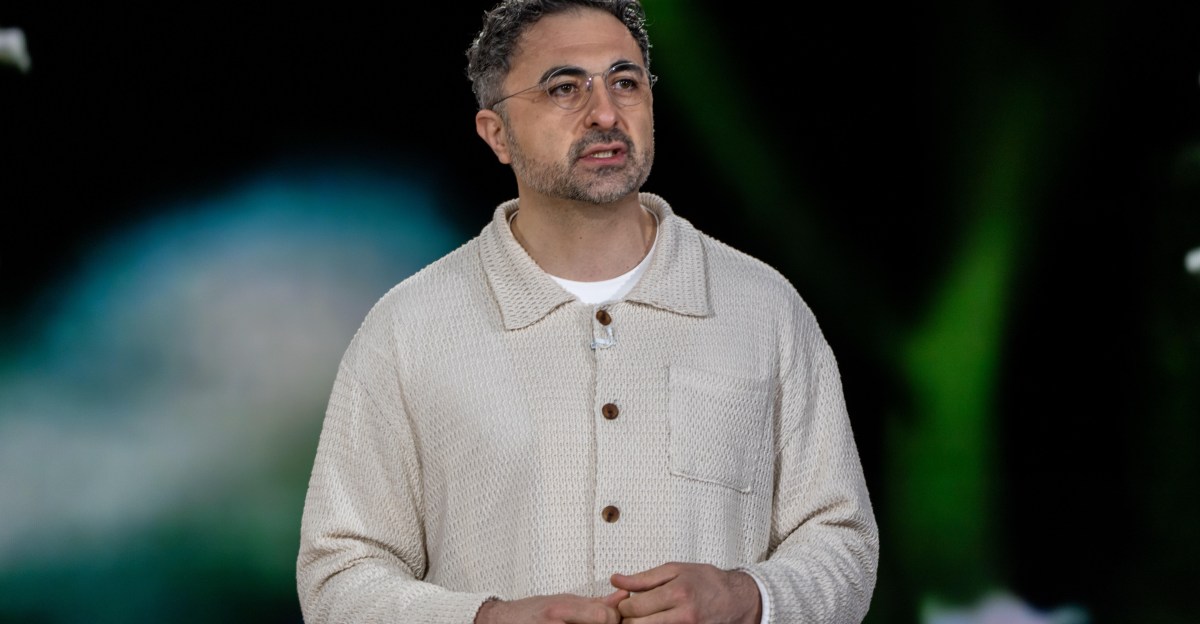
Zuckerberg said Muse, released to the public last month, has been downloaded and set up by more than 10 millio…

Modder Sammy Hajhamid, aka "pepsipu," released a software-only, tethered jailbreak called "ns2jb" for the Nint…