What happened
Numerous large language models (LLMs, AI that understands and generates text) from big names like Meta and Google can now be downloaded for free and run locally on your own computer, with no subscription fees or usage limits.
Why it matters
Running an LLM locally means offline access and greater privacy, because you are not sending anything to the cloud for others to analyze. You also avoid paying AI companies monthly and gain a more personalized, private AI system, though you will handle updates yourself and models tend to be less advanced than paid ones.
What to watch
For a smooth experience, having plenty of RAM helps—8 GB is the bare minimum, but 16 GB is better and 32 GB or more is needed for the biggest models. On Windows, a dedicated Nvidia GPU with over 8 GB of VRAM makes a significant difference.
Summaries like this, in your inbox every morning.
This guide addresses a growing interest in using LLMs privately. The core appeal is control: you avoid sending data to the cloud, you stop paying monthly subscriptions, and you get a system tailored to you. However, the trade-off is convenience and performance, as locally run models are typically not as advanced or speedy as those in commercial apps like ChatGPT.
For business users, the practical takeaway is hardware requirements. While there is no official minimum spec, RAM is critical—8 GB is the floor, 16 GB is comfortable, and 32 GB or more unlocks the largest models. A dedicated Nvidia GPU on Windows also helps significantly. The article highlights macOS as the preferred platform for enthusiasts due to Apple Silicon's unified architecture.
Setting up is straightforward, even for non-experts. LM Studio Bionic, a free app, guides you through creating a project, choosing a model from its picker, and chatting in a familiar interface. With over 3 million models on Hugging Face, users have immense choice, though multimodal models are the ones to select if you need image and document support.
Pick your industry and the AI tools you use, and get news related to your work every day.
Free · 30 seconds with Google · unsubscribe anytimeWhat is AIToday? →
Ask AI anything about this article. The AI reads this article, earlier AIToday articles, and Wikipedia, and cites its sources. Q&As are published on this page for other readers too.
Circlia started a proof-of-concept for TASTE SIGNAL: visitors to Holland Village Cafe FUKUOKA taste cookies an…

In a webinar hosted by French Mathematical Society president Isabelle Gallagher, Fields Medal winner Hugo Dumi…

NVIDIA released Nemotron 3.5 Super VL, an open-weight model with 120 billion parameters that handles text, ima…
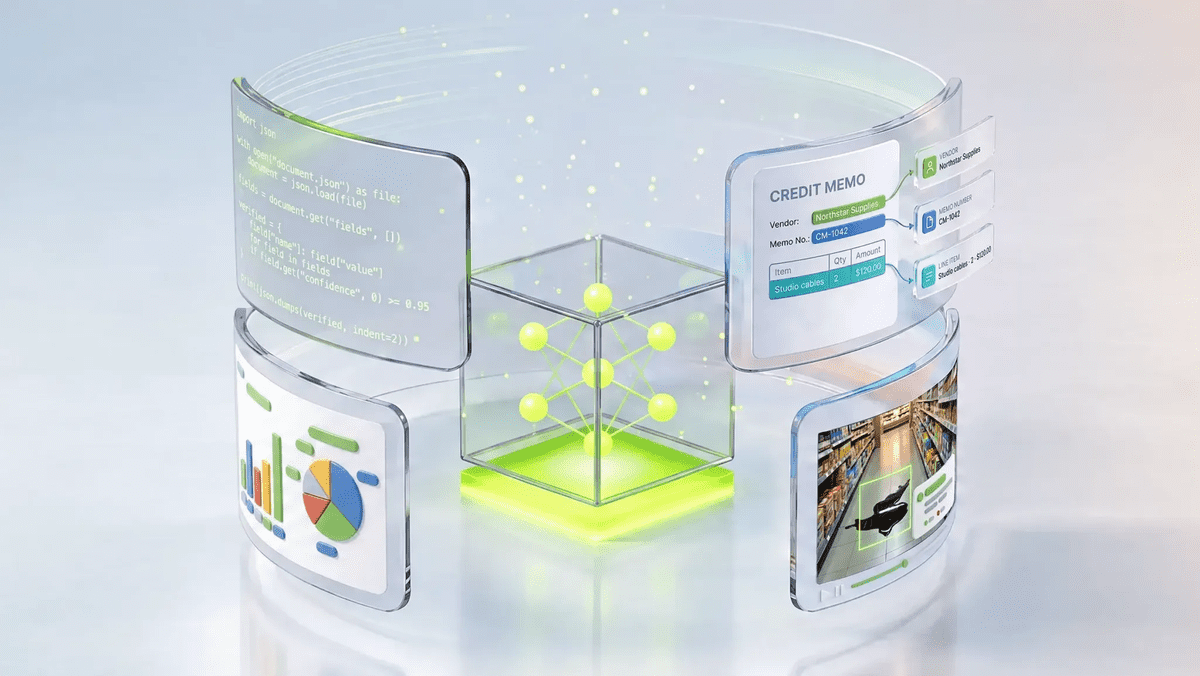
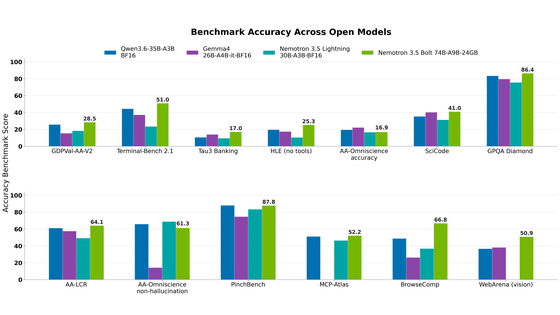
NVIDIA released Nemotron 3.5 Bolt 74B-A9B 24GB, an AI model for local agents that hits over 80 tokens per seco…
NVIDIA published a blog post titled "AI Security Is an Engineering Problem - How to Solve It at Every Layer of…

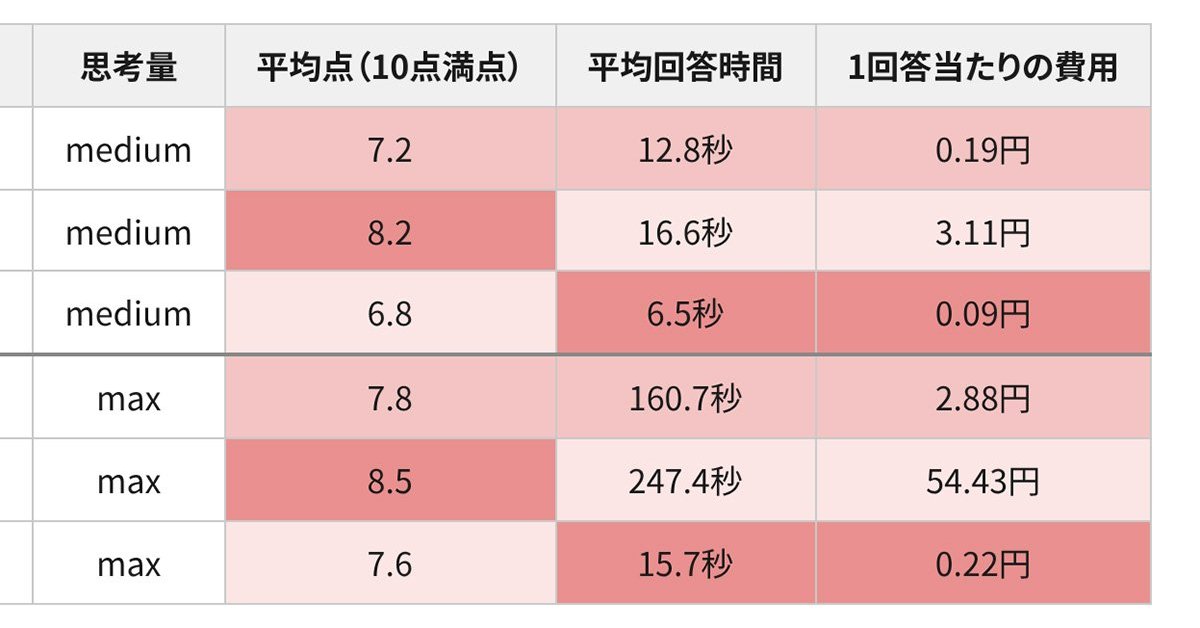
In the test, Haiku 5.5 on medium setting averaged scores close to Sonnet 5.5 on routine documents at about 1/1…