What happened
A developer released Dictata v0.1.0, a Windows application that transcribes speech locally using Whisper (an AI speech-to-text model) and whisper.cpp, then pastes the text into any active application—all without sending audio or text off the device.
Why it matters
Businesses and individuals handling sensitive information can now dictate without exposing audio to cloud services; the tool also offers local LLM post-processing (cleanup, email formatting, lists) and supports GPU acceleration (Vulkan for AMD/Intel/NVIDIA), making it practical for real-world use on personal machines.
What to watch
The tool requires Windows 10/11, ffmpeg for file transcription, and optional Vulkan SDK for GPU support; it is open-source under MIT with Commons Clause (free for personal use, not for commercial resale), with a built-in model library and HuggingFace integration for easy model downloads.
Summaries like this, in your inbox every morning.
Dictata addresses a growing demand for local, privacy-preserving dictation tools. The application combines Whisper (OpenAI's open-source speech recognition model, run via whisper.cpp) with optional local LLM post-processing, eliminating the privacy trade-off inherent in cloud-based dictation services. The developer designed the tool to be self-contained—the Windows executable carries its own icon and version metadata, requires no DLL files, and uses the Vulkan loader supplied by the graphics driver, simplifying deployment. The feature set reflects practical workflow needs: hotkey activation (toggle or push-to-talk), automatic paste into the active application, continuous streaming mode, and silence-skipping via voice-activity detection all reduce friction. The built-in ggml model library with hardware-aware recommendations and HuggingFace integration lower the barrier to model selection. The MIT-with-Commons-Clause licensing permits free personal and self-hosted use while blocking commercial resale, a choice that protects the creator's work while remaining permissive for non-business users.
Pick your industry and the AI tools you use, and get news related to your work every day.
Free · 30 seconds with Google · unsubscribe anytimeWhat is AIToday? →
Ask AI anything about this article. The AI reads this article, earlier AIToday articles, and Wikipedia, and cites its sources. Q&As are published on this page for other readers too.
Circlia started a proof-of-concept for TASTE SIGNAL: visitors to Holland Village Cafe FUKUOKA taste cookies an…

In a webinar hosted by French Mathematical Society president Isabelle Gallagher, Fields Medal winner Hugo Dumi…

NVIDIA released Nemotron 3.5 Super VL, an open-weight model with 120 billion parameters that handles text, ima…
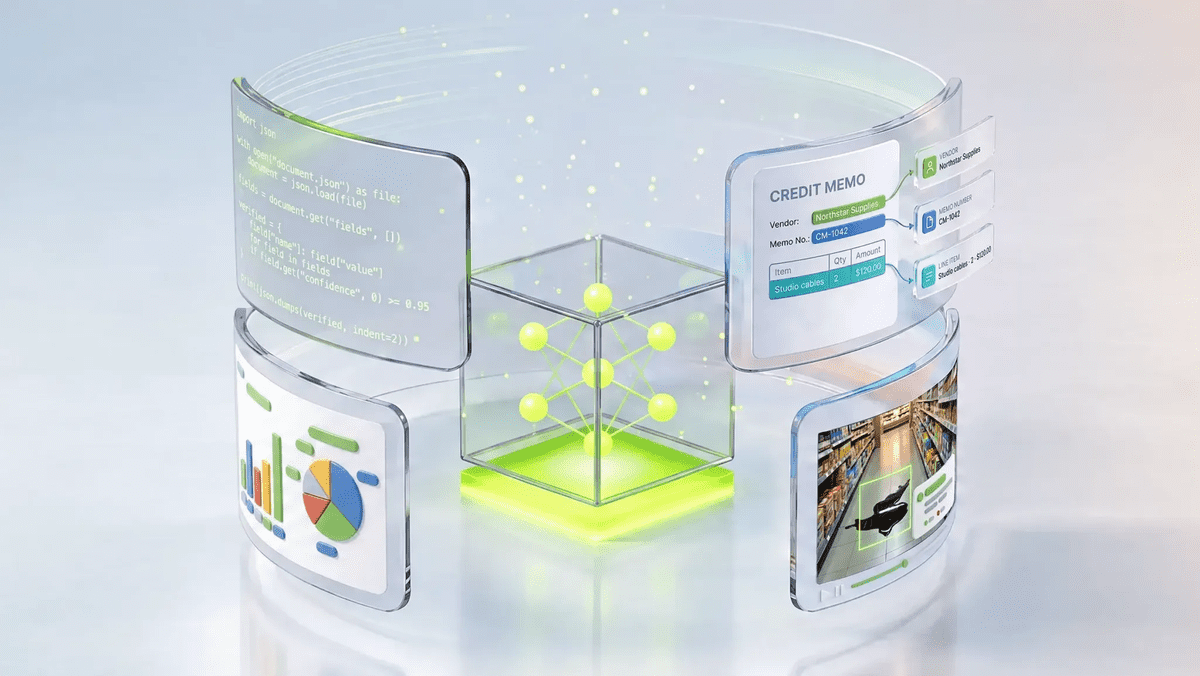
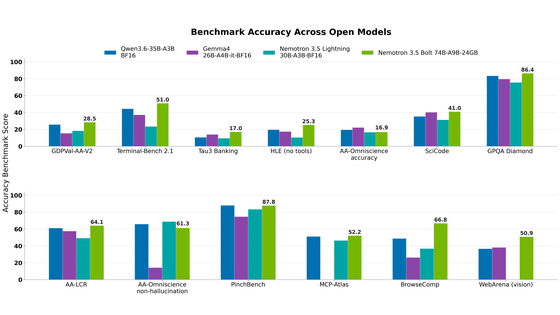
NVIDIA released Nemotron 3.5 Bolt 74B-A9B 24GB, an AI model for local agents that hits over 80 tokens per seco…
NVIDIA published a blog post titled "AI Security Is an Engineering Problem - How to Solve It at Every Layer of…

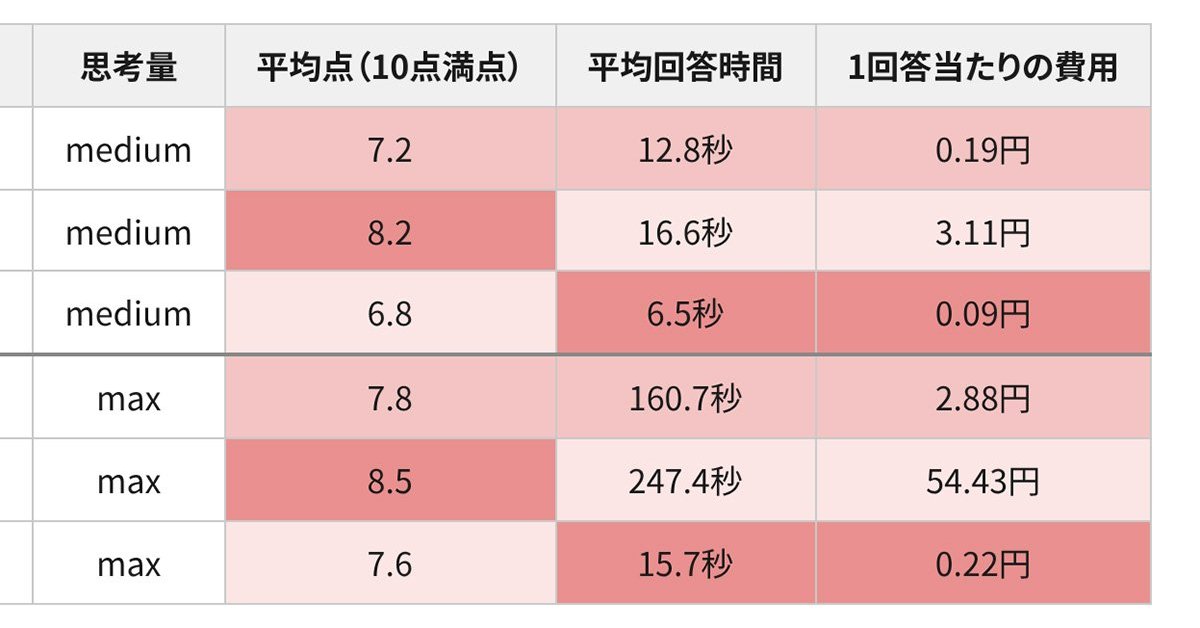
In the test, Haiku 5.5 on medium setting averaged scores close to Sonnet 5.5 on routine documents at about 1/1…