What happened
The developer of VocalRemover.one, which accepts MP3, WAV, M4A and FLAC uploads for browser playback before download, published five checks for AI vocal separation, flagging reverb and background vocals as common problem areas.
Why it matters
Separation quality depends not just on the model but on input file quality and song structure, so users judging output by quiet passages alone may misjudge results that degrade in choruses or dense mixes.
Summaries like this, every morning.
The piece is written from the perspective of someone who builds a separation tool rather than a comparison of competing services. It frames the limits of AI separation as a property of the source material: finished music mixes vocals, drums, bass, guitar and piano together, and a trained model only estimates the signal corresponding to each part, so output shifts with how a track was mixed and recorded.
The file-format advice follows the same logic. Lossless formats such as WAV and FLAC keep the original audio information, while compressed formats like MP3 and M4A can still give practical results if the source is good enough. The failure case called out is repeated conversion, which cannot bring back what was lost.
The remaining checks turn on how the output will be used. Karaoke backing tracks call for the main vocal to be sufficiently reduced, remix acapellas call for natural-sounding voice and clear pronunciation with little percussion bleed, and instrument practice calls for separate drum or bass parts. The developer suggests deciding what to extract and what it is for before choosing an output, and auditioning the result against the original before downloading.
Pick your industry and the AI tools you use, and get news related to your work every day.
Free · 30 seconds with Google · unsubscribe anytimeWhat is AIToday? →
Ask AI anything about this article. The AI reads this article, earlier AIToday articles, and Wikipedia, and cites its sources. Q&As are published on this page for other readers too.
Otter.ai CEO Sam Liang says the AI notetaker now generates $100 million a year in revenue and has transcribed…

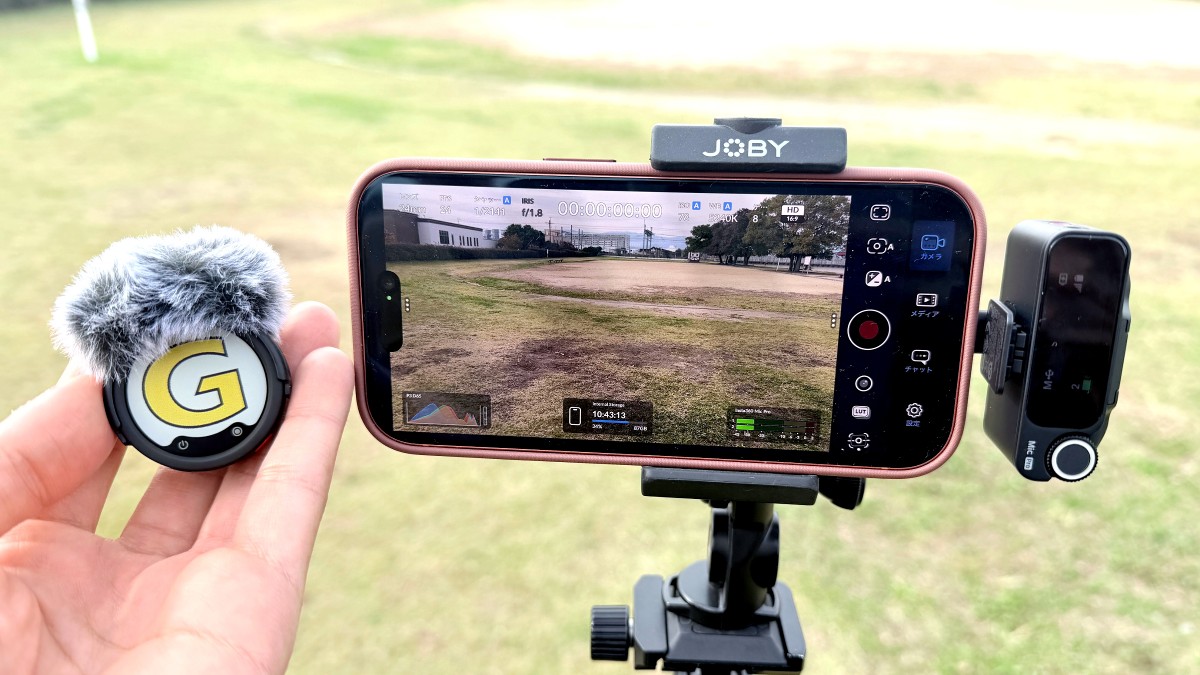
Gigazine tested the Insta360 Mic Pro, finding its AI noise cancellation clearly made voices easier to hear out…
AssemblyAI achieved 70 percent cost savings on inference compute versus On-Demand pricing by running speech-to…
Earlybird-29M, a 29M-parameter English-only model whose 4-bit weights total 16.8MB, launched on Product Hunt o…

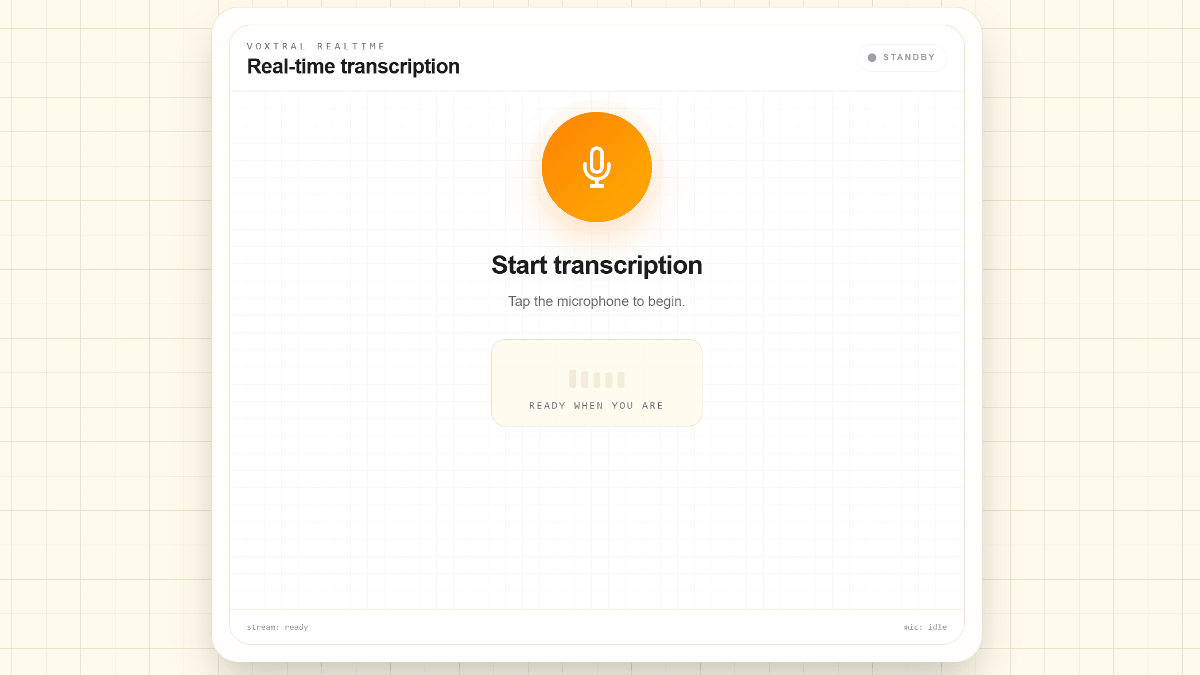
Mistral AI published Voxtral Mini 4B Realtime WebGPU on Hugging Face
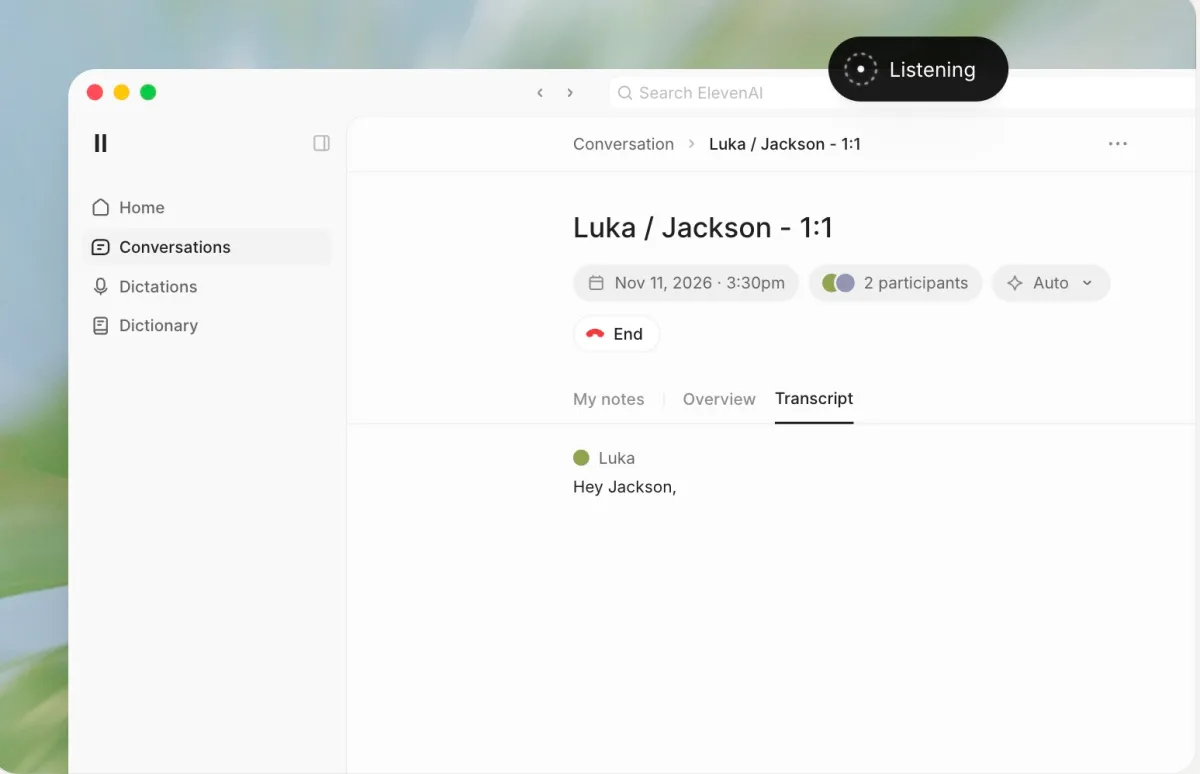
ElevenLabs released ElevenAI, a preview app combining meeting note-taking, dictation in over 90 languages, and…